
Office IT Setup Guide (2026)

Setting up an office often looks simple from the outside, but the real challenges appear only when work begins. Many companies face compact spaces, tight budgets, slow systems, data leak risks, and short-term project requirements. Moreover, businesses now need AI-ready systems for new tools and software.
This updated Office IT setup guide explains these problems in simple language and shares the best solutions. Because technology changes fast, offices must pick equipment that supports today’s work and tomorrow’s upgrades.
Why Office IT Setup Matters
A smooth setup improves productivity, teamwork, and speed. However, poor planning leads to common problems such as:
- Slower systems
- Weak networks
- Unsafe software
- Storage issues
- Mismanaged cables
- Over-budget purchases
Therefore, planning helps companies start strong and grow smoothly.
Common Problems Offices Face — and the Best Solutions
Below are real issues that almost every office struggles with. After each problem, you will find a practical solution.
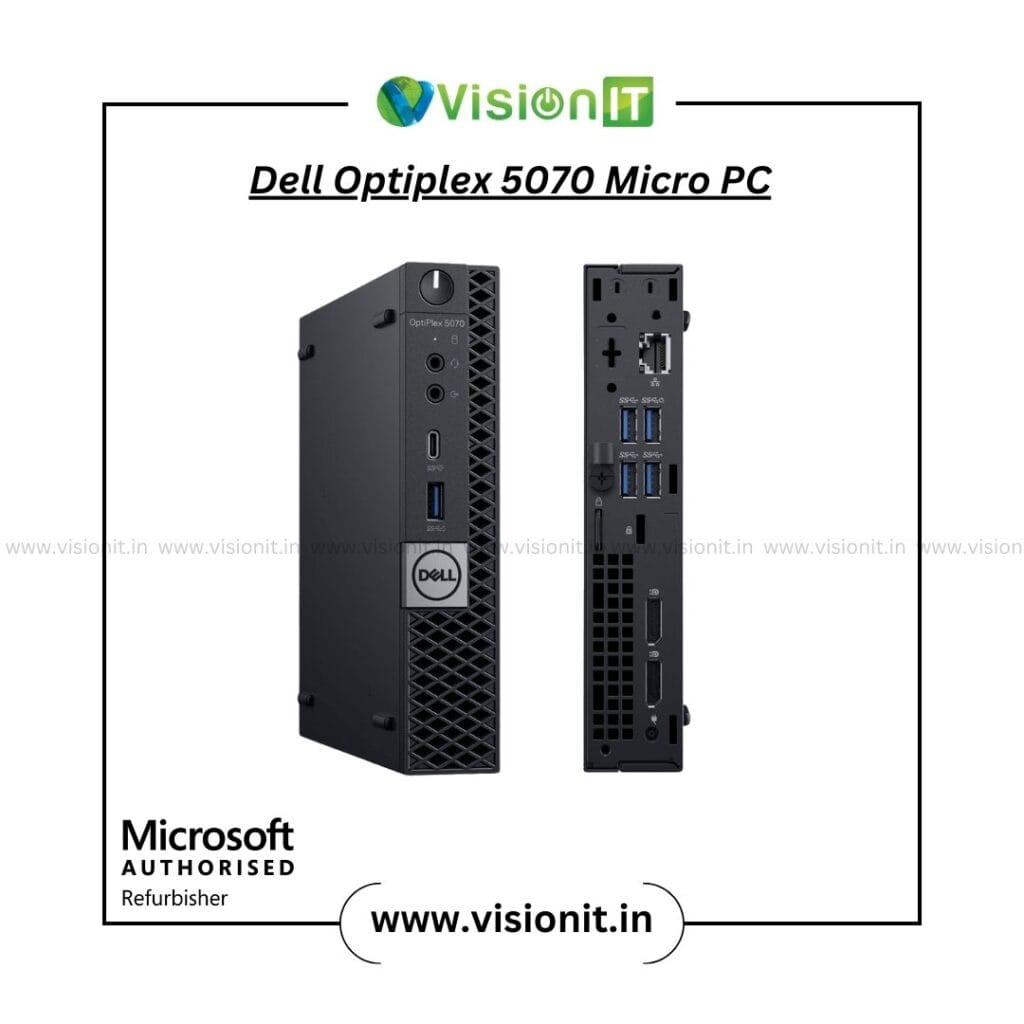
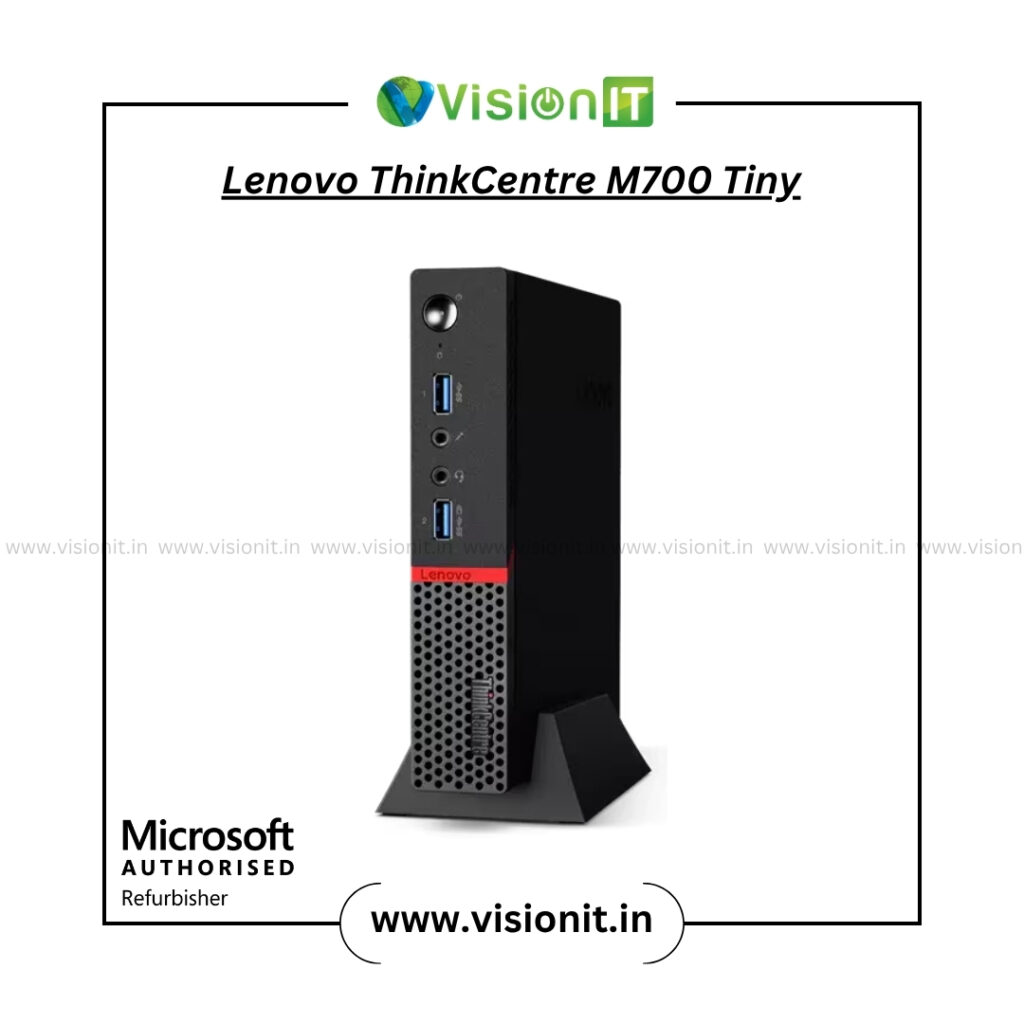
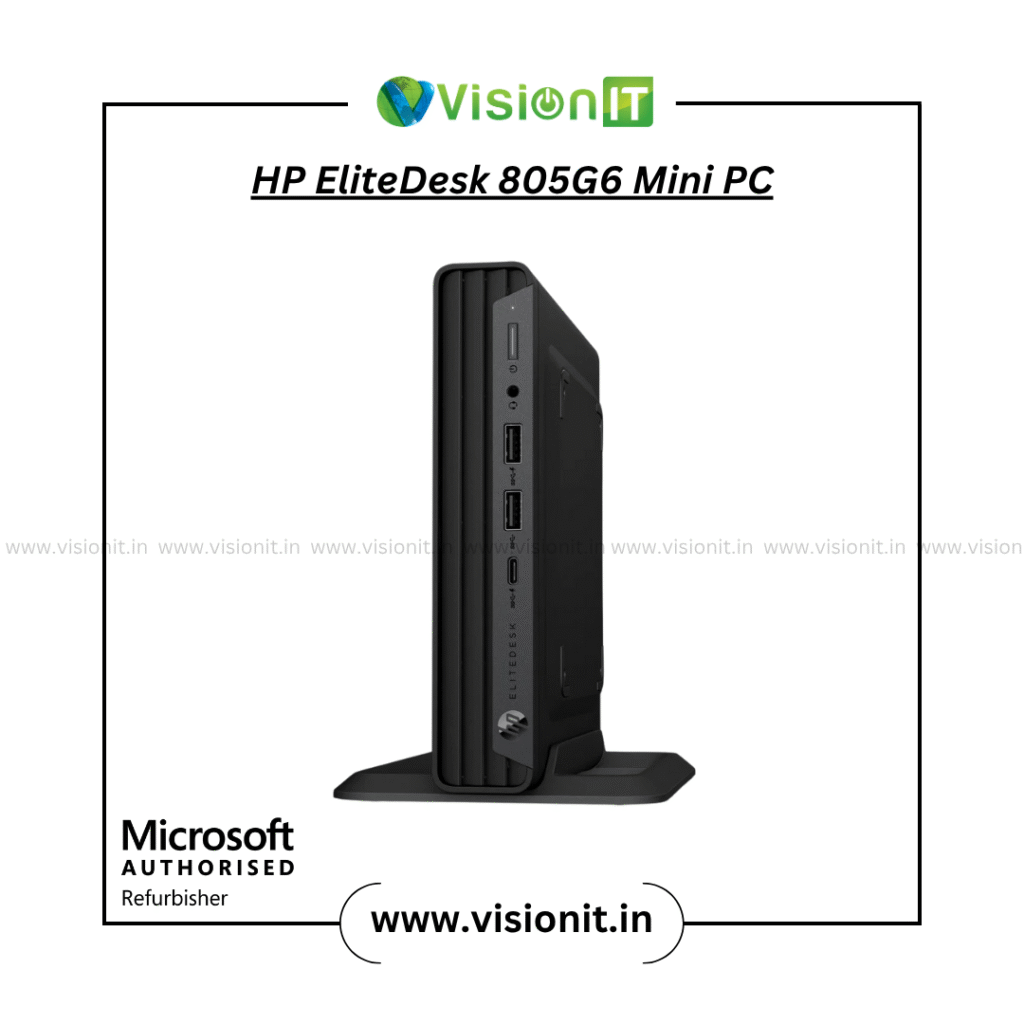
1. Compact Space — Tiny PC Setup Needed
Problem:
Many offices work in small rooms or coworking cabins. Traditional desktops take too much space. Bulky systems reduce comfort and affect airflow.
Solution:
Use tiny PCs, mini desktops, slim monitors, and wall-mounted accessories. These save space and keep the area clean. Starts from 7k Only
You offer:
- Mini PCs
- Small form factor desktops
- Slim LED / LCD monitors
- Compact workstations
These setups work well for admin, accounts, designers, and support staff. They also make the office look modern and organised.
2. Low Budget — Choosing Between New vs Refurbished Systems
Problem:
Many companies want strong systems but cannot afford new machines for every employee. Buying everything new often crosses the budget.
Solution:
Offer both new and refurbished devices with the same warranty period. Since you are a Microsoft Authorised Refurbisher, your refurbished systems are:
- Professionally tested
- Fully cleaned
- Loaded with genuine Windows
- Warranty supported
- Safe for long-term use
Companies save 40–60% without losing performance.
We Provide
Windows Laptops starts from 15k Only
Apple MacBook Pro starts from 18k Only
LED & LCD Monitors starts at 2k Only


3. System Lag — Slow Computers Affect Productivity
Problem:
After a few months, systems begin to slow down. Applications take longer to open. Boot time increases. This reduces employee confidence and breaks workflow.
Solution:
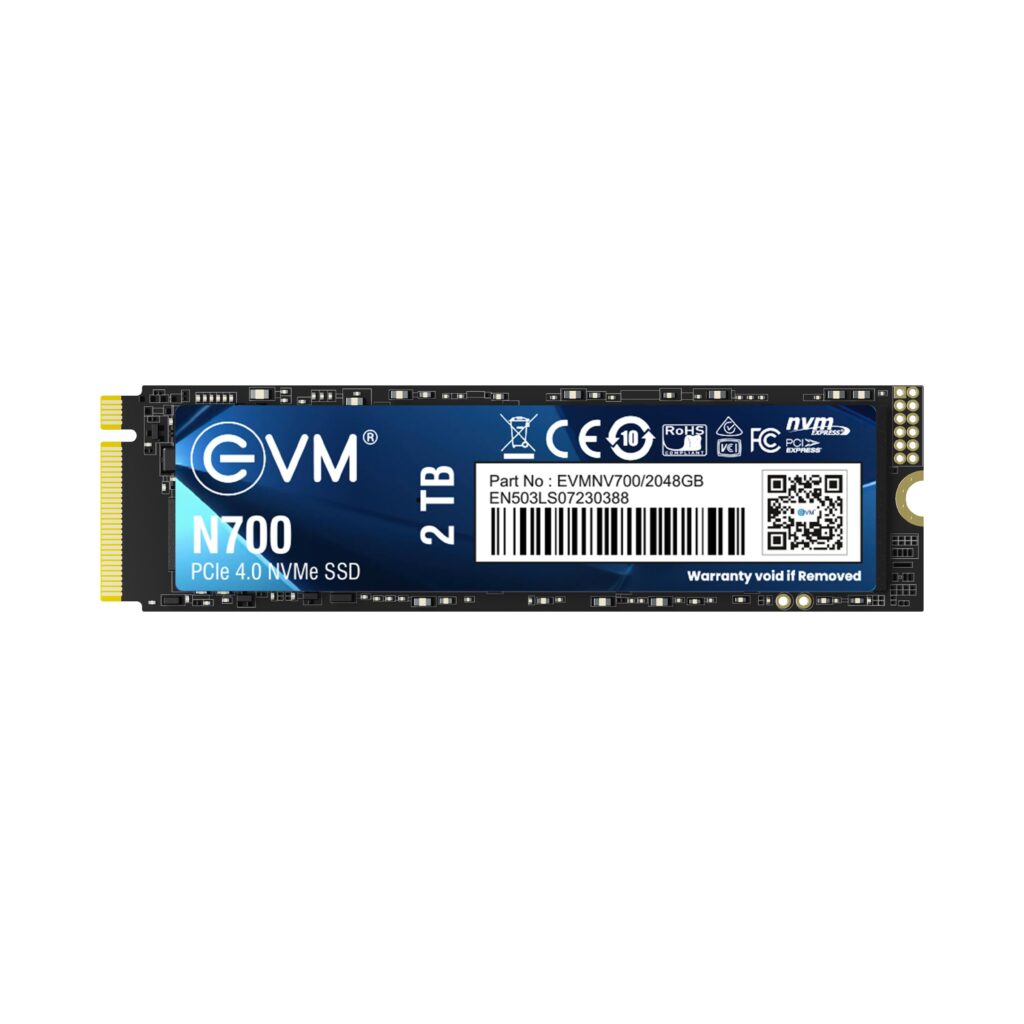
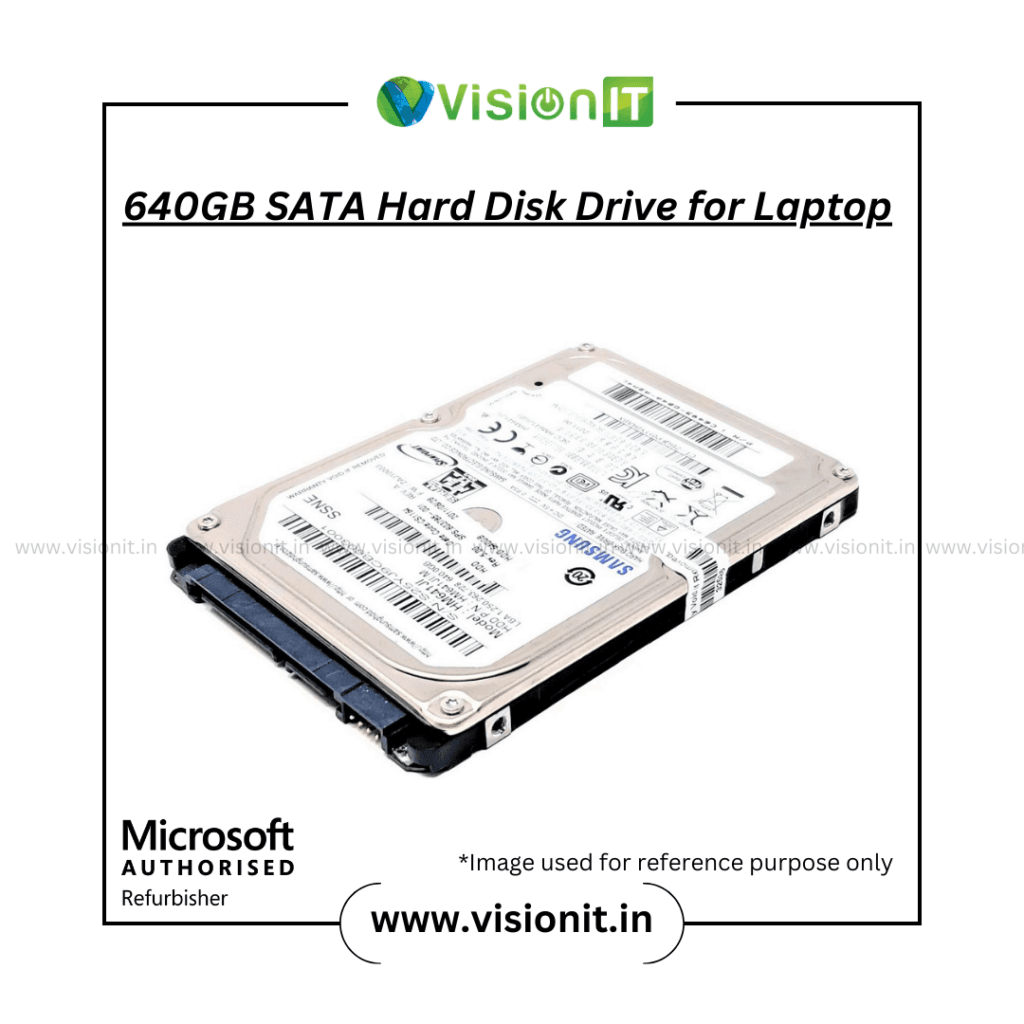
Use upgrade options:
- Add RAM for Laptop, Desktop & Workstations
- Replace HDD with SSD
- Install hybrid HDD + SSD
- Clean and optimise the machine
You offer RAM, SSD, HDD and full upgrade support with 3 years of warranty. This brings old systems back to life and cuts the cost of buying new machines.

4. Data Leak Risks — Fake Software, Unsafe Systems
Problem:
Many small businesses use cracked Windows or unsafe software. This creates viruses, ransomware, and data leak risks. It also reduces speed and damages files.
Solution:
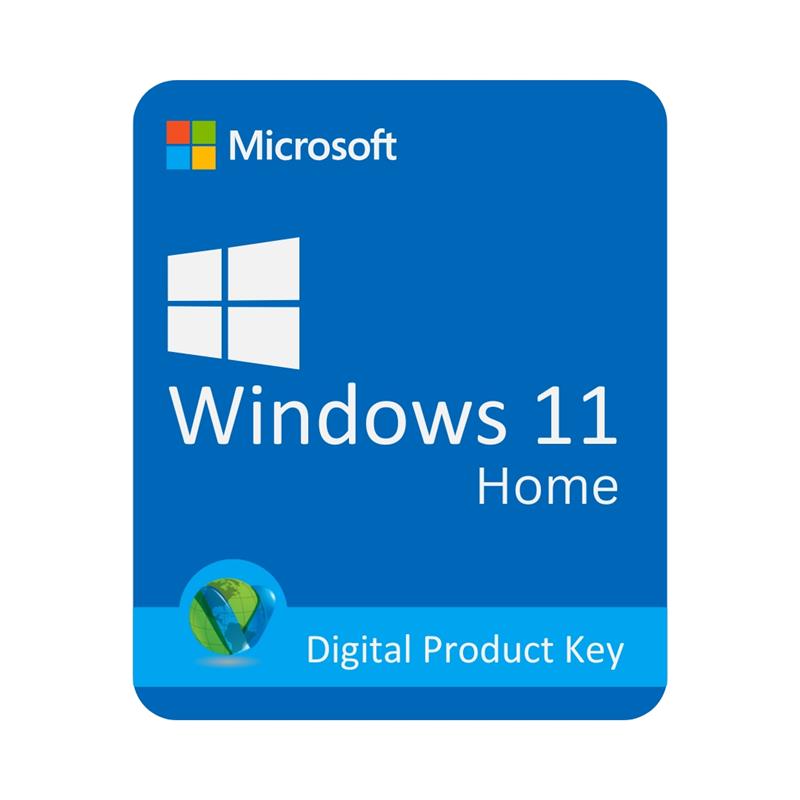
Install Genuine Windows License with lifetime access.
Prices start from ₹2500, making it affordable for every office.
As a Microsoft Authorised Refurbisher, your genuine software ensures:
- Better security
- Safer updates
- Zero piracy issues
- Better system performance
This protects company files and data.


5. Temporary Projects — Need Systems Only for a Short Time
Problem:
Some companies hire interns, temporary staff, or project-based teams. Buying devices for short-term use becomes expensive.
Solution:
Offer rental IT options:
- Laptops on rent
- Desktops on rent
- Workstations on rent
- iMac on rent
This reduces investment and supports flexible workflows.
6. Need for AI & Latest Technology — High-End Systems Required
Problem:
Modern tasks like design, editing, programming, virtual meetings, automation, and AI tools need powerful machines. Old systems cannot support high workloads.
Solution:
Offer high-end laptops, desktops, workstations, and MacBooks.
These support:
- AI tools
- Video editing
- Graphics-intensive tasks
- Heavy databases
- Coding and virtualization
Because you sell workstations, GPUs, and powerful machines, companies can work without interruptions.
Office IT Setup Ideas for Small Spaces
Small offices need smart planning. Here are ideas that save space and increase comfort:
- Wall-mounted shelves for routers
- Cable trays under each desk
- Slim monitors instead of bulky ones
- Mini PCs
- All-in-one printers
- Mesh Wi-Fi systems
- Shared NAS storage instead of large servers
With these solutions, even a tiny cabin becomes productive.
IT Requirements Checklist for a New Office
Below is an easy-to-use checklist for smooth setup:
– Computers and Workstations
- Laptops
- Desktops
- Workstations
- MacBooks
- Monitors
- Keyboards and mouse
– Networking
- Routers
- Access points
- Switches
- Mesh Wi-Fi
– Data & Storage
- NAS
- Cloud backup
- External drives
- SSD / HDD
– Software
- Genuine Windows
- Office suite
- Antivirus
- Backup tools
– Security
- CCTV
- Firewalls
- Two-factor login
- Secure Wi-Fi password
– Accessories
- Printers
- Webcam
- UPS
- Surge protectors
- Headphones
This checklist keeps planning simple and avoids confusion.
5 Top Tips for a Successful Office IT Setup
1. Think About Future Needs
Choose devices that support upgrades. This reduces long-term costs.
2. Keep the Network Clean
Organised cables and strong routers improve performance.
3. Use Genuine Software
This prevents data leaks and viruses.
4. Create a Backup Plan
Always keep two copies of important files.
5. Choose a Trusted IT Partner
You offer genuine, tested, and reliable devices with warranty. This ensures no risk.
New vs Refurbished Comparison (With Warranty)
| Feature | New Devices | Refurbished Devices |
|---|---|---|
| Price | Higher | 40–75% lower |
| Warranty | 1 year or more | Same warranty period |
| Condition | Brand new | Fully tested and restored |
| Windows License | Preinstalled | Genuine (authorized refurbisher) |
| Lifespan | Long | Very good for 8–10 years |
| Best For | Corporates | Startups & budget setups |
Office Hardware Requirements
Every role needs different hardware. Here is a simple breakdown:
Basic Operators
- 8GB RAM
- 256GB SSD
- 21-inch monitor
Developers
- 16GB RAM
- 512GB SSD
- i5 or Ryzen 5
Designers & Editors
- GPU
- 16–32GB RAM
- 4K or color-accurate monitor
Executives
- High-end laptops
- MacBook Pro
Since you sell everything from RAM to workstations, you can set up any role quickly.
How We Help You Set Up a Complete Office Within Budget
Your store provides:
- Genuine Windows
- Desktops
- Laptops
- Servers
- Workstations
- MacBooks
- SSD / HDD
- RAM
- Monitors
- Power supplies
- GPUs
- Motherboards
- Rental options
- Refurbished systems (Microsoft-certified)
This means you can create a full office setup without overspending.
