
Best Workstations for Offices, Designers, Architects, and Engineers in 2025

Why the Right Workstation Matters in 2025
In 2025, the need for powerful and reliable workstations is higher than ever. If you run a business, create designs, work on architecture, or handle engineering tasks, the right system helps. It saves time and boosts productivity. Unlike regular desktops, manufacturers design workstations for long hours, heavy software, and professional results.
This guide shows the best workstations for offices, designers, architects, and engineers in 2025. It explains what to look for and matches each model from Lenovo, Dell, and HP to the right user group.
Key Buying Factors – What to Look for Before You Invest
Before buying, focus on the specs that match your work:
- CPU (Processor): More cores for engineering simulations, higher clock speed for design apps.
- GPU (Graphics): Professional GPUs handle CAD, 3D, BIM, and video rendering.
- RAM: 16 GB for offices, 32–64 GB for designers and architects, 64–256 GB for engineering workloads.
- Storage: SSDs for speed, HDDs for backups and large files.
- ISV Certifications: Ensures smooth performance for AutoCAD, Revit, SOLIDWORKS, Adobe apps, and more.
- Form Factor: SFF saves space, Towers give more expansion and better cooling.
- Upgrade options: Easy RAM, GPU, and storage upgrades extend lifespan.
- Cooling & Power Supply: Built for non-stop workloads without crashing.
The Perfect Match – Workstations by Industry & Role
PC for Offices: Space-Saving Workstations for Smooth Daily Work
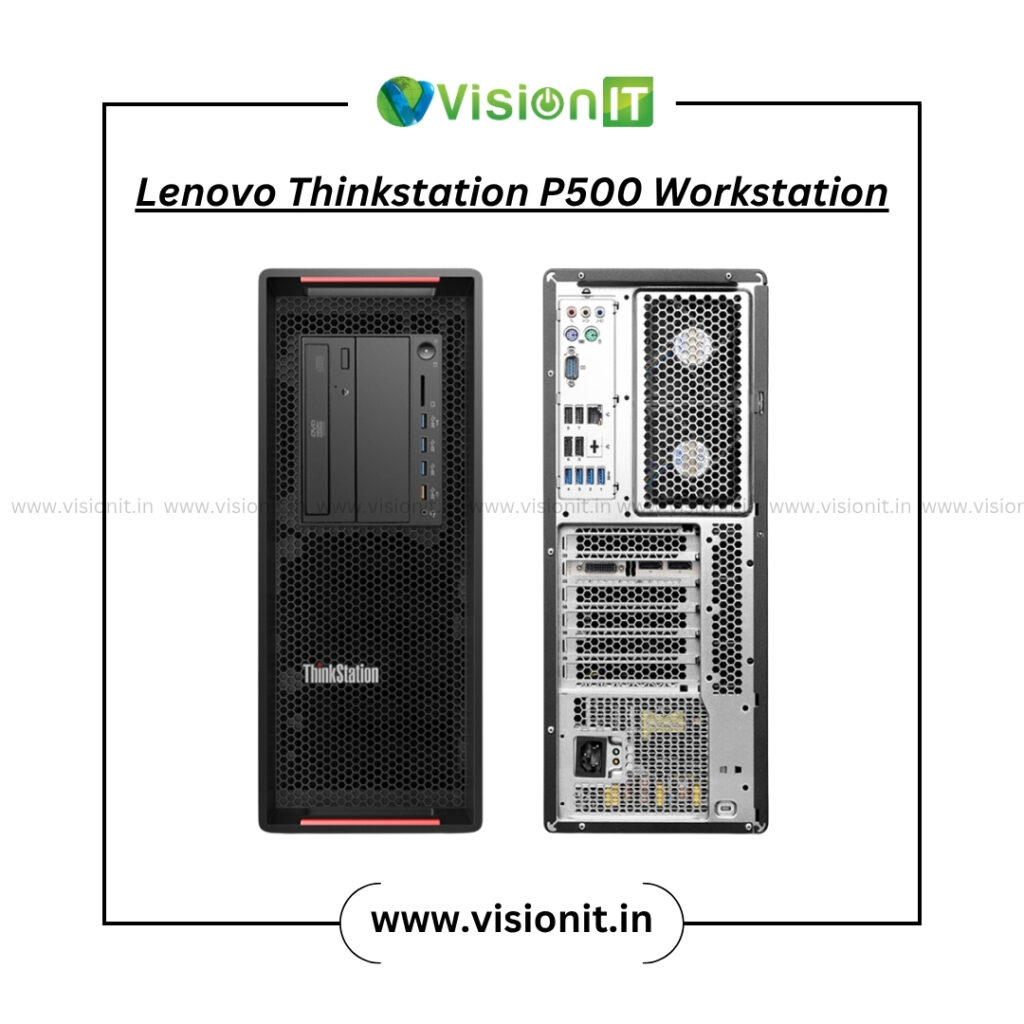
Lenovo ThinkStation P500 – SFF: Compact, reliable, ideal for multitasking, MS Office, and admin tasks.
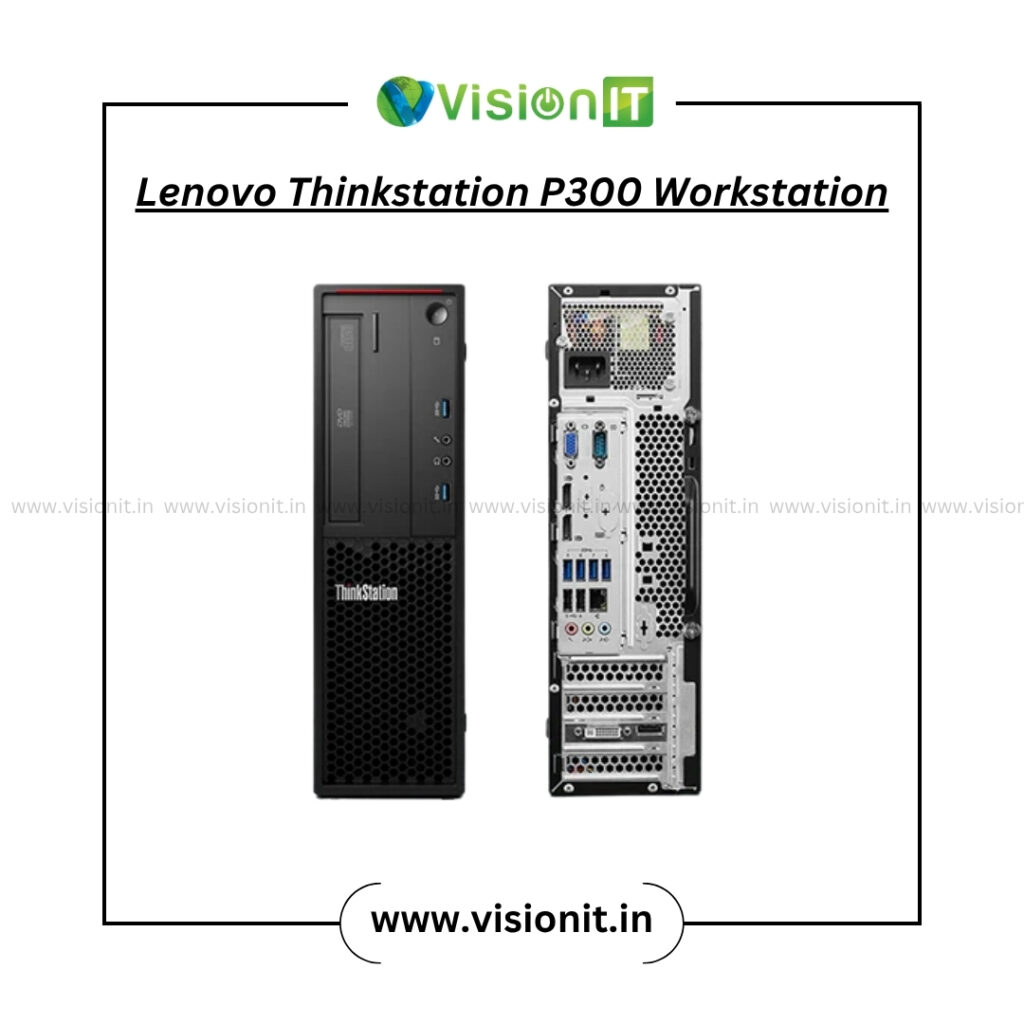
Lenovo ThinkStation P300 – SFF: Budget-friendly pick for small offices.
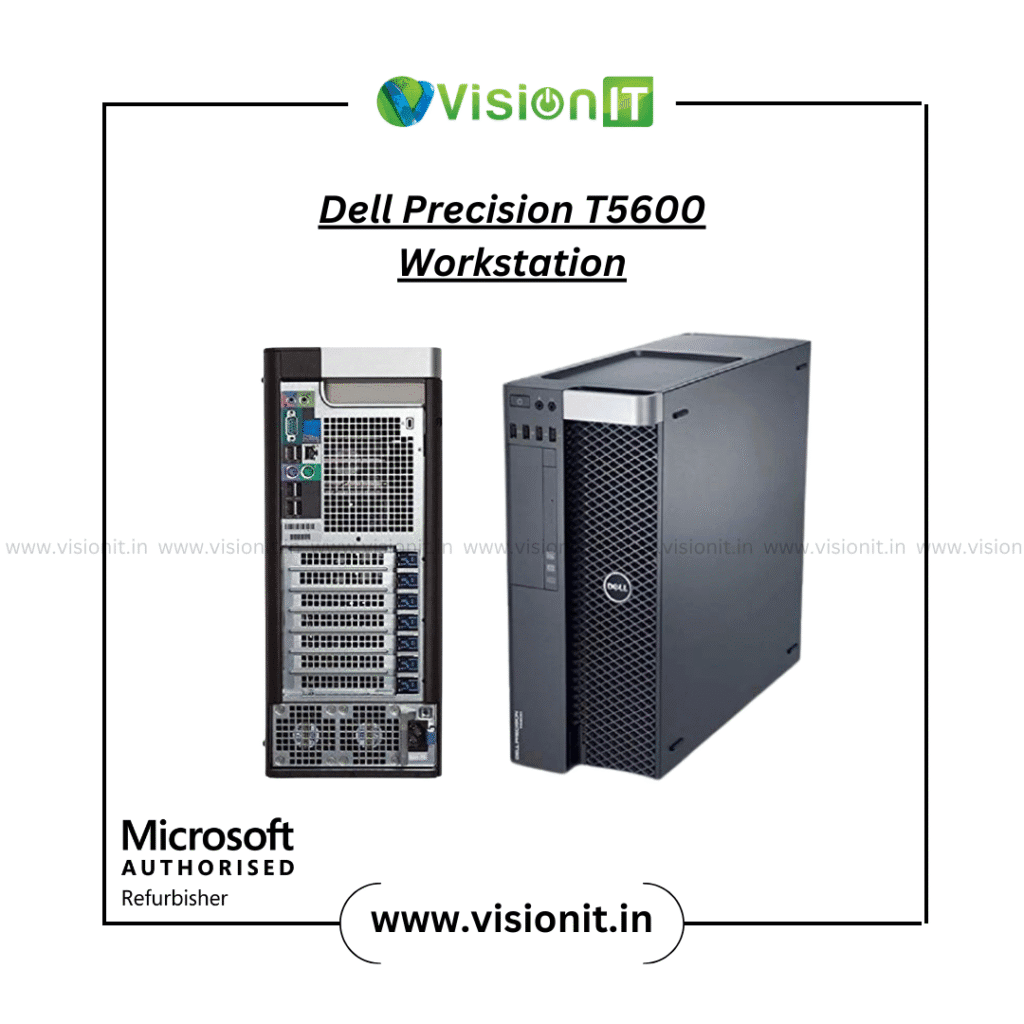
Dell Precision T5600 – SFF: Reliable office system with professional stability.
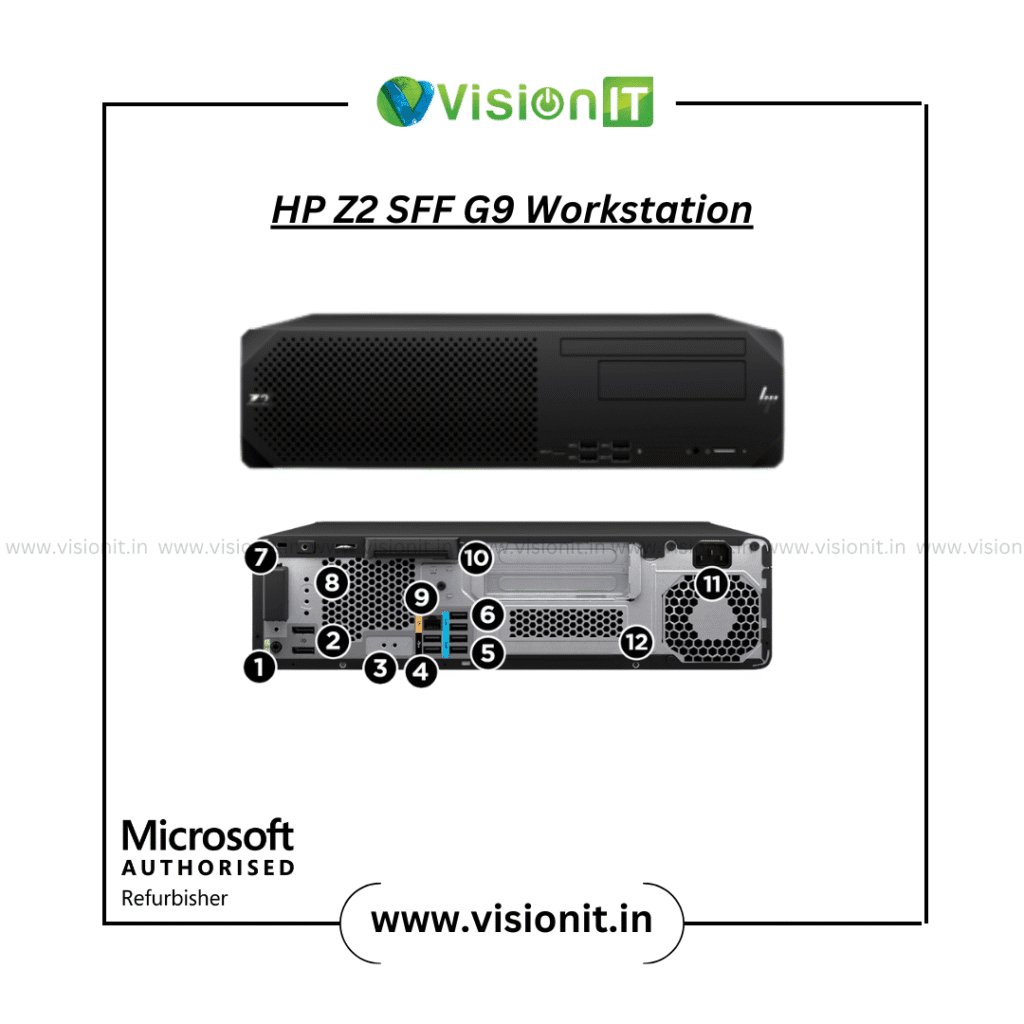
HP Z2 SFF G9 – SFF: Latest-gen small form factor for day-to-day productivity.
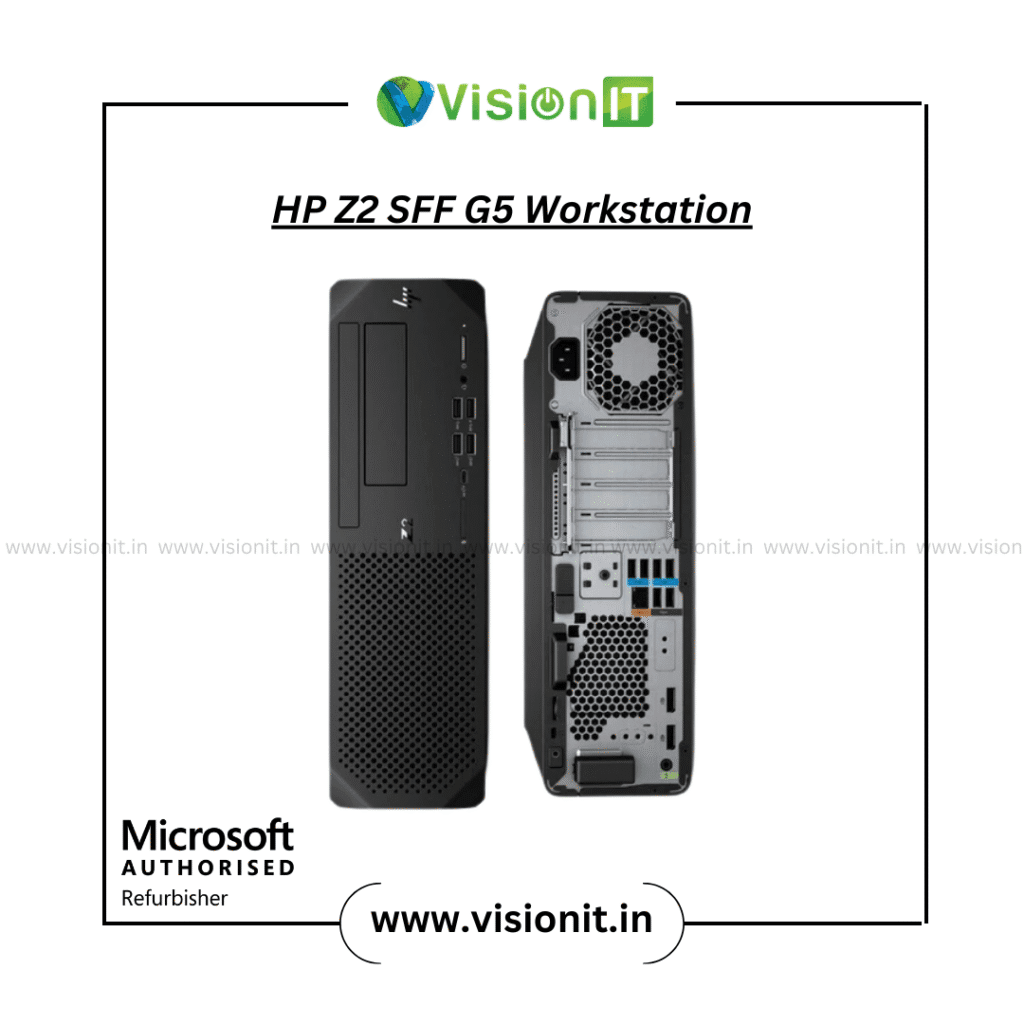
HP Z2 SFF G5 – SFF: Long-term small office solution with efficient performance.
PC for Designers: Power-Packed Systems for Creative Brilliance
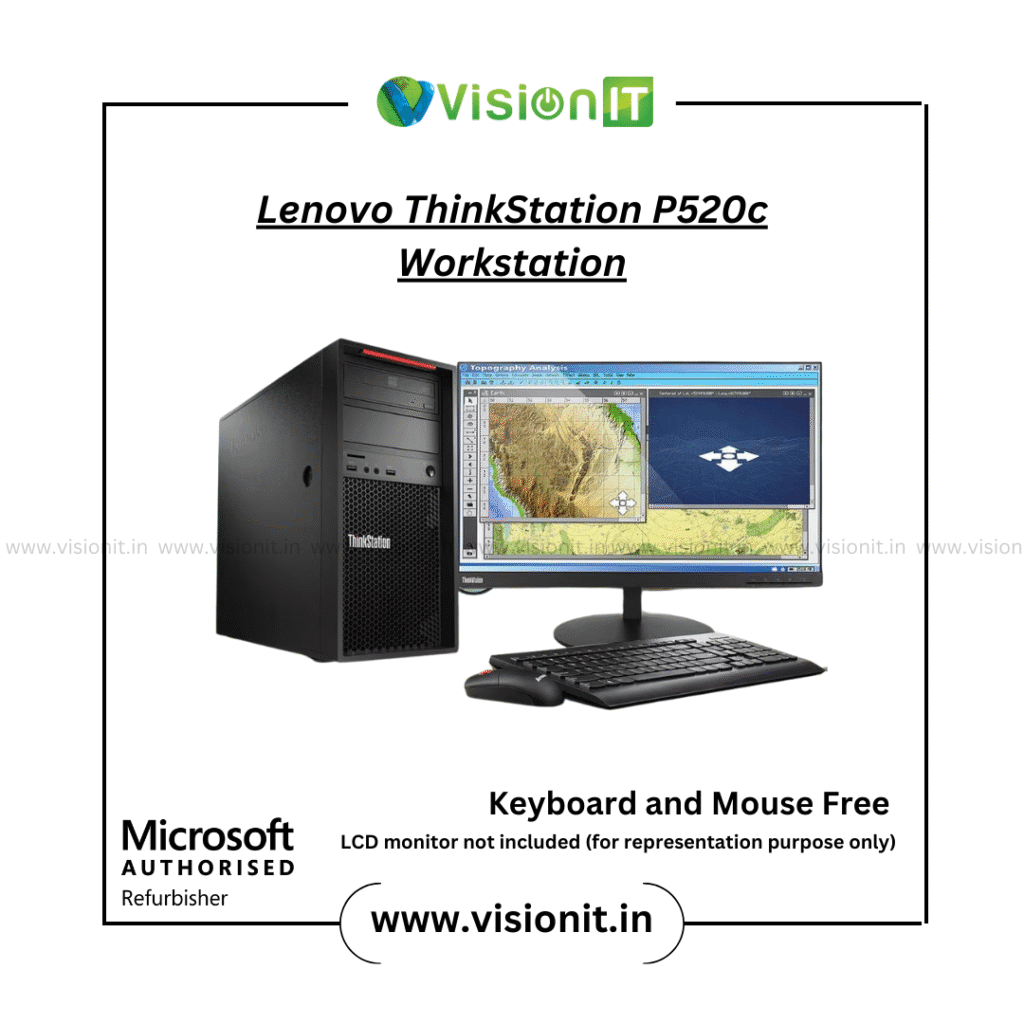
Lenovo ThinkStation P520c – Tower: Great for video editing, rendering, and Adobe Suite.
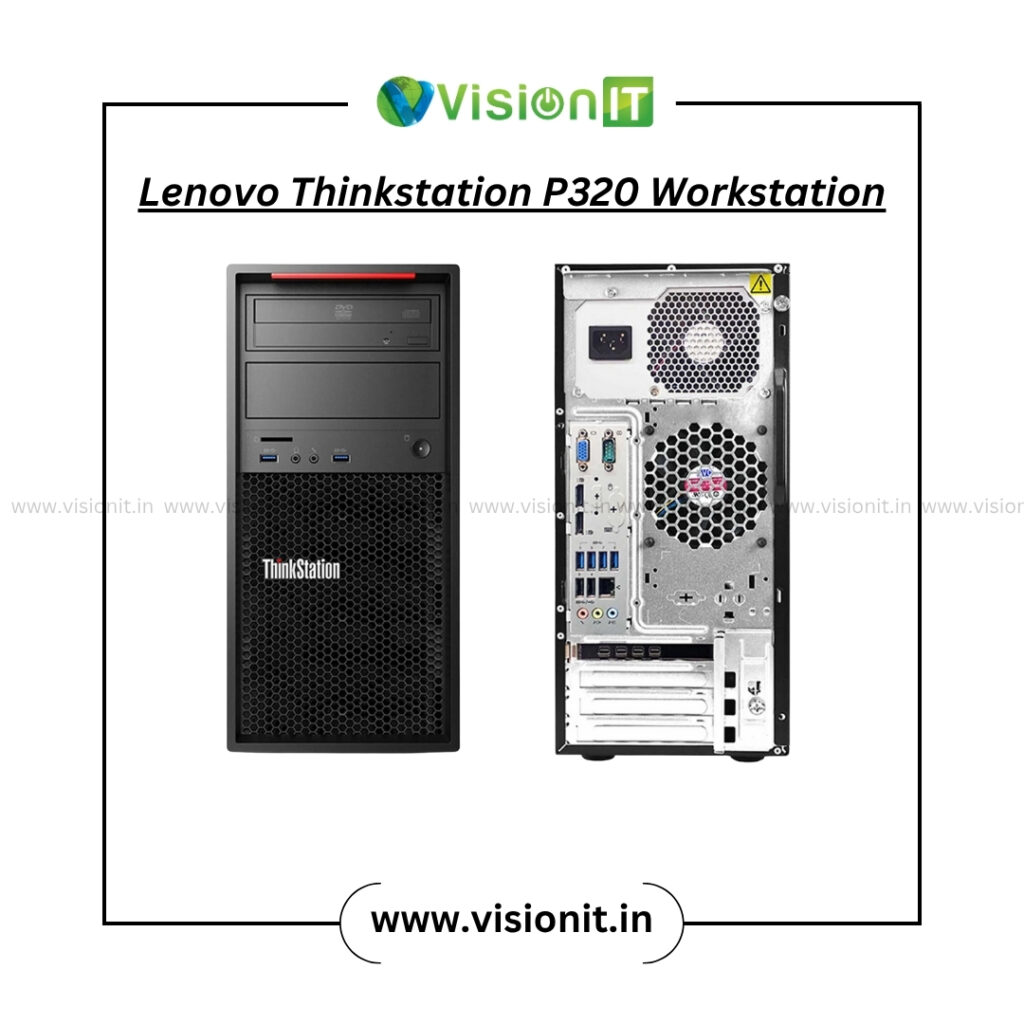
Lenovo ThinkStation P320 – Tower: Balanced performance for graphic designers.
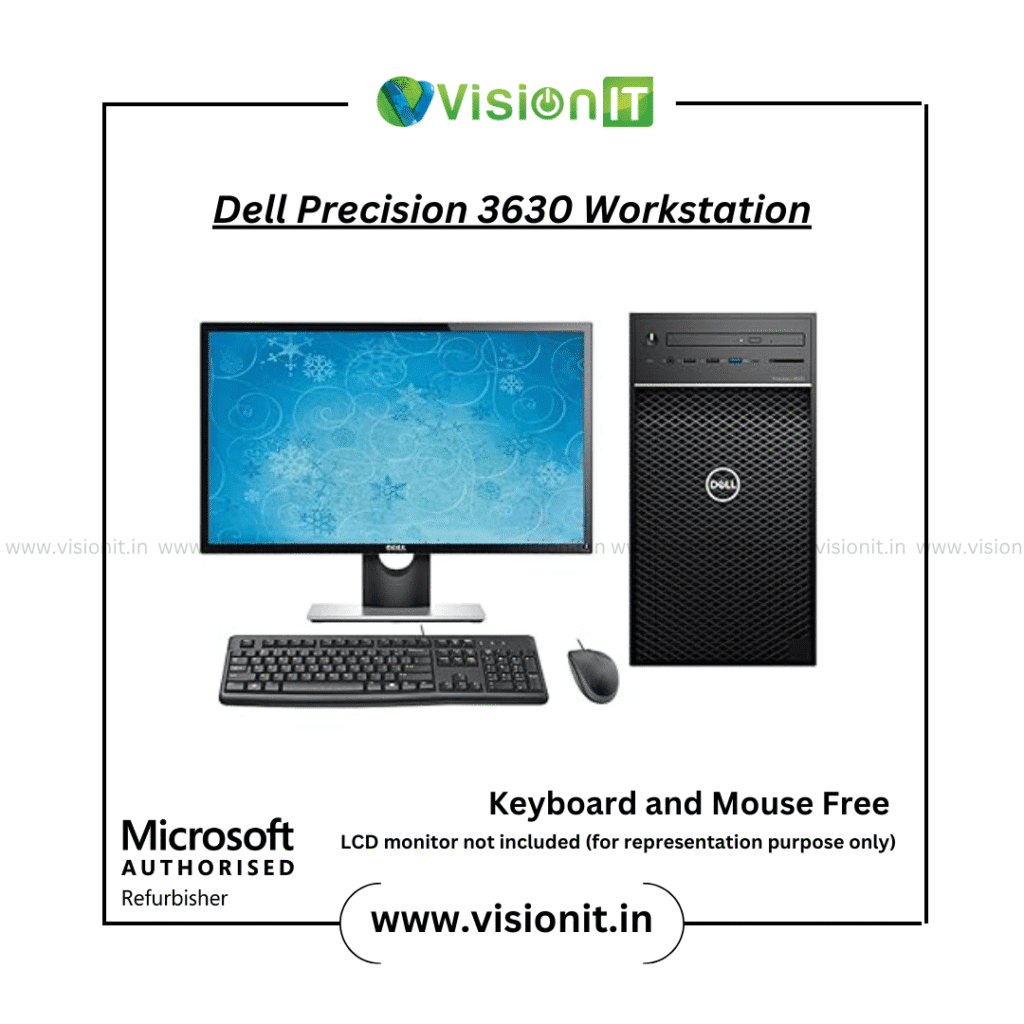
Dell Precision 3630 – Tower: Compact tower perfect for creative professionals.
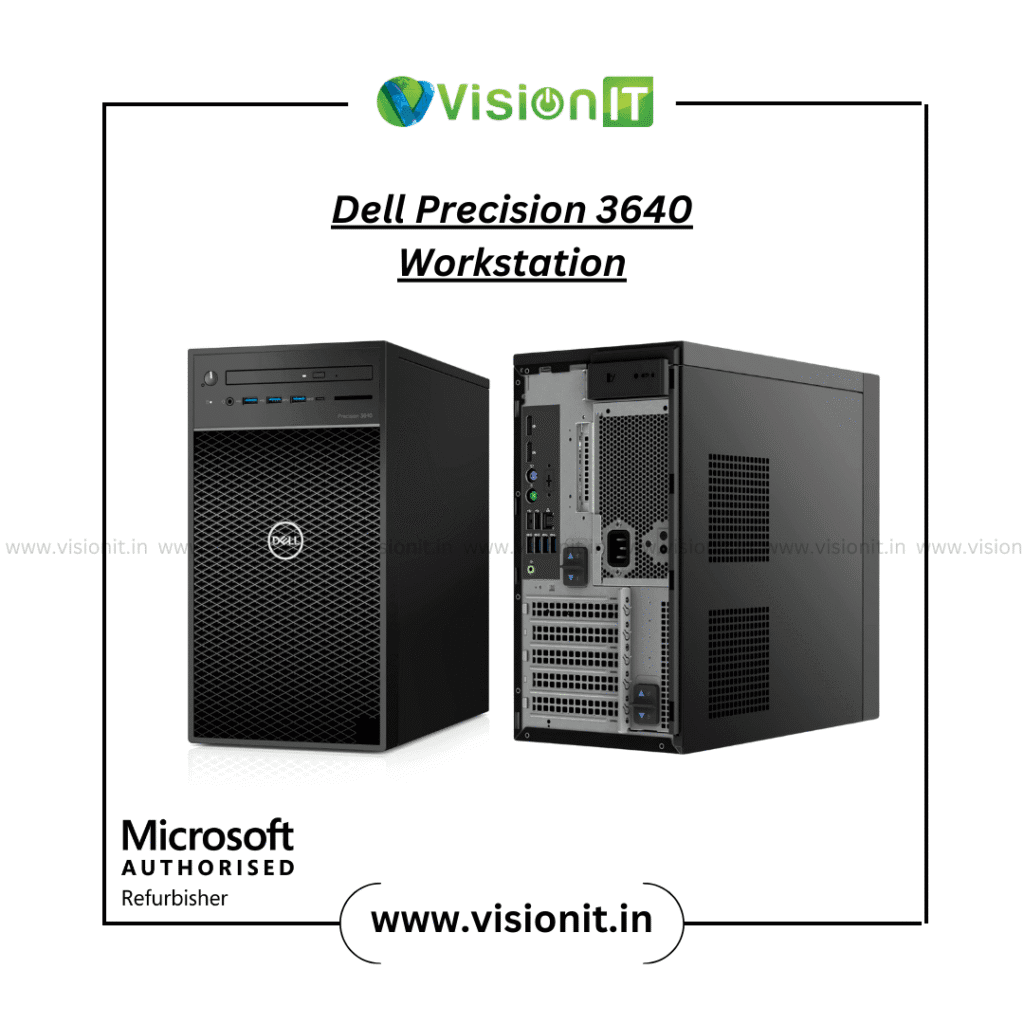
Dell Precision 3640 – Tower: Strong choice for editors, animators, and motion designers.
PC for Architects: Reliable Machines for BIM & 3D views
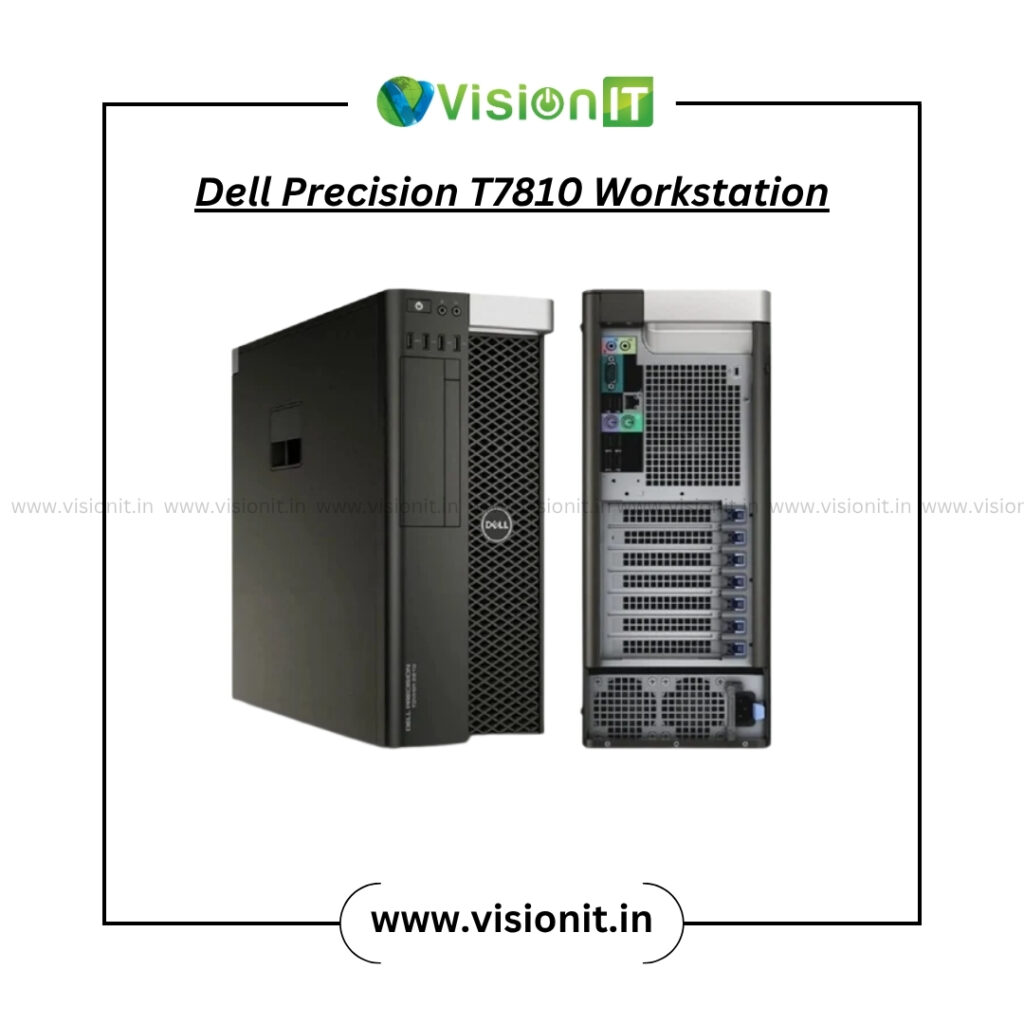
Dell Precision T7810 – SFF: Handles BIM, CAD, and Graphic rendering with ISV-certified drivers.
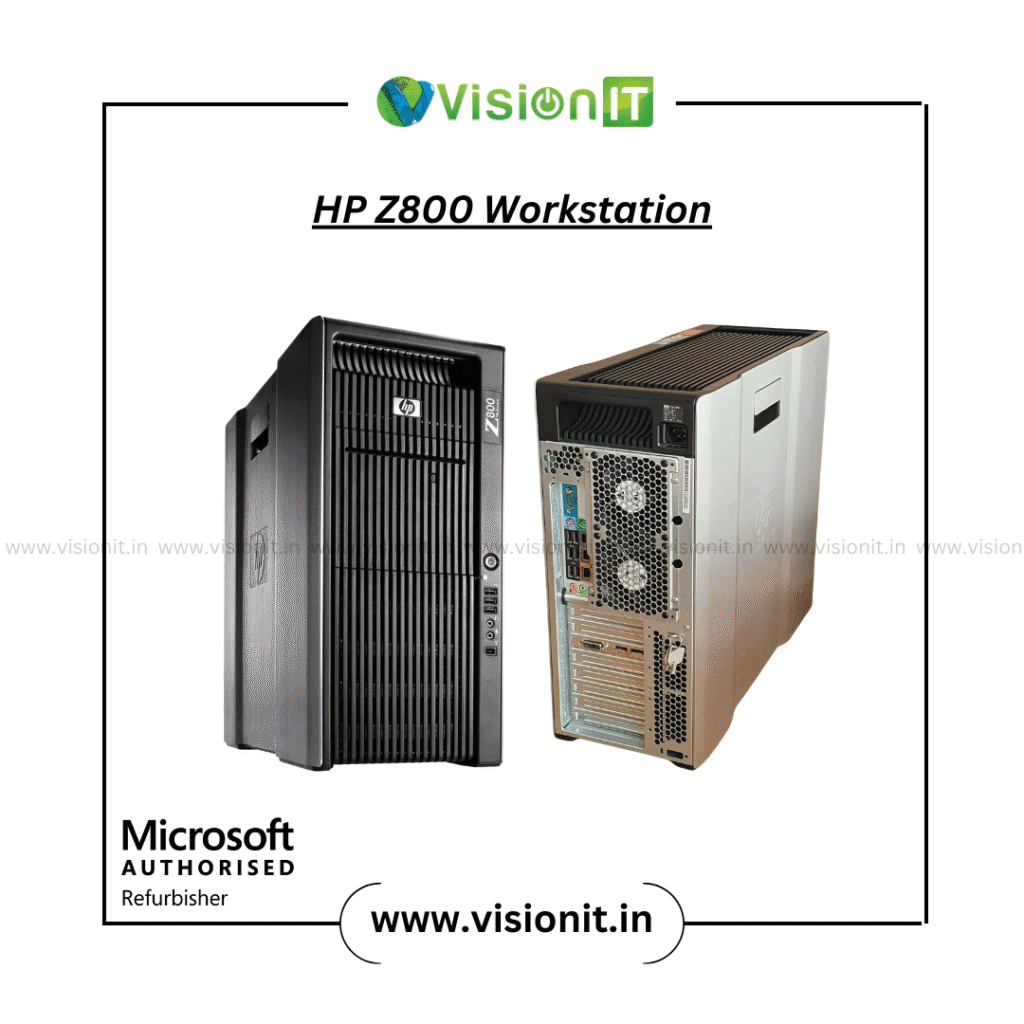
HP Z800 (Xeon X5675) – Tower: Budget-friendly tower for Revit and mid-level 3D work.
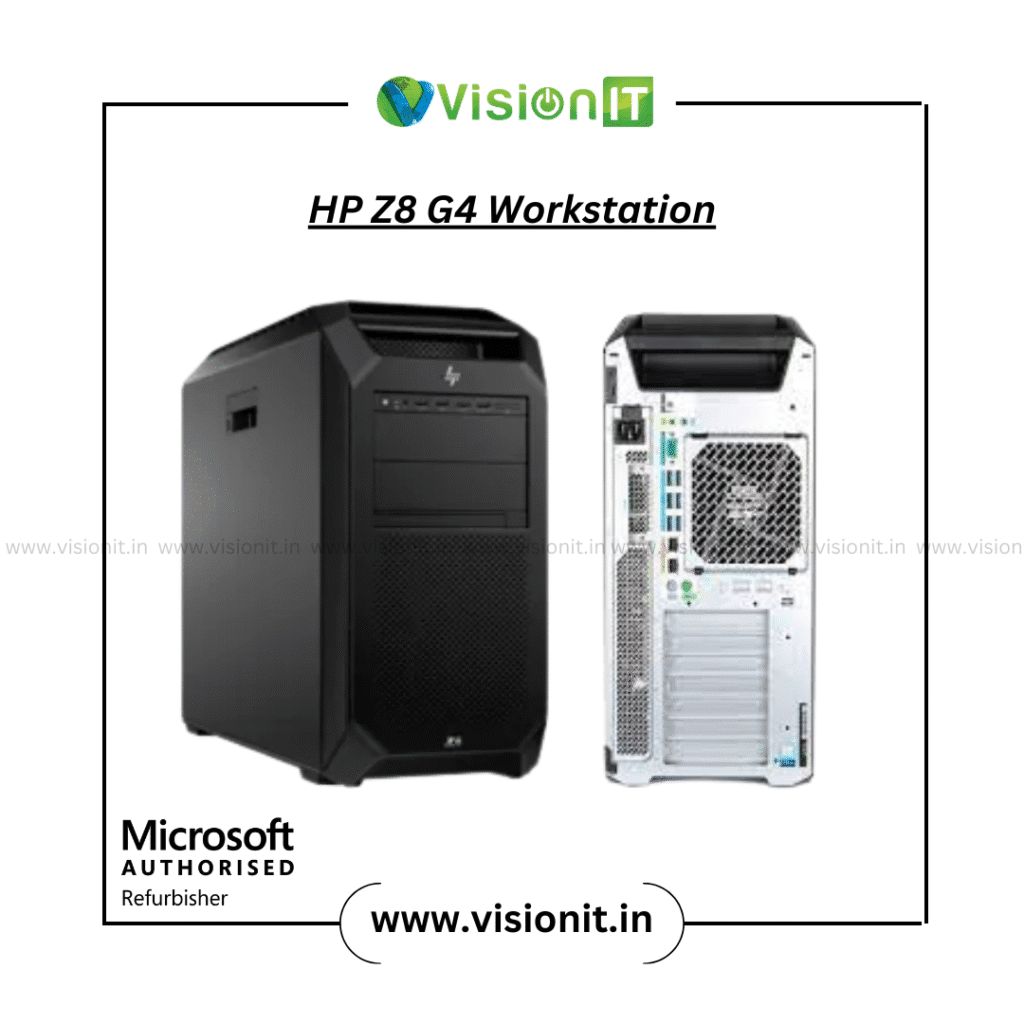
HP Z8 G4 – Tower: High-end beast for VR walkthroughs, rendering, and large structural models.
PC for Engineers: High-Performance Towers for Heavy Simulations
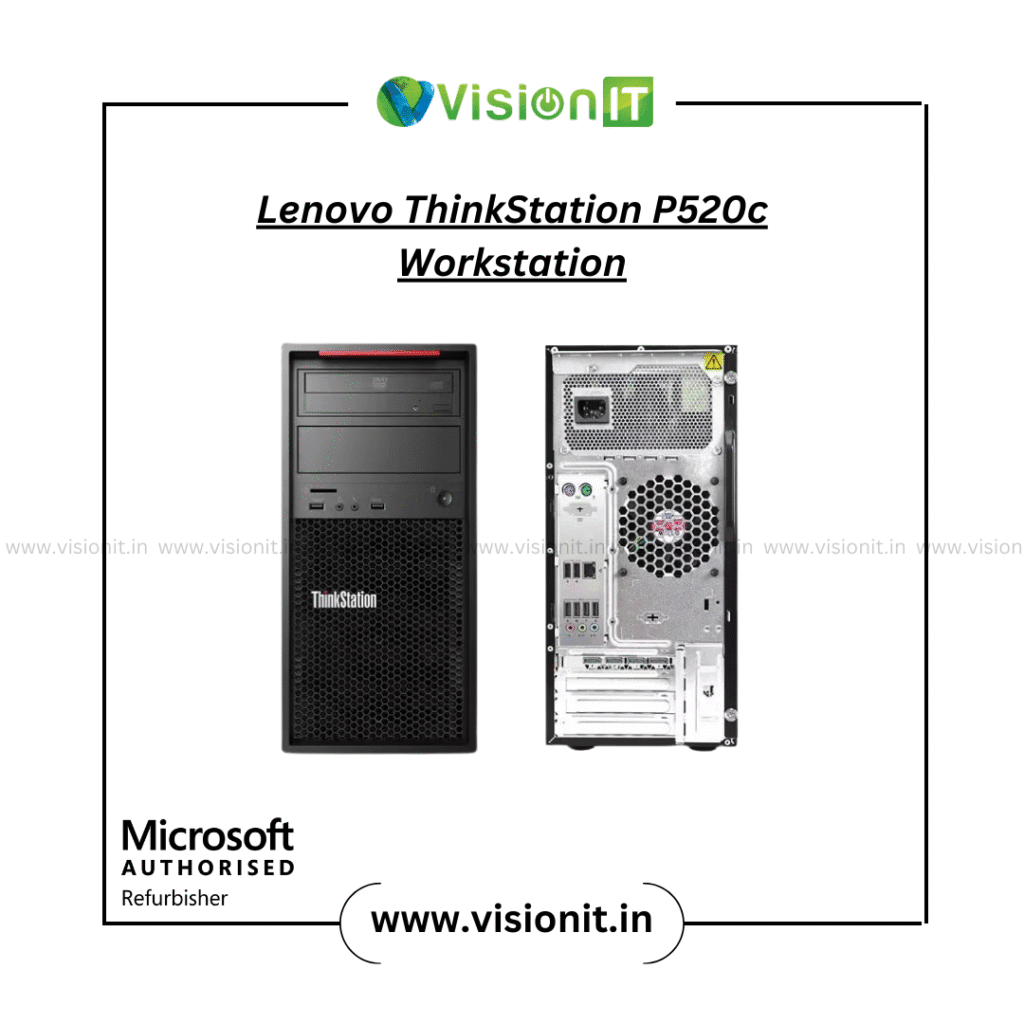
Lenovo Think-Station P520c – Tower: Balanced system for CAD/CAE simulations.
Dell Precision 3640 – Tower: A good choice for managing engineering assemblies and design projects.
HP Z8 G4 – Tower: Best for engineers handling simulations, High-processing projects, and large-scale assemblies.
HP Z800 (Xeon X5675) – Tower: Stable and cost-effective for engineering workloads.
Workstation DNA – What Makes It Different from a Normal PC?
Workstations stand apart because they:
- Support ECC RAM for data accuracy.
- Come with ISV-certified GPUs and drivers.
- Offer multiple PCIe slots and drive bays.
- Run 24/7 with better cooling and PSU reliability.
- Include pro-level warranty and support.
Workstation vs. Desktop – Clear Comparison briefly
| Feature | Workstation | Desktop (Consumer PC) |
| CPU | Xeon / Pro chips with many cores | Consumer Intel/AMD CPUs |
| RAM | ECC supported, 32–256 GB | Non-ECC, 8–64 GB |
| GPU | ISV-certified GPUs (NVIDIA Quadro/RTX Pro) | Gaming GPUs (GeForce, Radeon) |
| Reliability | Tested for 24/7 workloads | Limited endurance |
| Upgrade capacity | Multiple slots & bays | Often restricted |
| Software Certificate | ISV certified for CAD/BIM/CAE | No guarantee |
| Price | Higher, but for pro use | Lower, for general use |
About Vision IT Peripherals – Your Trusted Technology Partner
Vision IT Peripherals delivers certified refurbished workstations, laptops, and desktops from leading brands. As a Microsoft Authorized Refurbisher, we provide systems with genuine Windows licenses, tested performance, and professional warranty. We proudly serve both businesses and individuals all over India.
Microsoft Authorized Refurbisher – Our Commitment to Quality
At Vision IT Peripherals, we are proud to be a Microsoft Authorized Refurbisher (MAR). This certification means every workstation or laptop you buy from us comes with:
- Genuine Microsoft Windows Licenses – ensuring you never face security risks from pirated software.
- Professional-Grade Testing – every system undergoes rigorous quality checks before delivery.
- Eco-Friendly Practices – by refurbishing, we extend the lifecycle of IT hardware and reduce e-waste.
- Warranty & Support – peace of mind with professional warranty and customer assistance.
This certification makes us different from local sellers. That’s why businesses, schools, and individuals across India choose Vision IT.
Why Professionals Choose Vision IT – Our Edge Over Others
- Certified refurbished Lenovo, Dell, and HP workstations.
- Genuine Microsoft Windows Licenses with every system.
- Upgrade support for RAM, SSDs, and storage.
- End-to-end customer service with warranty.
- Bulk supply for schools, offices, and enterprises.
Beyond Workstations – Explore What Else We Offer
At Vision IT, you get more than workstations:
- Genuine Windows Licenses – secure and authentic software.
- RAM Upgrades – improve multitasking.
- SSD & HDD Storage – speed and reliability for files.
- Refurbished Laptops – portable, budget-friendly options.
- Refurbished Desktops – cost-effective desktop systems.
- Pre – Owned Apple MacBooks – premium devices for creative users.
FAQs – Everything You Need to Know About Workstations
Q: Is a workstation a PC?
Yes, it is a PC but designed for professional workloads.
Q: What Is the Role of a Workstation?
It runs demanding applications like AutoCAD, Revit, Adobe, and SOLIDWORKS smoothly.
Q: What is another name for a workstation?
Professional workstation PC, CAD workstation, or engineering computer.
Q: Workstation vs Desktop – which should I buy?
If you use professional software daily, choose a workstation. For basic use, a desktop is enough.
Q: What is the best custom workstation PC?
It depends on your work: more cores for engineers, stronger GPU for designers, and balanced systems for offices.
Q: Where can I buy workstations in India?
From Vision IT Peripherals, your trusted source for refurbished and certified systems.
Conclusion – The Right Workstation for the Right Role
Every professional has unique needs. Offices should look at compact SFF models like the Lenovo P500 or HP Z2 SFF. Designers benefit from towers like the Lenovo P520c or Dell Precision 3640. Architects and engineers working with large models should go for high-performance towers like the Dell T7810 or HP Z8 G4.
At Vision IT Peripherals, we don’t just sell machines. We offer complete solutions with real software, upgrades, and ongoing support. Choose the workstation that matches your role, and make 2025 the year of faster, smoother, and smarter work.
