

A laptop’s performance depends on many parts — but none are as crucial as RAM (Random Access Memory). Whether you use your laptop for studies, business, editing, or gaming, RAM directly impacts how fast your system runs and how smoothly it handles multiple tasks.
When your laptop slows down while opening files or switching between apps, the most effective upgrade is expanding its RAM. A small RAM upgrade can make your old laptop perform like new again — giving faster response, smoother browsing, and better productivity.
Explore Our Laptop RAM Collection
At Vision IT, you’ll find a complete range of Samsung and Hybrid brand RAMs, available from 512MB to 16GB. Each module is tested for quality, compatibility, and real-world performance. Below are the detailed specifications of each model.
Samsung Brand RAM – Specifications
| Capacity | Type | Speed (MHz) | Form Factor | Link |
| 512MB | DDR (PC1-2100) | 266 MHz | SO-DIMM | View Product |
| 1GB | DDR (PC1-3200) | 400 MHz | SO-DIMM | View Product |
| 2GB | DDR2 / DDR3 | 533 MHz | SO-DIMM | View Product |
| 4GB | DDR2 (PC2-6400) | 800 MHz | SO-DIMM | View Product |
| 8GB | DDR3 (PC3-10600) | 1333 MHz | SO-DIMM | View Product |
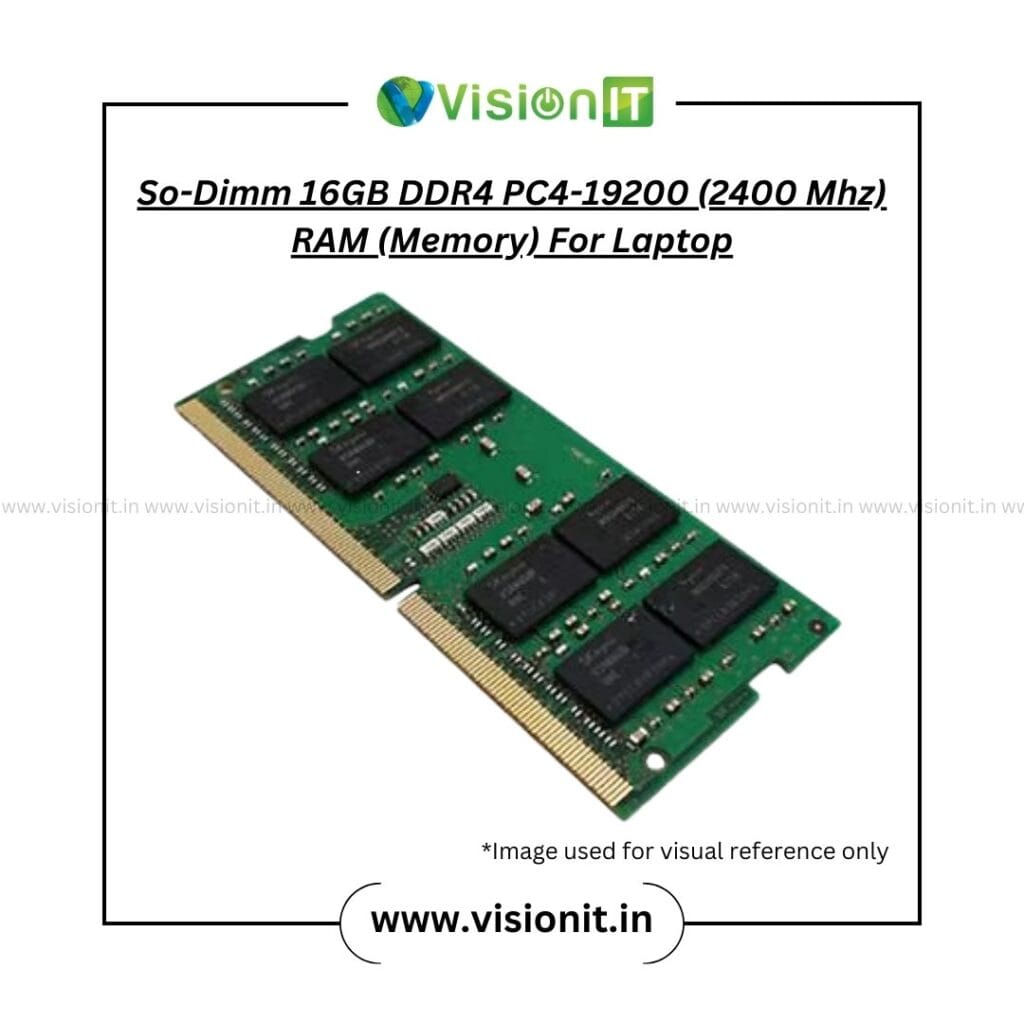
| 16GB | DDR4 (PC4-19200) | 2400 MHz | SO-DIMM | View Product |


Hybrid Brand RAM – Specifications
| Capacity | Type | Speed (MHz) | Form Factor | Link |
| 512MB | DDR (PC1-2700) | 333 MHz | SO-DIMM | View Product |
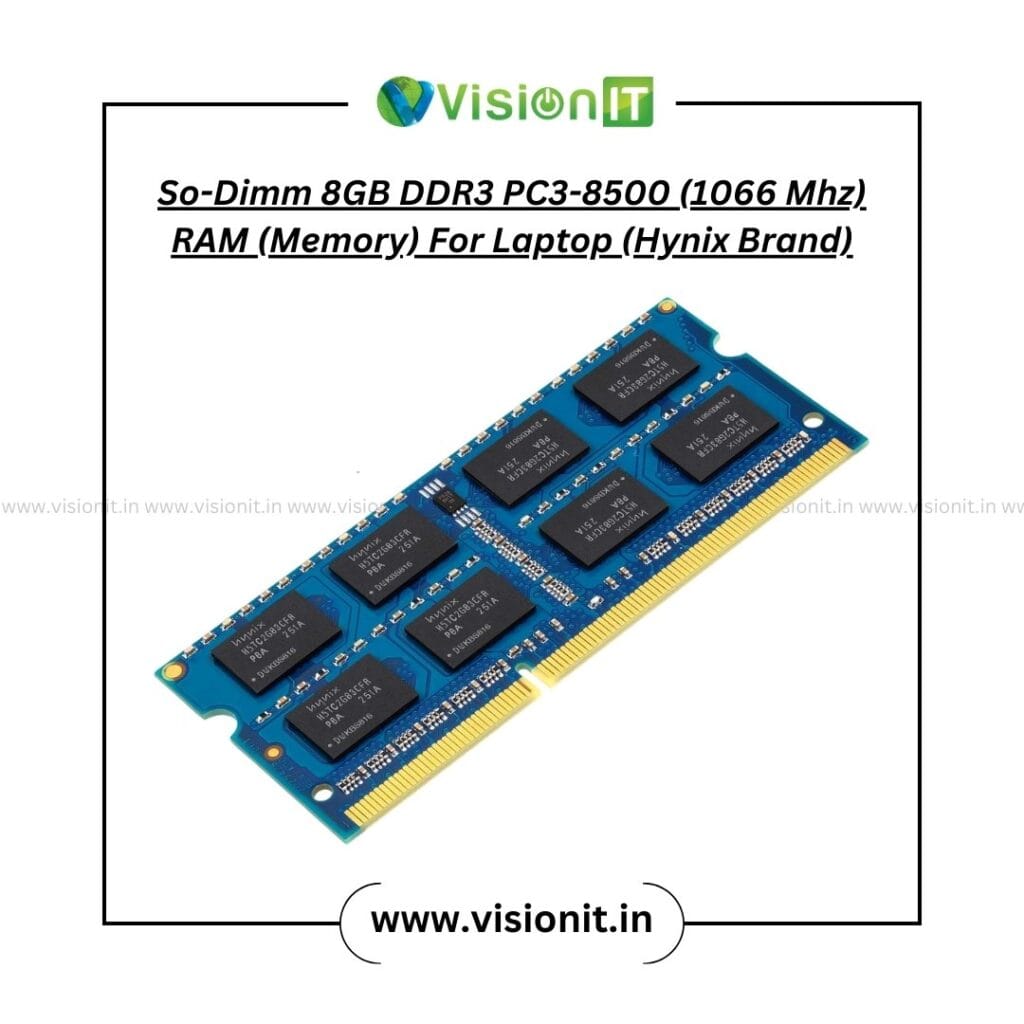
| 1GB | DDR3 (PC3-8500) | 1066 MHz | SO-DIMM | View Product |
| 2GB | DDR3 (PC3-12800) | 1600 MHz | SO-DIMM | View Product |
| 4GB | DDR4 (PC4-19200) | 2400 MHz | SO-DIMM | View Product |
| 8GB | DDR3 (PC3-8500) | 1066 MHz | SO-DIMM | View Product |
| 16GB | DDR4 (PC4-17000) | 2133 MHz | SO-DIMM | View Product |


Technical Section
What is Laptop RAM?
Laptop RAM (Random Access Memory) is a temporary storage that helps your laptop handle active tasks quickly. It stores data your system needs right away, enabling smoother multitasking, faster program loading, and overall responsiveness.
Types of Laptop RAM
Modern laptops use different generations of RAM — each one faster and more efficient than the previous one.
| Type | Speed Range (MHz) | Use Case |
| DDR | 266–400 MHz | Very old systems |
| DDR2 | 533–800 MHz | Basic computing, browsing |
| DDR3 | 1066–1600 MHz | Office, study, and regular use |
| DDR4 | 2133–3200 MHz | Gaming, editing, multitasking |
| DDR5 | 4800 MHz+ | High-end, future-ready laptops |
How to Check Which RAM Your Laptop Supports
You can check your laptop’s RAM type and speed by:
- Opening System Information in Windows.
- Check your motherboard model online.
- Using free tools like CPU-Z to see installed RAM type, speed, and slots available.
Dual-Channel Advantage
If your laptop supports dual-channel memory, using two identical RAM sticks improves bandwidth, enhances speed, and ensures smoother performance — especially useful for gamers and professionals.
Performance Comparison Table –
| RAM Type | Speed (MHz) | Ideal Use Case | Recommended Capacity |
| DDR2 | 533–800 | Browsing, Office tasks | 2GB–4GB |
| DDR3 | 1066–1600 | Regular, Study, Work | 4GB–8GB |
| DDR4 | 2133–3200 | Gaming, Design, Editing | 8GB–16GB |
| DDR5 | 4800+ | Heavy graphics, AI, 3D work | 16GB+ |

Why Upgrading Laptop RAM is Worth It
Upgrading your laptop RAM offers multiple performance benefits:
- Faster startup and load times
- Smooth multitasking without lag
- Better gaming and creative software experience
- Improved performance for Windows 10 & 11
- Budget-friendly performance boost
- Extended laptop lifespan and stability
Compatibility Notes
All Vision IT laptop RAM modules are tested for compatibility with HP, Dell, Lenovo, Acer, and ASUS laptops. Each RAM stick is checked for stability, speed accuracy, and warranty coverage — ensuring perfect fit and reliable performance for your system.
How to Choose the Right Laptop RAM
Here’s how to pick the perfect RAM for your laptop:
- Identify the DDR type (DDR2, DDR3, DDR4, or DDR5).
- Match the MHz speed supported by your laptop.
- Choose the capacity:
- 2GB – Basic use (browsing, Word, Excel)
- 4GB – Students and office users
- 8GB – Professionals and gamers
- 16GB – Designers, editors, developers
- Buy from a trusted source like Vision IT for quality assurance and post-sale support.
About Vision IT
Vision IT is India’s trusted name in IT products and refurbishing. With years of expertise, we deliver high-performance components and systems for both businesses and individual users. Our focus on quality and customer satisfaction makes us a go-to destination for reliable tech solutions.
We are a Microsoft Authorized Refurbisher
As a Microsoft Authorized Refurbisher, we ensure every refurbished laptop, desktop, and accessory meets strict global standards. Each product undergoes a professional inspection, testing, and certification process, offering you performance and peace of mind.



We Sell Genuine Windows Licenses
At Vision IT, authenticity matters. We provide Genuine Windows Licenses to ensure secure, original, and seamless software performance. With genuine licenses, you avoid security risks and get consistent updates directly from Microsoft.
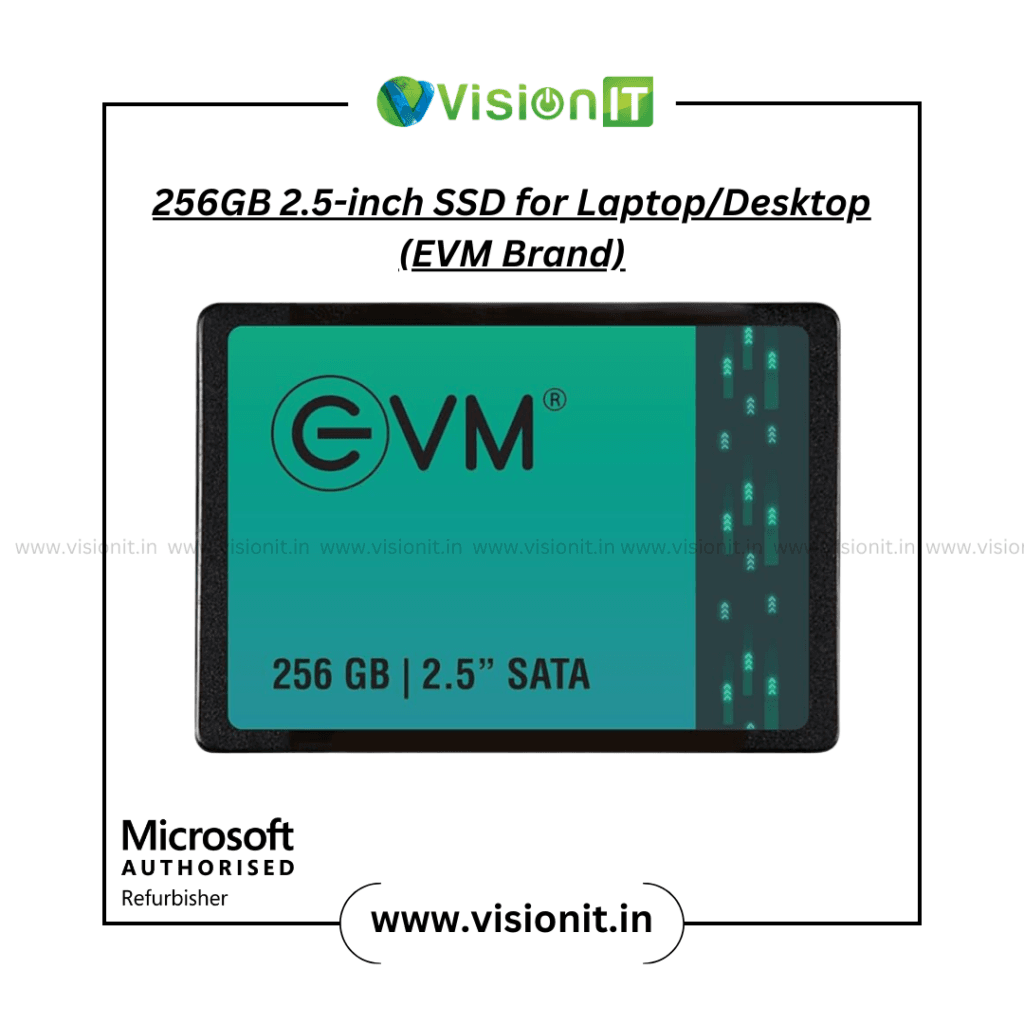
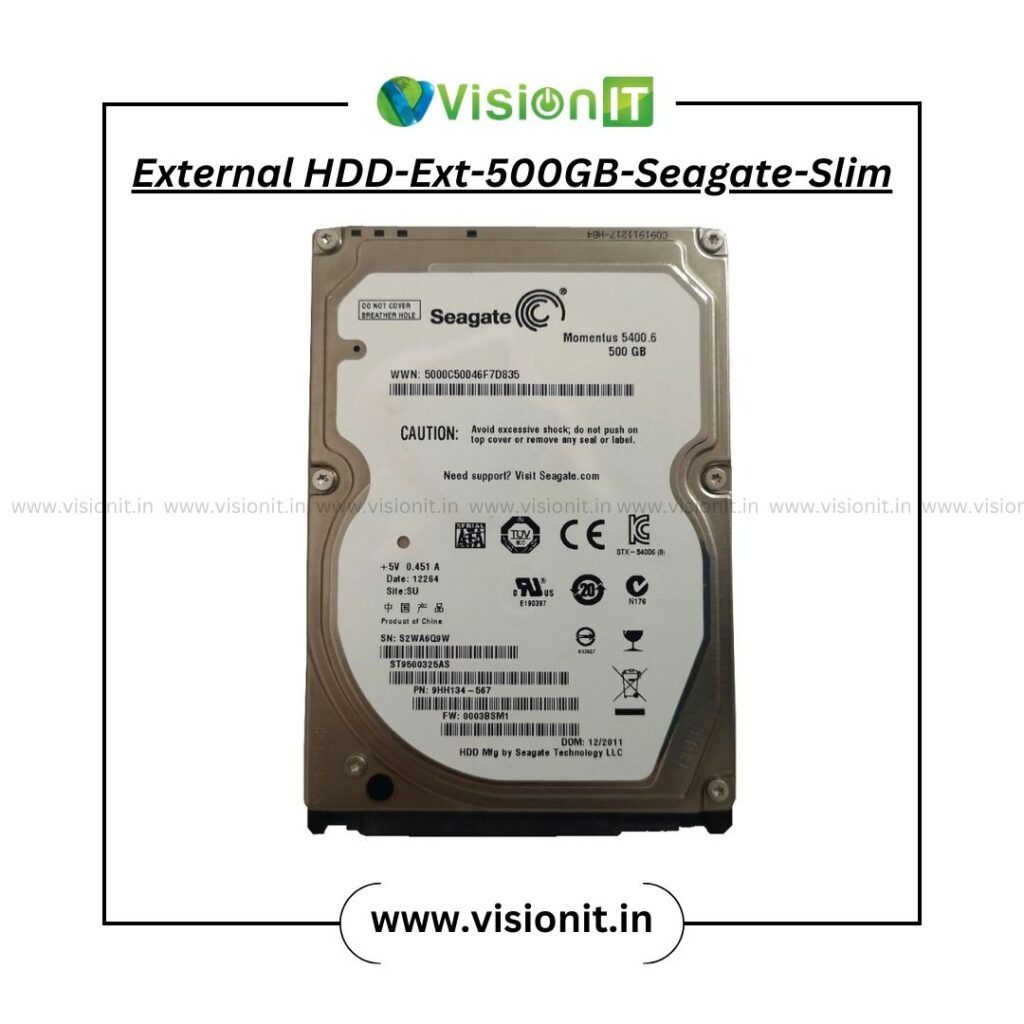
We Also Sell SSD / HDD Storage Solutions
Upgrade your laptop or desktop with SSD and HDD Storage Solutions from Vision IT. Our storage options improve speed, performance, and reliability—ideal for users who multitask, design, or game. Whether you want extra space or faster boot times, Vision IT has a perfect storage match for your needs.
Frequently Asked Questions (FAQs)
1. How much RAM is good for a laptop?
For most users, 8GB is ideal. If you edit videos or games, 16GB DDR4 or higher works best.
2. Which type of RAM is good for laptops?
It depends on your system. DDR4 is currently the most balanced in terms of speed and cost, while DDR5 is for advanced users.
3. Can I mix different RAM types?
No, your laptop supports only one type — DDR2, DDR3, DDR4, or DDR5. Always match the type and speed.
4. Where can I buy genuine laptop RAM online?
You can buy 100% tested, compatible RAMs for HP, Dell, Lenovo, and more from Vision IT.
5. How to check the maximum RAM capacity of my laptop?
Check your laptop model on the brand website or use a system scanner tool like Crucial Advisor.
Call to Action (CTA)
If your laptop feels slow or struggles with multitasking, it’s time to upgrade your RAM.
Browse top-quality Samsung and Hybrid laptop RAMs on Vision IT — your trusted source for reliable upgrades, genuine Windows licenses, and high-speed storage solutions.
Conclusion
Upgrading your laptop RAM is the smartest way to improve speed, stability, and multitasking performance. Whether you need 2GB for light use or 16GB DDR4 for heavy work, Vision IT offers the best options with warranty and quality assurance.
Choose the right RAM, unlock your laptop’s full potential, and experience faster performance — only with Vision IT, India’s trusted IT product and refurbishing brand.
