
Get laptops under ₹15,000 that are tested, certified, and backed by a warranty for worry-free usage. If you’re searching for a laptop shop near me, look no further. We provide cheap laptops and renewed laptops with premium quality and affordability.
Showing 1–16 of 39 results
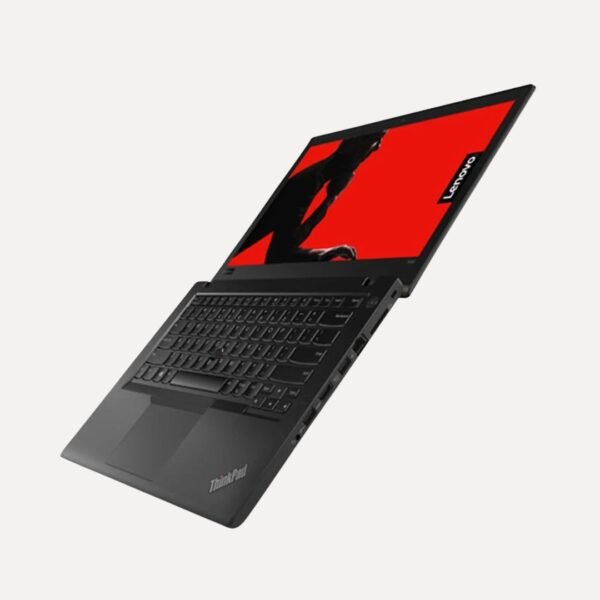
Lenovo ThinkPad T480 | Intel Core i5 8350U | Preloaded Windows 11 Pro | Customizable RAM & SSD |Ideal for Office & Study
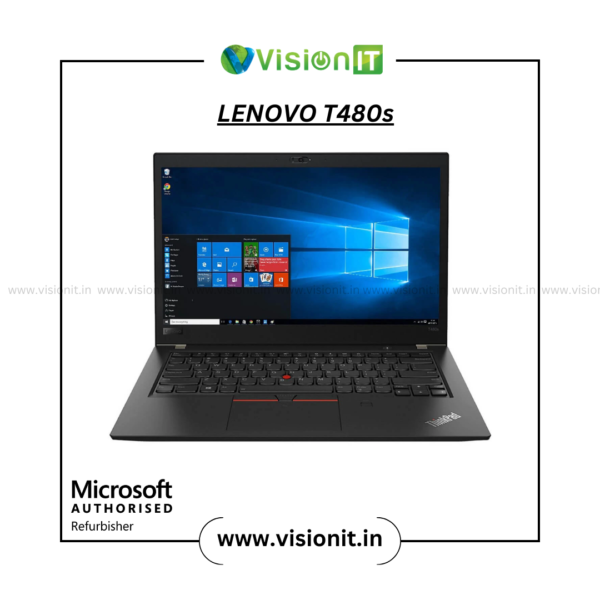
Lenovo ThinkPad T480s | Intel Core i7 8th Gen | Slim & Powerful Laptop | Custom RAM & SSD Options with Preloaded Windows11 Pro
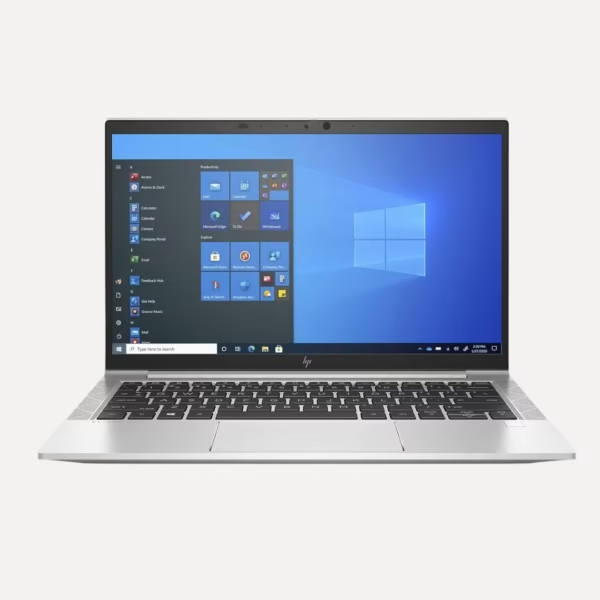
HP EliteBook 840 G8 | Core i7-11th Gen | Upgradeable RAM & SSD | Perfect for Work & Travel

Dell Latitude E7290 | Core i5|8th Gen with Preloaded Windows11 Pro | Custom RAM & SSD | Lightweight Business Laptop
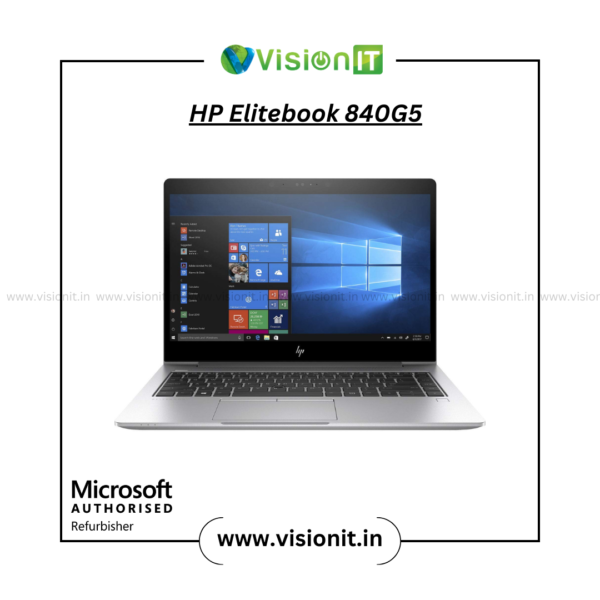
HP EliteBook 840 G5 | Intel Core i5 8th Gen | Slim Business Laptop | Preloaded Windows11 Pro | Customizable RAM & SSD
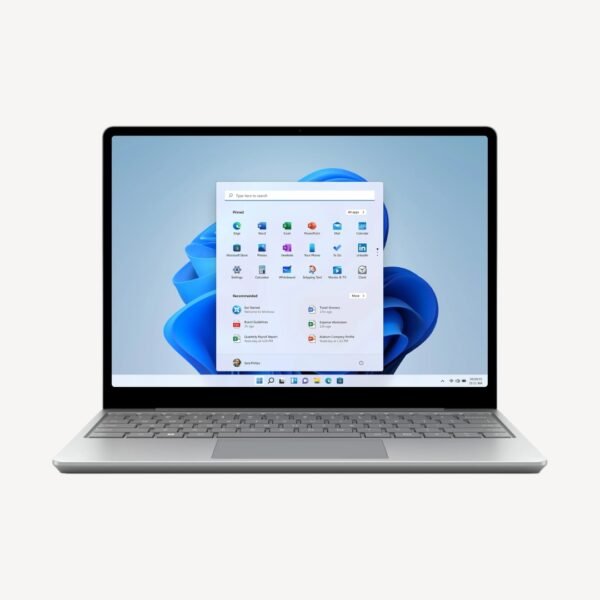
Microsoft Surface 2 Laptop | Intel Core i7-8th Gen | 13.5″ Touchscreen | Genuine Windows | Lightweight & Powerful Professionals

Dell Latitude 5400 | Core i5|8th Gen | Custom RAM & SSD Options |Preloaded Windows 11 Pro | Ideal Business & Study Laptop
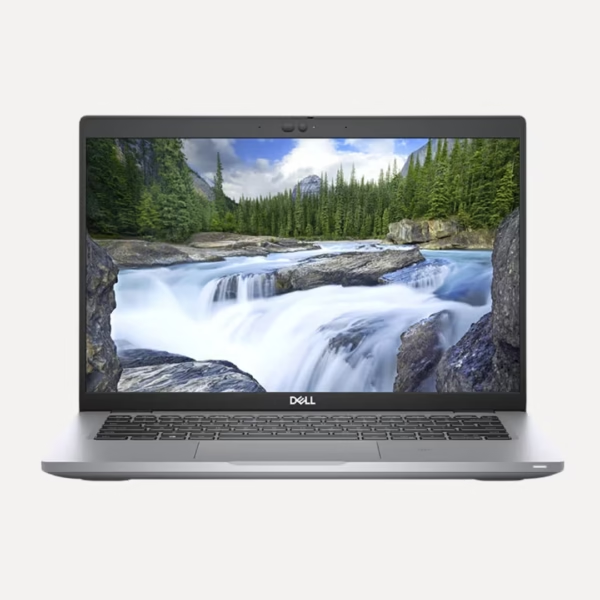
Dell Latitude 5420 | Core i7-11th Gen | 14″ Full HD Display | Genuine Windows | Upgradeable RAM & SSD | Ideal for Office, Study & Work
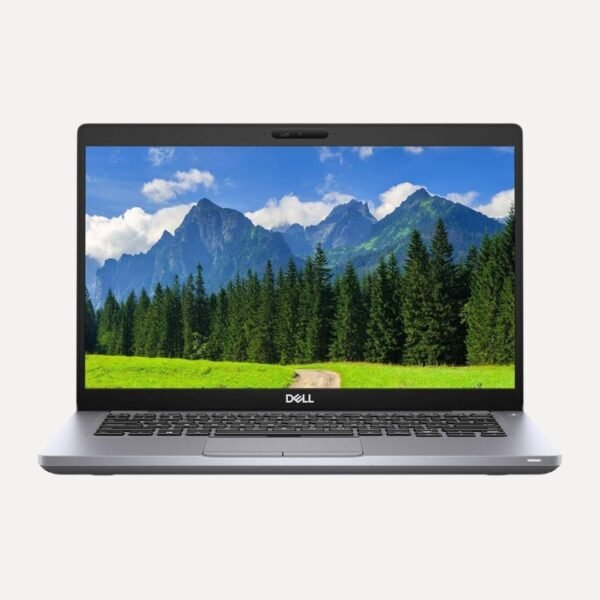
Dell Latitude 5410 | Core i5-10th Gen| Custom RAM-SSD with Windows11 Pro | Best Valued Laptop for Professionals & Learners

HP EliteBook 840 G5 | Intel Core i7-8th Gen | Genuine Windows | Custom RAM & SSD Options | Premium Business Laptop
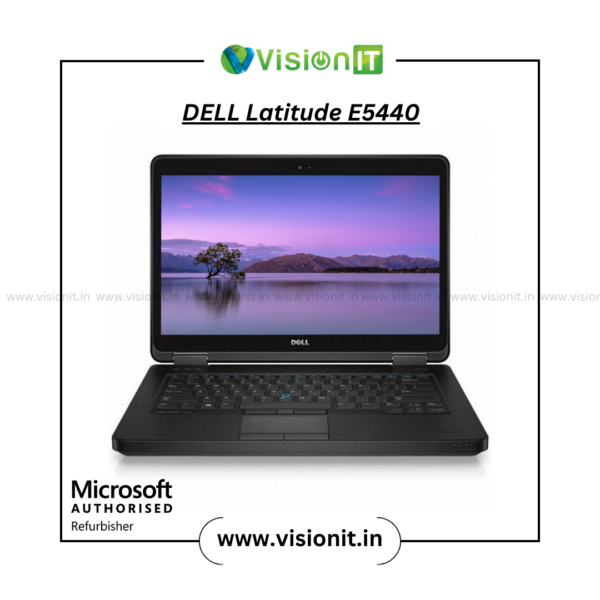
Dell Latitude E5440 | Intel Core i5 | 4210U | Custom RAM & SSD Options | Preloaded Windows 10 Pro | Ideal for Office & Study Use

Lenovo ThinkPad L14 | Core i5-10th Gen | 14″ Compact Display | Genuine Windows | Upgradeable RAM & SSD | Built for Office, Study & Durability
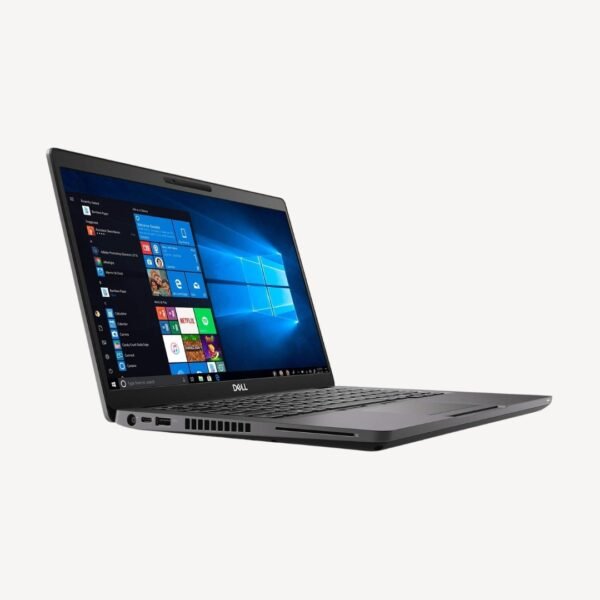
Dell Latitude 5490 | Intel Core i5-8th Gen Laptop | Preloaded Windows 11 Pro | Ideal for Office, Students & Daily Productivity

Refurbished HP ProBook 430 G2 | Intel Core i5 4200U | Customizable RAM & SSD | Preloaded Windows 10 Pro | Perfect for Work & Study

Dell Latitude E3410 | Core i5 10th Gen | Custom RAM & SSD | Preloaded Windows 11 Pro | Slim, Fast & Business Ready
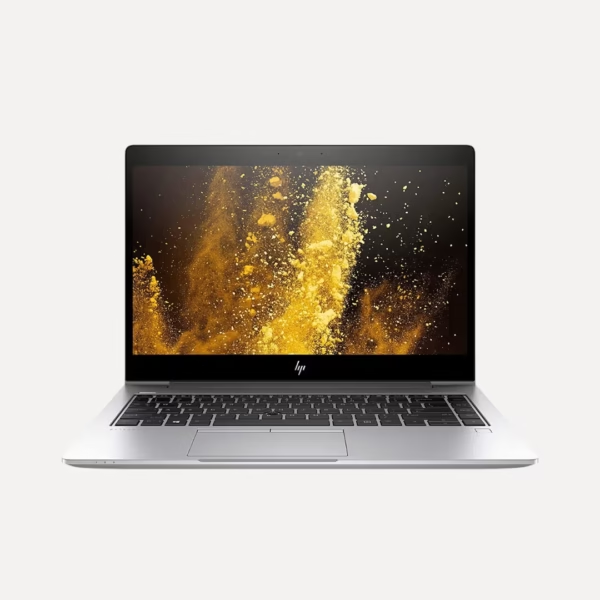
HP EliteBook 840 G6 | Core i5-8th Gen | Upgradeable RAM & SSD | Genuine Windows | Slim & Reliable Laptop
Renewed Laptops Available in India
Looking for a reliable laptop at a lower cost than buying new? Explore refurbished laptops in India from Vision IT. Our range includes tested laptops from Dell, HP, Lenovo, Apple, and other leading brands. We offer different processors, RAM, SSD storage, screen sizes, and configurations.
Whether you need a refurbished laptop for office work, study, business, programming, or design, we can help.
Choose a system based on your needs, condition, specifications, and budget.
Browse the available refurbished laptops above or contact Vision IT if you need help selecting a suitable configuration.
Buy Refurbished Laptops in India
A refurbished laptop is a used device. It is inspected, tested, and prepared for resale.
Refurbished systems can be an option instead of a new laptop. They offer good performance while you manage your budget.
At Vision IT, technicians check refurbished laptops for hardware condition and function. Someone then sells them. Available configurations can include business-class laptops, professional systems and everyday computing devices.
Each laptop’s exact specifications and condition can vary, so check the individual product listing before purchasing.
Why Choose a Refurbished Laptop?
A refurbished laptop can be a practical choice when you want:
- A lower purchase cost than an equivalent new system
- Business-class laptop hardware
- Reliable performance for everyday computing
- More specifications within a fixed budget
- A laptop for office or educational use
- A secondary or backup computer
- Access to discontinued or older business-class models
IInstead of choosing a laptop based only on price, compare its processor, RAM, and SSD capacity.
Also check the display, battery condition, physical condition, and the warranty for that product.
Refurbished Laptop Brands
Vision IT offers refurbished laptops from leading manufacturers, depending on current stock and availability.
Dell Refurbished Laptops
Dell business laptops are widely used in offices and professional environments. Refurbished Dell systems can include Latitude, Precision and other product families depending on availability.
When selecting a refurbished Dell laptop, compare the processor generation, RAM, SSD capacity, display, battery condition and overall physical condition.
HP Refurbished Laptops
HP offers a broad range of business and professional laptops.
Refurbished HP laptops may include models from the EliteBook, ProBook and other product families. These systems can be suitable for office work, education, business applications and everyday computing.
Lenovo Refurbished Laptops
Lenovo ThinkPad and other business-oriented laptop families are popular for professional use.
When buying a refurbished Lenovo laptop, check the exact model and processor generation. Also check the RAM, SSD, and display size. Check the battery condition and warranty too.
Refurbished Apple MacBooks
Refurbished MacBooks can provide access to Apple’s laptop ecosystem at a lower cost than buying a new model.
Check the exact MacBook model, processor, memory, storage, battery condition, display and supported macOS version before purchasing.
Refurbished Windows Laptops for Different Uses
Refurbished Laptops for Office Work
For documents, spreadsheets, email, web apps, video meetings, and business software, a refurbished business laptop can save money.
Look for:
- A suitable Intel or AMD processor
- 8GB or more RAM depending on workload
- SSD storage
- A comfortable display
- Good keyboard and connectivity
- Suitable battery condition
Refurbished Laptops for Students
Students often need a laptop for online classes, research, documents, presentations, browsing and educational applications.
An affordable refurbished laptop with an SSD and sufficient RAM can provide a practical solution for everyday study.
Refurbished Laptops for Programming
Developers may need more memory and processing capacity depending on the tools they use.
When choosing a refurbished laptop for programming, consider:
- Processor generation
- Core and thread count
- RAM capacity
- SSD capacity
- Display resolution
- Ports and connectivity
- Operating-system requirements
Developers working with virtual machines, containers or large development environments may benefit from higher RAM capacity.
Refurbished Laptops for Business
Business users can benefit from refurbished professional laptops when they need reliable computing hardware while controlling IT procurement costs.
Business-class laptops often include useful features. These can include professional connectivity options. They may have durable chassis designs. Some models also offer upgrade options.
Refurbished Laptops for Design and Creative Work
Design, photo editing, video editing and 3D applications can require higher CPU, GPU, RAM and display capabilities.
When choosing a refurbished laptop for creative work, check the exact app requirements. Do not rely only on the brand or price.
How to Choose the Right Refurbished Laptop
1. Check the Processor
The processor has a major impact on overall computing performance.
Compare the processor brand, model, generation, cores, threads and supported features.
Older processors can work well for basic tasks. Newer or faster CPUs may be better for demanding work.
2. Check RAM
RAM affects how many applications and tasks the laptop can handle comfortably at the same time.
For basic office work, 8GB can be suitable for many users. More demanding workloads may benefit from 16GB or higher, depending on the software.
3. Choose SSD Storage
An SSD can provide faster boot times and application loading compared with a traditional hard drive.
When comparing refurbished laptops, check:
- SSD capacity
- SSD interface where relevant
- Available storage
- Upgrade options
4. Check the Display
Consider:
- Screen size
- Resolution
- Panel type
- Brightness
- Viewing requirements
A business user may want a comfortable screen for long work sessions. A designer may need different display features.
5. Check Battery Condition
Battery condition is particularly important when buying a refurbished laptop.
Check the product listing for battery details. Battery life can vary with the laptop’s age, use history, and battery health.
6. Check Physical Condition
Refurbished laptops may show varying levels of cosmetic wear depending on the individual unit.
Always check the product description and images for information about the laptop’s physical condition.
7. Check Warranty
Warranty coverage can provide additional confidence when purchasing refurbished hardware.
Check the specific product listing for the applicable warranty terms, duration and coverage before purchasing.
Refurbished vs Used vs New Laptops
These terms are often used interchangeably, but buyers should understand the difference in the purchasing context.
| Type | General Description |
|---|---|
| New laptop | Previously unused product sold as new |
| Used laptop | Previously owned or used device sold in its existing condition |
| Refurbished laptop | Previously used device that has been inspected, tested and prepared for resale |
| Renewed laptop | A term commonly used for products that have undergone refurbishment or renewal |
The actual refurbishment process and quality standards can vary between sellers. Always check which testing, inspection, cleaning, repairs, and warranty the specific laptop includes.
Vision IT Refurbishment & Quality Process
The quality of a refurbished laptop depends heavily on how the device is inspected and prepared before resale.
At Vision IT, we evaluate refurbished systems for functionality and hardware condition before we offer them to customers.
Depending on the product and refurbishment requirements, checks can include:
- Hardware functionality
- Display
- Keyboard
- Touchpad
- Ports
- Storage
- RAM
- Processor
- Connectivity
- Battery condition
- Charging
- Physical condition
The condition and specs of each laptop may vary. Customers should review the product listing before buying.
Genuine Windows & Software
The operating system and software supplied with a refurbished laptop depend on the individual product and licensing configuration.
Before purchasing, check the product listing for:
- Operating-system version
- Windows licensing information
- Installed software
- Activation status
- Recovery options
Use properly licensed software and verify the software requirements of the applications you plan to use.
Refurbished Laptop Price in India
The price of a refurbished laptop depends on several factors, including:
- Brand
- Model
- Processor generation
- RAM
- SSD capacity
- Display
- Battery condition
- Cosmetic condition
- Original market segment
- Warranty
- Current availability
A business-class laptop may be better built than a consumer laptop at the same price.
This can be true even if the manufacturer refurbished both laptops.
A business-class laptop may also offer more features.
For this reason, compare the complete configuration rather than choosing solely based on the lowest price.
Refurbished Laptop Buying Checklist
Before purchasing a refurbished laptop, check:
- Laptop brand and exact model
- Processor model and generation
- RAM capacity
- SSD/HDD capacity
- Display size and resolution
- Graphics configuration
- Battery condition
- Keyboard and touchpad
- Ports and connectivity
- Webcam and speakers
- Physical condition
- Operating system
- Warranty
- Upgrade options
This checklist can help you compare different refurbished laptops more effectively.
Frequently Asked Questions
What is a refurbished laptop?
A refurbished laptop is a previously used device that a technician has inspected, tested, and prepared for resale. The exact refurbishment process varies by seller and product.
Are refurbished laptops reliable?
A refurbished laptop can be reliable when it has been properly inspected, tested and prepared for resale. Always check the seller’s testing process, product condition and warranty.
Is it safe to buy a refurbished laptop?
Buying from an established seller with clear product specifications, testing information and warranty terms can reduce purchasing risk. Review the exact product condition and warranty before ordering.
Do refurbished laptops cost less than new laptops?
Refurbished laptops usually cost less than comparable new systems. The exact difference depends on the model, configuration, condition, and market availability.
Which refurbished laptop brand is best?
There is no single best brand for every user. Dell, HP, Lenovo and Apple each offer different laptop families and configurations. Choose based on your workload, specifications, condition and budget.
What should I check before buying a refurbished laptop?
Check the exact model, processor, RAM, storage, display, battery condition, cosmetic condition, operating system and warranty.
Is 8GB RAM enough for a refurbished laptop?
8GB can be suitable for many everyday tasks such as browsing, office applications, documents and video meetings. More demanding workloads may benefit from 16GB or higher.
Is an SSD important in a refurbished laptop?
An SSD can significantly improve system responsiveness, boot times and application loading compared with a traditional hard drive. Check the laptop’s storage type and capacity before purchasing.
How long will a refurbished laptop last?
The remaining useful life depends on the laptop’s original build quality, age, usage history, battery condition, components and maintenance. Business-class laptops are built for long-term professional use, but each refurbished unit should be checked on its own.
Do refurbished laptops come with a warranty?
Warranty coverage depends on the individual product and seller. Check the specific Vision IT product listing for the applicable warranty terms before purchasing.
Can I upgrade a refurbished laptop?
Some refurbished laptops allow upgrades to RAM or storage, while others have limited upgrade options. Check the exact model before planning an upgrade.
Why Buy Refurbished Laptops from Vision IT?
Vision IT provides refurbished laptops for individuals, students, professionals, businesses and organizations looking for cost-effective computing solutions.
You can compare refurbished laptops by brand, processor, RAM, SSD storage, display, condition, and warranty.
This helps you find a configuration that matches your needs.
If you are buying multiple laptops for an office, school, business, or other organization, contact Vision IT.
Ask about bulk needs and available configurations.
Need Help Choosing a Refurbished Laptop?
Not sure which refurbished laptop is right for you?
Tell us your budget and how you will use it.
Share your preferred brand, RAM, and storage needs.
Tell us which software you need. Vision IT can help you find suitable options.
Browse the refurbished laptops above and compare the complete specifications, condition and warranty before purchasing.
