

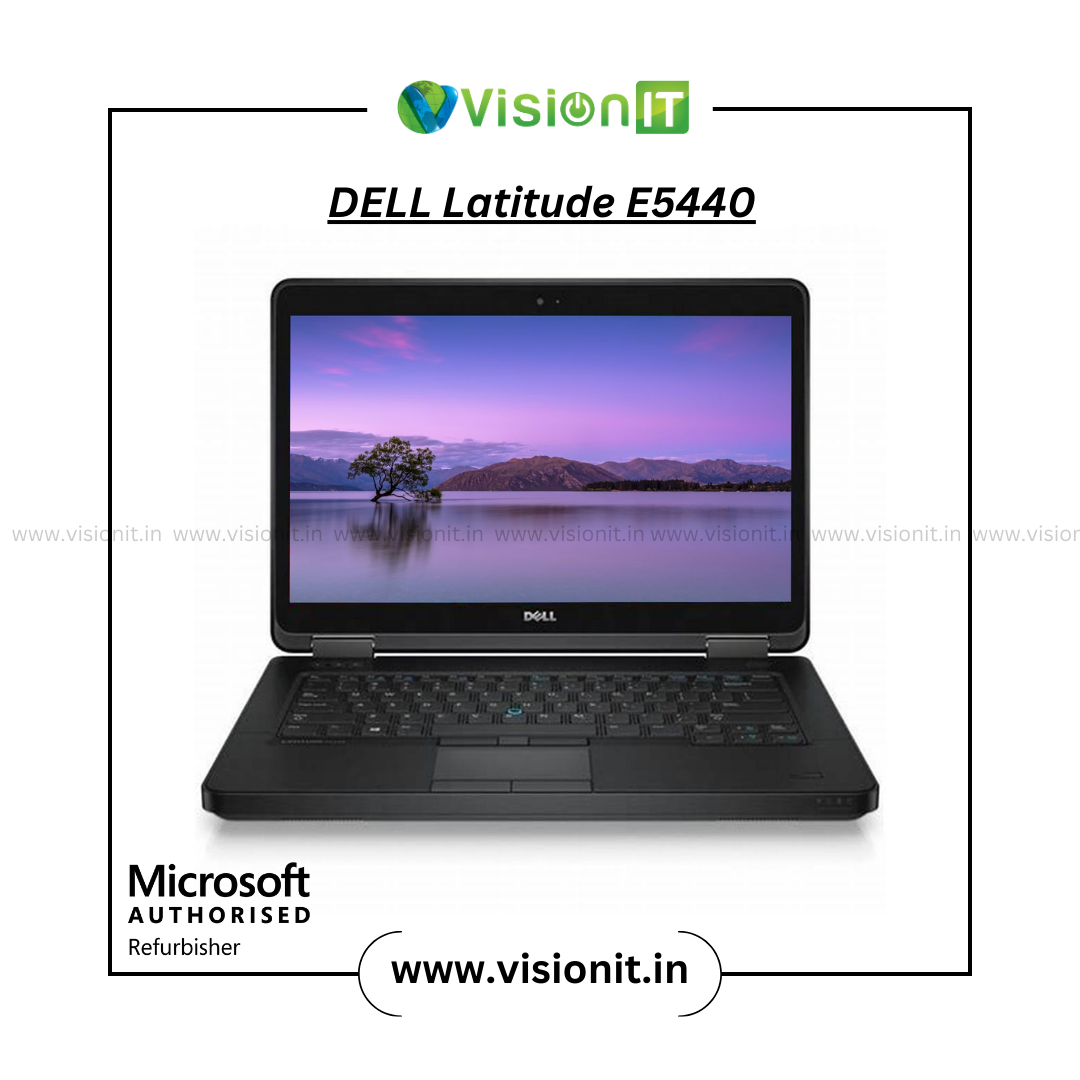
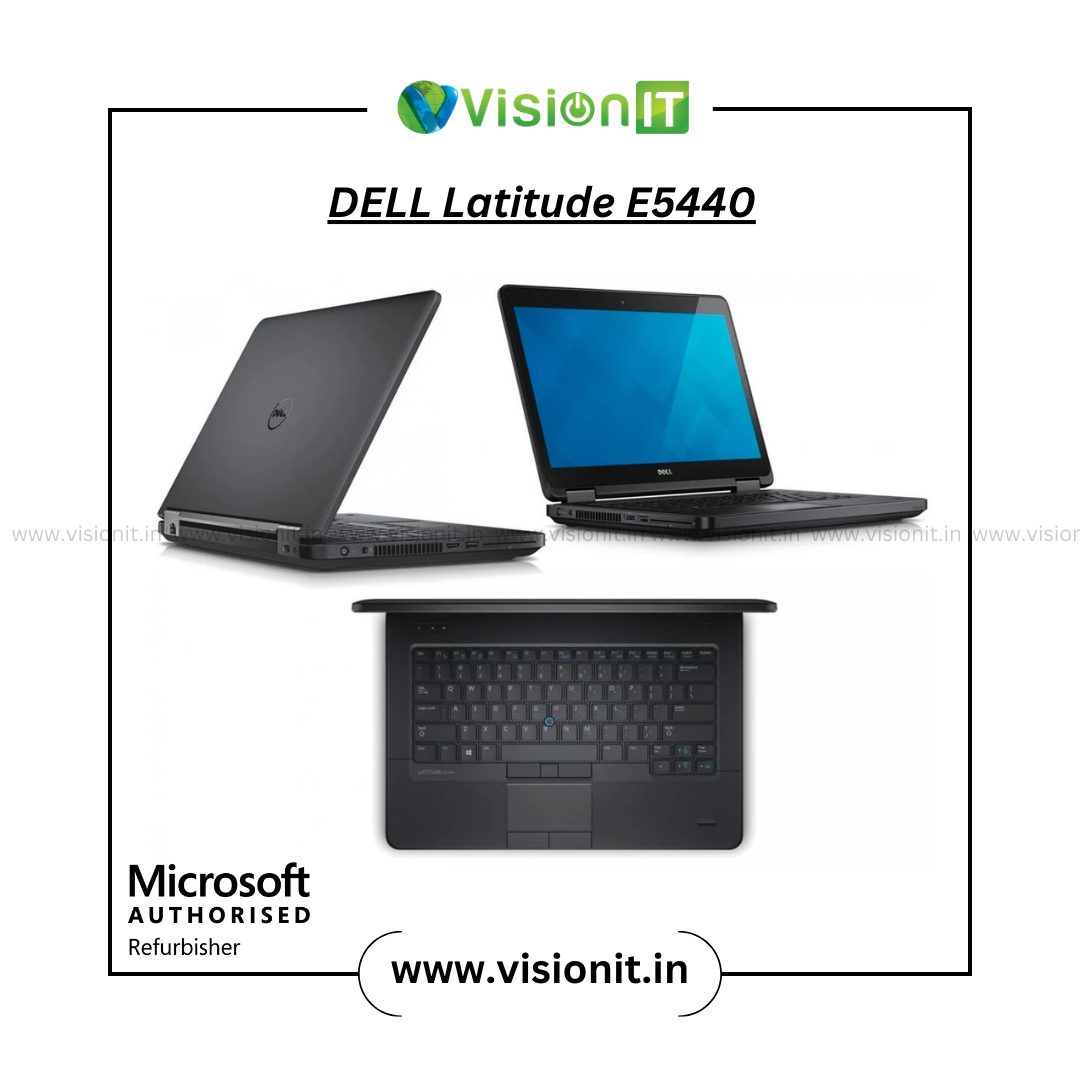
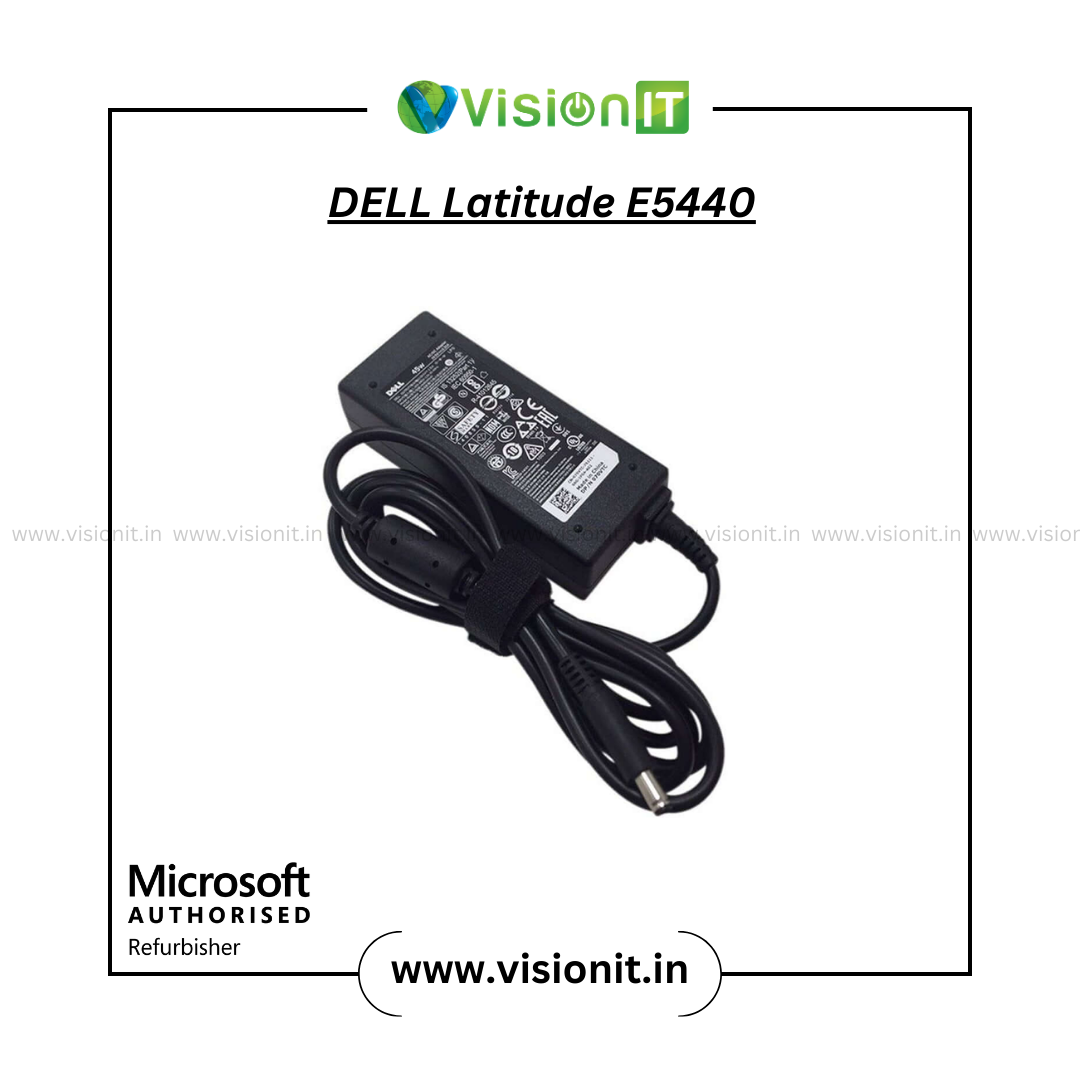
Dell Latitude E5440 Refurbished Laptop | Intel Core i5 Laptop
Looking for a refurbished Dell laptop in India for work, study, or daily use? The Dell Latitude E5440 i5 offers reliable performance with an Intel Core i5 4th Gen processor. It also supports easy upgrades.
Its 14-inch display and business-ready design suit office work and school tasks. Multiple connectivity options help home users and professionals stay connected.
If you want an affordable Dell laptop for everyday computing, the Latitude E5440 is a solid choice. It offers flexible RAM and SSD options to fit your needs.
Dell Latitude E5440 Laptop Specifications
| Specification | Details |
|---|---|
| Model | Dell Latitude E5440 |
| Processor | Intel Core i5 4210U, 4th Gen |
| Display | 14-inch HD / Full HD Anti-Glare |
| RAM Options | 8GB / 16GB / 32GB DDR3 |
| Storage Options | 128GB / 256GB / 512GB / 1TB SSD |
| Operating System | Windows 10 Pro |
| Graphics | Intel HD Graphics 4400 |
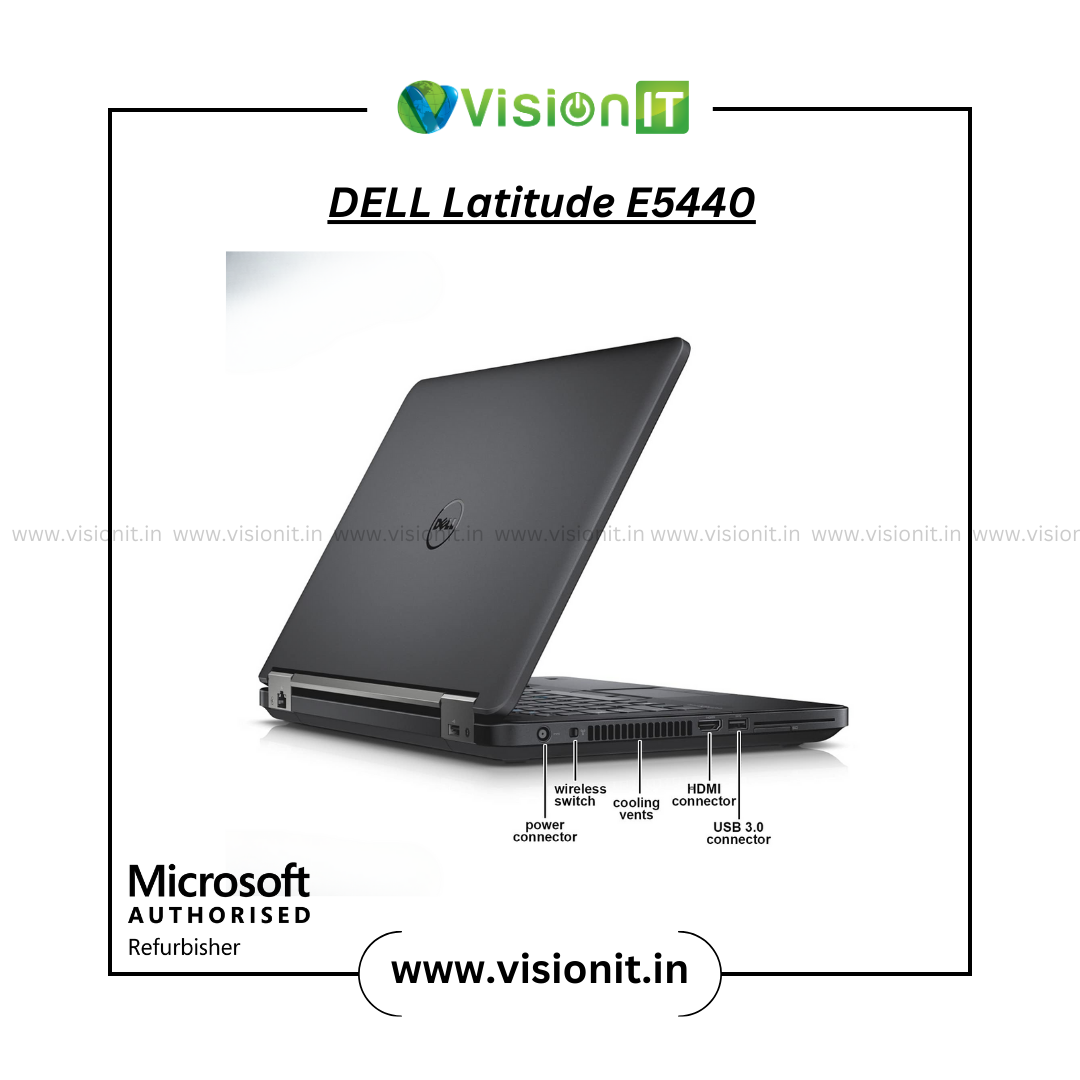
| Ports | USB 3.0, HDMI, VGA, Ethernet |
| Security | TPM, BIOS Password |
| Weight | Approximately 2.0 kg |
| Condition | Refurbished |
| Warranty | Available; check product configuration |
| Price | Check current product listing |
Why Buy the Refurbished Dell Latitude E5440?
The refurbished Dell Latitude E5440 laptop is for buyers who want practical computing for daily tasks.
Its Intel Core i5-4210U processor supports common tasks like documents, email, web browsing, spreadsheets, online learning, and general productivity.
Additionally, the available RAM and SSD configurations let you select a setup according to your requirements.
The 14-inch anti-glare display also provides a practical screen size for work, study, and browsing.
Therefore, this model is a great choice for buyers who want a Dell i5 laptop. It also works well as a refurbished laptop for business use. It is a low-cost option for daily use.
Laptop for Office Use
The Dell Latitude E5440 is a practical laptop for office use when your daily work involves standard productivity applications.
For example, you can use it for:
- Documents and spreadsheets
- Email and web browsing
- Online meetings
- Accounting and business applications
- Presentations and research
- General office productivity
Furthermore, the HDMI, VGA, Ethernet, and USB ports offer flexibility for connecting displays, networks, storage devices, and accessories.
As a result, it can work well in office environments, home offices, and shared workspaces.
Laptop for Study Use
Students who need a laptop for study can consider the Latitude E5440. It works well for online classes, assignments, research, presentations, and everyday browsing.
Moreover, the 14-inch display provides a convenient workspace without requiring a larger desktop setup.
The RAM and SSD options let buyers choose a setup that fits their study and computing needs.
However, students using specialized applications should check the software’s hardware requirements before purchasing.
Flexible RAM and SSD Upgrade Options
One advantage of this Refurbished Dell laptop is the availability of different memory and storage configurations.
You can choose from 8GB, 16GB, or 32GB DDR3 RAM, depending on the available configuration.
Similarly, SSD options include 128GB, 256GB, 512GB, and 1TB.
Therefore, you can select more memory for multitasking or additional SSD capacity for storing files, applications, and projects.
Business-Focused Design and Security
The Latitude E5440 comes from Dell’s business-oriented Latitude range.
Additionally, the listed system includes TPM security and BIOS password support, which can provide additional security controls for compatible configurations.
Engineers designed its professional chassis for regular business use. Therefore, it can be a practical choice for users who prefer a business-focused laptop design.
Microsoft Authorized Refurbisher Assurance
Vision IT is a Microsoft Authorized Refurbisher, providing refurbished computing products with genuine Windows licensing options.
The listing shows the Dell Latitude E5440 with Windows 10 Pro. Furthermore, genuine Windows licensing options are available through Vision IT.
Each refurbished device is quality checked before sale. Therefore, buyers can review the available condition, configuration, and warranty information before placing an order.
Genuine Windows Information → Click Here
Who Should Buy the Dell Latitude E5440?
- Office professionals: Suitable for documents, spreadsheets, email, browsing, and regular business tasks.
- Students: Useful for online classes, assignments, research, and presentations.
- Remote workers: Provides a practical setup for home-office productivity and online communication.
- Small businesses can use them for everyday employee computing requirements.
- Home users: Suitable for browsing, documents, media, and general computing.
Why Buy From Vision IT?
Established IT Experience: Vision IT has been serving customers in the IT hardware market for many years. Therefore, buyers can purchase refurbished computing products from an established provider.
Microsoft Authorized Refurbisher: Genuine Windows licensing options provide added confidence when purchasing refurbished systems.
Quality Checking: Each refurbished laptop undergoes checks before sale. Moreover, we evaluate key components and functions to verify usability.
Upgrade Options: Available RAM and SSD configurations make it easier to select a laptop based on your requirements.
Warranty Support: Warranty options are available according to the selected product configuration. Therefore, check the listing for the applicable coverage before ordering.
Laptop Rental Services
Buying a laptop is not always necessary for temporary requirements. Therefore, Vision IT also provides laptop rental services for suitable business and project requirements.
These services can be useful for corporate training, events, temporary teams, educational programs, and other short-term computing needs.
Explore Laptop Rental Services → Best Place to Buy Rental Laptops in India
Frequently Asked Questions
1. Is the Dell Latitude E5440 good for office use?
Yes, the Dell Latitude E5440 works well for typical office duties and everyday productivity tasks.t can handle documents, spreadsheets, and email.
It also supports web browsing, presentations, and online meetings. Moreover, its business-focused design supports regular productivity tasks.
2. Is the Dell Latitude E5440 a good laptop for students?
Yes, it can work as a practical laptop for studying. Students can use it for online classes, assignments, research, presentations, and general computing.
3. Can I upgrade the RAM and SSD?
Yes, the listed configurations include 8GB, 16GB, and 32GB RAM and SSD options up to 1TB. However, available configurations can vary by product unit.
4. What is the price of the Dell Latitude E5440?
The current price depends on the selected configuration and availability. Therefore, check the Vision IT product listing for the latest price before ordering.
5. Does the Dell Latitude E5440 come with Windows?
Yes, the listed configuration comes with Windows 10 Pro. Additionally, genuine Windows licensing options are available through Vision IT.
6. Is the Dell Latitude E5440 a new or refurbished laptop?
The Dell Latitude E5440 listed here is a refurbished Dell laptop. Furthermore, refurbished units undergo quality checks before sale.
7. What type of storage does the Dell E5440 support?
The available configurations include SSD capacities from 128GB to 1TB. Therefore, you can choose storage according to your files, applications, and usage requirements.
Order Your Dell Latitude E5440
Choose the Dell Latitude E5440 i5 refurbished laptop for practical office, study, remote-work, and everyday computing.
With flexible RAM and SSD configurations, you can select a setup that fits your requirements and budget.
Therefore, check the available configuration and Order Now from Vision IT.
Buy with confidence with quality-checked refurbished hardware and available warranty support.





Ravi Gupta, Rupesh Gujar, Atul Gokhle, Sham Rajput, Praju Vichare (verified owner) –
Build quality is good