

Buying a new laptop in 2026 is not just about choosing a popular brand—it is about finding the right device for your work, studies, budget, and future needs. Whether you are a student, working professional, business owner, content creator, or gamer, choosing between an Apple MacBook and a Windows laptop can be confusing because both offer excellent performance and modern features. Your decision depends on how you plan to use the laptop, the software you need, where you work, and how much you want to spend. This guide compares Apple MacBook vs. Windows Laptop to help you make a smart and informed buying decision.
Why Choosing the Right Laptop Matters in 2026
Technology continues to evolve, and today’s laptops are faster, lighter, and more powerful than ever. However, buying the wrong laptop can affect your productivity and increase your costs over time.
Before making your decision, consider factors such as:
- Daily workload
- Software compatibility
- Battery life
- Budget
- Portability
- Future upgrade options
- Long-term value
Understanding these points will help you invest in a laptop that meets your personal or professional needs.
Apple MacBook vs Windows Laptop: Quick Comparison
| Feature | Apple MacBook | Windows Laptop |
|---|---|---|
| Price Range | Premium | Budget to Premium |
| Operating System | macOS | Windows 11 |
| Hardware Choices | Limited | Extensive |
| Software Compatibility | Excellent for Apple ecosystem | Broad compatibility |
| Gaming | Limited | Excellent |
| Business Usage | Good | Excellent |
| Upgradeability | Limited | Available on many models |
| Customization | Limited | High |
| Repair Costs | Higher | Generally Lower |
Design and Build Quality
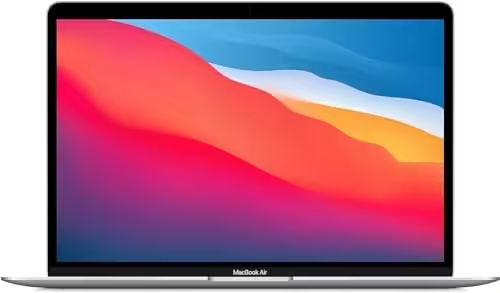
Apple MacBooks are famous for their premium aluminum body, slim designs, and lightweight construction. Models like the MacBook Air and MacBook Pro are ideal for users who travel frequently or prefer a premium-looking laptop.
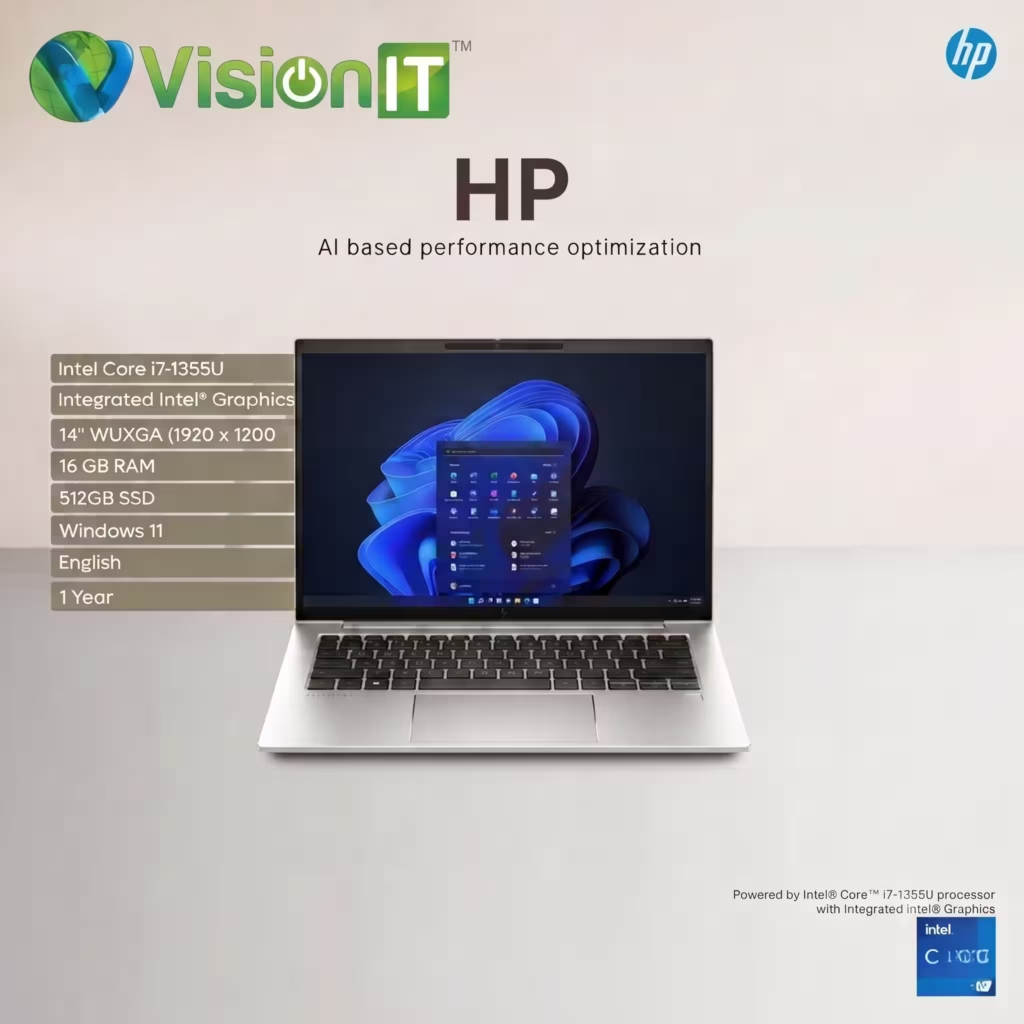
Windows laptops offer much more variety. Leading brands such as Dell, HP, Lenovo, ASUS, and Acer manufacture laptops for every budget and requirement. Whether you need an affordable student laptop or a powerful business workstation, Windows offers many options.
Winner
- MacBook: Premium design and portability
- Windows Laptop: More choices and flexibility
Performance Comparison
Performance is one of the biggest factors when buying a laptop.
Apple’s latest M-series processors deliver outstanding speed while consuming very little power. MacBooks perform exceptionally well during video editing, graphic design, software development, and heavy multitasking.
Windows laptops offer a wider range of processors, including Intel Core Ultra and AMD Ryzen processors. Performance depends on the model you choose, allowing buyers to select a laptop that matches their budget and workload.
Best Choice Based on Work
| Task | Recommended Platform |
| Video Editing | MacBook |
| Programming | Both |
| Office Work | Both |
| Graphic Design | MacBook |
| Business Software | Windows |
| Heavy Multitasking | Both |
For most users, both platforms deliver excellent everyday performance.
Software Compatibility
Software compatibility is often the deciding factor.
MacBook
MacBooks work exceptionally well with:
- Final Cut Pro
- Logic Pro
- Apple ecosystem applications
- Creative software
If you already own an iPhone or iPad, a MacBook provides seamless integration between your devices.
Windows Laptop
Windows supports almost every major business and educational application, including:
- Microsoft Office
- ERP software
- Accounting software
- CAD applications
- Engineering software
- CRM platforms
- Most enterprise applications
For businesses and corporate users, Windows continues to be the preferred operating system because of its wider software support.
Winner
Windows
Gaming Experience
Gaming is an area where Windows laptops continue to lead.
Windows supports:
- Larger gaming libraries
- Dedicated graphics cards
- Gaming accessories
- Better hardware compatibility
- Upgrade options on many models
Although gaming on MacBooks has improved in recent years, Windows remains the preferred platform for casual and professional gamers.
Winner
Windows
Battery Life
Battery performance has become one of Apple’s strongest advantages.
MacBooks powered by Apple Silicon processors can easily last an entire workday on a single charge under normal usage.
Battery life on Windows laptops varies depending on the processor, graphics card, and screen size. Premium Windows ultrabooks offer excellent battery life, while gaming laptops generally require more frequent charging.
Winner
MacBook
Price and Overall Value
MacBooks require a higher initial investment but offer excellent performance, premium build quality, and strong resale value.
Windows laptops are available across every price range.
You can find:
- Budget laptops for students
- Mid-range laptops for professionals
- High-performance laptops for creators
- Enterprise workstations for businesses
This flexibility makes Windows laptops suitable for almost every buyer.
Winner
Windows
Best Choice for Different Users
Students
Choose a Windows laptop if you:
- Have a limited budget
- Need Microsoft Office
- Want maximum software compatibility
Choose a MacBook if you:
- Already use Apple devices
- Need excellent battery life
- Prefer premium portability
Professionals
MacBook is ideal for:
- Designers
- Video editors
- Photographers
- Content creators
Windows laptops are ideal for:
- Business professionals
- Engineers
- Accountants
- IT professionals
- Corporate users
Businesses and Enterprises
Windows laptops remain the preferred choice because they offer:
- Lower deployment costs
- Better compatibility
- Easier IT management
- Greater hardware availability
- Better scalability
Refurbished MacBooks vs. Refurbished Windows Laptops
Buying a refurbished laptop is a smart way to reduce costs without compromising performance.
Refurbished MacBooks
Advantages:
- Premium build quality
- Excellent battery efficiency
- Strong resale value
Considerations:
- Higher purchase price
- Expensive repairs
- Limited upgrade options
Refurbished Windows Laptops
Advantages:
- Affordable pricing
- Large selection of models
- Easy maintenance
- Business-grade performance
- Better upgrade flexibility
Considerations:
- Quality depends on the refurbishment process
Many businesses and students choose refurbished Dell, HP, and Lenovo laptops because they deliver enterprise-level performance at a much lower price.
Which Laptop Should You Buy?
Choose a MacBook if you:
- Prefer the Apple ecosystem
- Need exceptional battery life
- Work in creative industries
- Value premium design
Choose a Windows laptop if you:
- Need business software compatibility
- Want more hardware choices
- Play games
- Need a budget-friendly solution
- Require a laptop for education, office work, or business deployment
Final Verdict
Both Apple MacBooks and Windows laptops are excellent choices in 2026. The best option depends on your daily tasks, software requirements, and budget.
If you prioritize premium design, battery life, and creative applications, a MacBook is an excellent investment.
If affordability, flexibility, gaming, business software compatibility, and upgrade options matter more, a Windows laptop offers better overall value for most users.
Instead of focusing only on the brand, choose a laptop with the right processor, sufficient RAM, SSD storage, and warranty support. This will ensure smooth performance and a longer lifespan.
Also visit:- Genuine Windows Licensing
