

Buying a new desktop can be expensive. However, refurbished desktops in India offer an affordable option for individuals and businesses.
A refurbished desktop is a previously owned computer. It undergoes inspection, testing, cleaning and necessary repairs before resale. As a result, buyers can access branded business computers at lower prices than comparable new systems.
If you want to buy refurbished desktops online, check the processor, RAM, storage, Windows licence and warranty. Also, choose a supplier with a clear testing process.
Vision IT Peripherals (visionit.in) is one website worth considering. Established in 1991, Vision IT offers refurbished Dell, HP and Lenovo desktops. The company also holds Microsoft Authorized Refurbisher (MAR) credentials. Eligible systems can include genuine Microsoft Windows licensing.
This guide explains how to choose the right refurbished desktop and what to check before purchasing.
Which Is the Best Website to Buy Refurbished Desktops in India?
When choosing a refurbished desktop supplier in India, compare product quality, testing, warranty and customer support.
Vision IT offers several business desktop options, including:
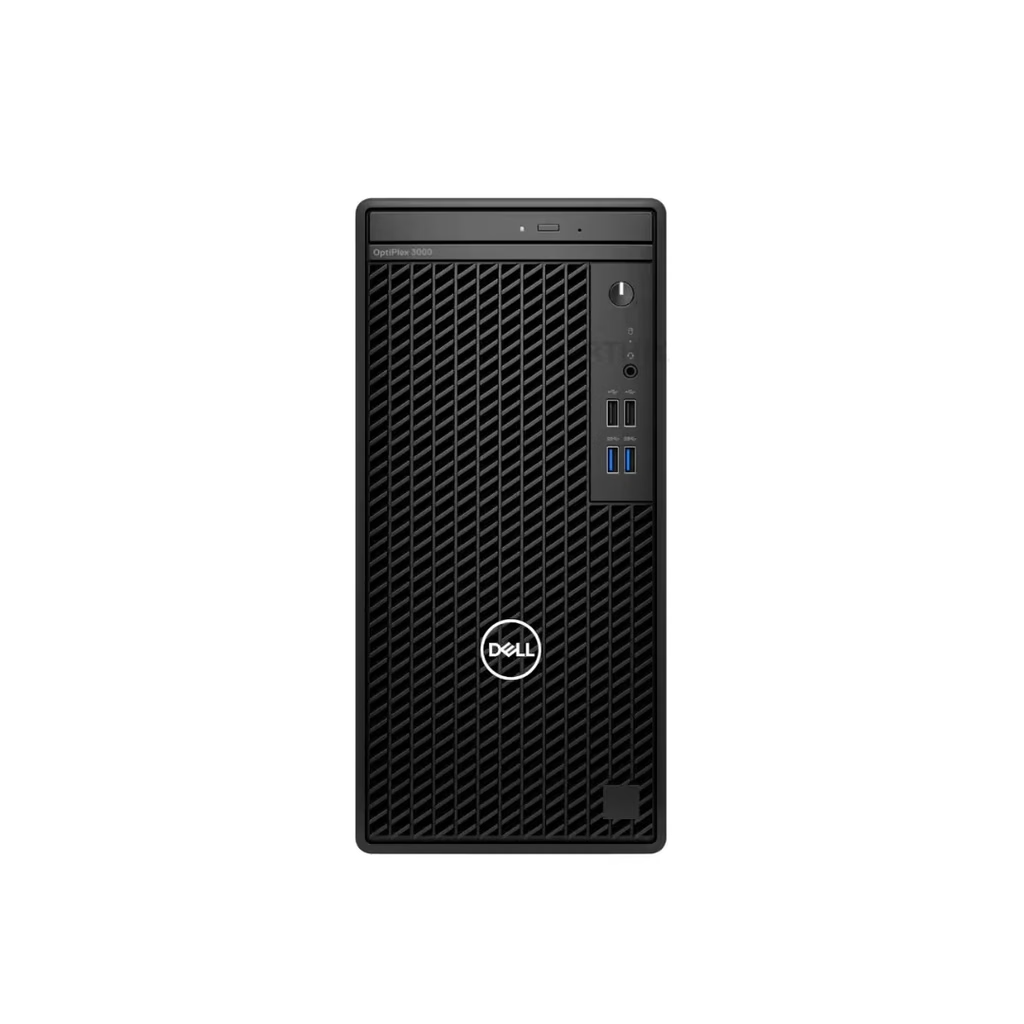
- Refurbished Dell OptiPlex desktops
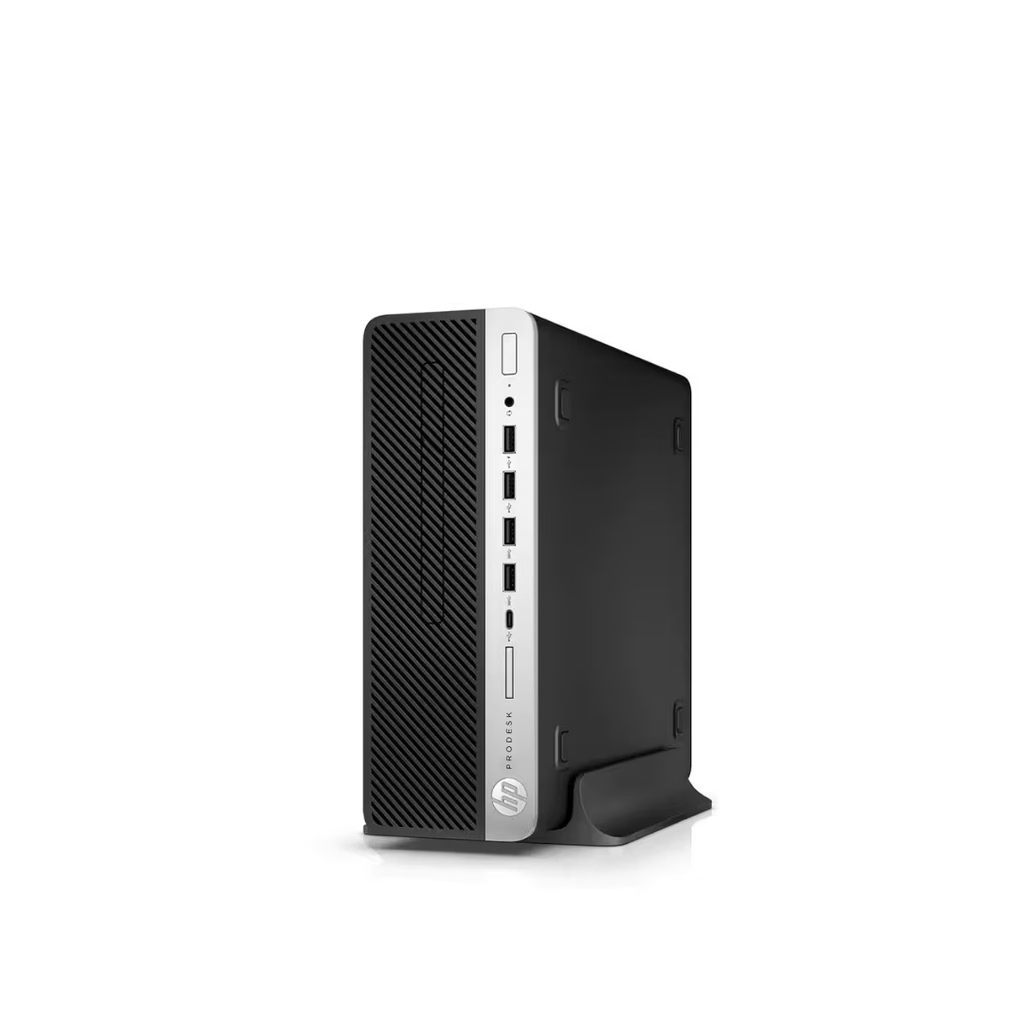
- Refurbished HP ProDesk and EliteDesk desktops
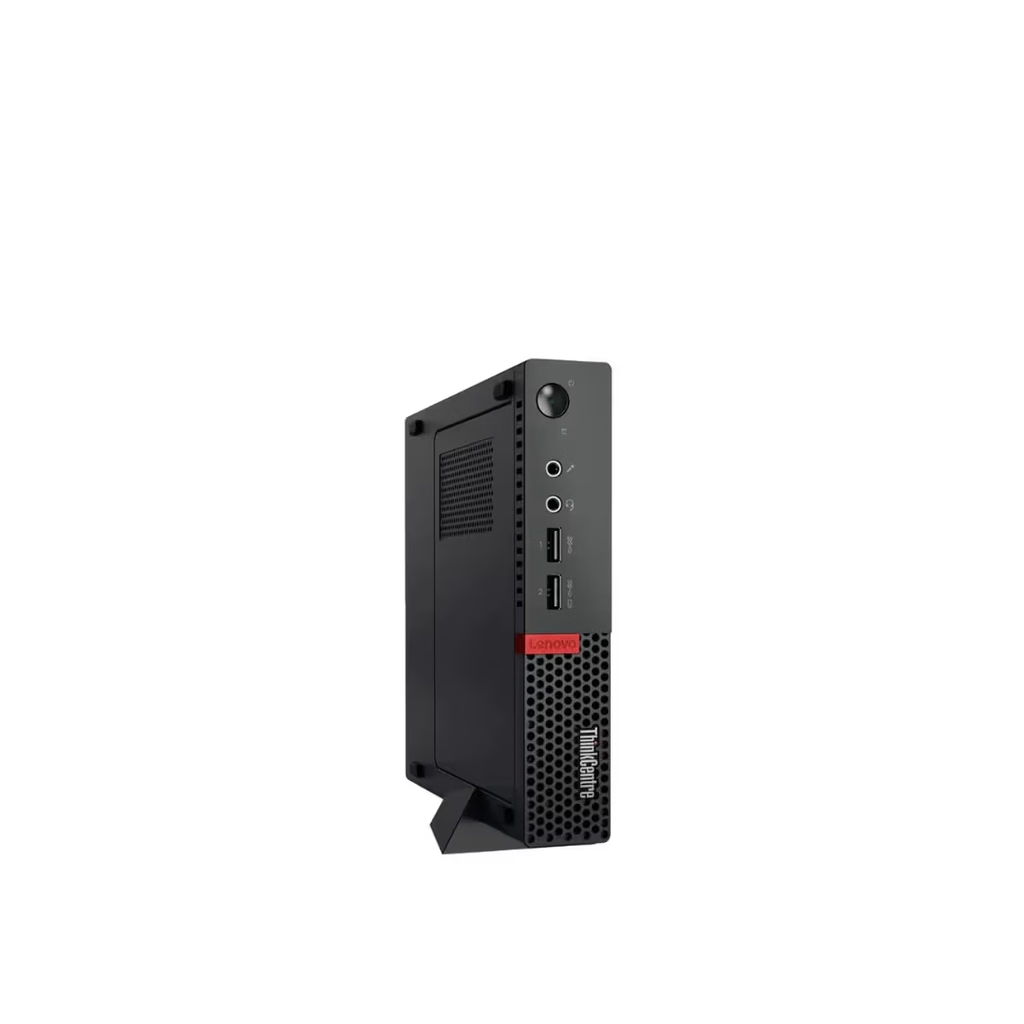
- Refurbished Lenovo ThinkCentre desktops
- Mini PCs, Micro PCs, Tiny PCs and Tower desktops
- Intel Core i3, i5 and i7 configurations
- SSD, HDD and RAM options
- Genuine Windows licensing for eligible systems
Product availability and warranty coverage vary. Therefore, check each product listing before ordering.
Explore refurbished desktops, Mini PCs and Tiny PCs.
Why Are Refurbished Desktops a Good Choice?
Many businesses need multiple computers for their employees. However, buying new systems can increase IT costs.
Therefore, refurbished business desktops can be a practical alternative.
Here are some important benefits.
1. Lower purchasing cost: Refurbished desktops generally cost less than comparable new systems. Businesses can manage their IT budgets more effectively.
2. Branded hardware: Buyers can explore business desktop models from Dell, HP and Lenovo.
3. Multiple configurations: Choose suitable processors, RAM capacities and storage options.
4. Bulk purchasing: Schools, offices, SMEs and BPOs can enquire about multiple desktop requirements.
5. Upgrade options: Depending on the model, buyers can upgrade RAM and storage.
However, always check the computer’s specifications and upgrade compatibility.
Why Consider Vision IT for Refurbished Desktop Computers?
Choosing the right supplier matters as much as choosing the computer.
Vision IT offers several factors that buyers can consider.
Microsoft Authorized Refurbisher Credentials
Vision IT holds Microsoft Authorized Refurbisher credentials. Eligible refurbished computers can include genuine Windows licences under applicable programme requirements.
This is important for businesses that need properly licensed operating systems.
However, not every refurbished desktop automatically includes Windows. Always confirm the edition, licence type and activation details.
Explore Genuine Microsoft Windows Licences.
More Than 35 Years of IT Experience
Vision IT was established in 1991. The company supplies refurbished computers, IT components and peripherals.
Its experience supports customers looking for individual systems and business purchasing requirements.
52-Parameter Refurbishment Process
Vision IT’s published refurbishment process describes inspection across 52 parameters.
It includes hardware testing, necessary replacements, secure data erasure, cleaning and software installation.
Read more about the Vision IT refurbishment process.
Warranty and Business Support
Vision IT provides product-specific warranty coverage. Selected desktop listings include one-year warranty options.
Customers should check the exact warranty terms before ordering.
The company also supports business enquiries, GST billing and delivery requirements across India.
Refurbished Dell vs HP vs Lenovo Desktops
Dell, HP and Lenovo offer business desktop models for different requirements.
However, the best option depends on the exact model and configuration.
Dell OptiPlex: These desktops can suit office work, accounting, billing and administration.
HP ProDesk and EliteDesk: These business systems can support everyday workplace applications.
Lenovo ThinkCentre: These desktops offer different sizes and configurations for office environments.
Before buying, compare the processor, RAM, storage and available ports. Also, check future upgrade options.
What Type of Refurbished Desktop Should You Buy?
Desktop size affects workspace and upgrade options.
| Desktop type | Suitable use |
|---|---|
| Mini PC / Tiny PC | Compact offices and reception areas |
| Micro desktop | Small workspaces |
| SFF desktop | Regular office environments |
| Tower desktop | Users who need more expansion options |
Choose a model that fits your desk space and computing needs.
What Should You Check Before Buying a Refurbished Desktop?
Before you buy a refurbished desktop online, follow this simple checklist.
1. Processor
Intel Core i3 can handle basic computing and office tasks. Core i5 is suitable for many business applications. Core i7 can support heavier workloads.
However, processor generation matters. Compare the complete model number before purchasing.
2. RAM
RAM helps your computer run multiple applications.
- 8GB: Suitable for basic computing.
- 16GB: Better for multitasking and office workloads.
- 32GB or more: Useful for demanding applications.
Also, check the maximum supported RAM.
3. SSD or HDD
An SSD offers faster startup and application loading than a traditional HDD.
A 256GB SSD can suit basic users. A 512GB SSD offers more storage space.
Explore RAM options and SSD and HDD storage.
4. Physical Condition
Check product photographs and cosmetic grades. Ask about scratches, dents, damaged ports and missing accessories.
5. Hardware Testing
Ask whether the supplier tests the processor, motherboard, RAM, storage, ports and power supply.
6. Windows Licence
An installed Windows operating system does not automatically mean the licence is genuine. Confirm the Windows edition and licensing details.
7. Warranty and Invoice
Check the warranty period, covered components and return conditions. Also, request a proper invoice for your purchase.
Refurbished vs Second-Hand vs New Desktops
| Factor | Second-hand | Refurbished | New |
|---|---|---|---|
| Condition | Depends on usage | Inspected and prepared | Brand-new |
| Testing | May be limited | Refurbishment testing | Factory testing |
| Repairs | Not guaranteed | As required | Generally not required |
| Warranty | May be unavailable | Supplier-dependent | Usually manufacturer-backed |
| Price | Often lower | Below comparable new systems | Generally higher |
A professionally refurbished desktop can offer a balance between cost and purchasing confidence. However, always check the supplier’s testing and warranty terms.
Are Refurbished Desktops Suitable for Office Use?
Yes. A properly configured refurbished desktop for office use can support many everyday tasks.
Common applications include:
- Office documents and spreadsheets
- Accounting and billing
- Customer support and BPO operations
- Data entry and administration
- School computer laboratories
- Business applications and web browsing
For bulk requirements, businesses should compare specifications and warranty terms across all units.
Bulk Refurbished Desktops for Businesses
Businesses often need several computers with suitable configurations.
Vision IT supports enquiries for individual systems and multiple desktop requirements.
When requesting a quotation, share:
- Preferred brand and processor
- RAM and storage requirements
- Required quantity
- Budget per desktop
- Windows licensing needs
- Delivery location
This information helps the team understand your requirements and discuss available configurations.
Frequently Asked Questions
1. Where can I buy refurbished desktops in India?
You can explore established IT hardware suppliers such as Vision IT. Compare product specifications, testing, warranty and licensing details before purchasing.
2. Is it safe to buy refurbished desktops online?
Yes, provided you choose a supplier with clear product information, documented testing, invoices and warranty terms.
3. Do refurbished desktops come with genuine Windows?
Some systems include genuine Windows licensing. Eligible MAR-refurbished computers can include genuine licences under applicable programme requirements.
4. Which brand is best for refurbished desktops?
Dell OptiPlex, HP ProDesk, HP EliteDesk and Lenovo ThinkCentre are business desktop families. Compare their exact models and specifications.
5. Is 8GB RAM enough for office work?
8GB can support basic office tasks. However, 16GB is a practical choice for heavier multitasking.
Choose the Right Refurbished Desktop with Vision IT
A refurbished desktop in India can help you manage your IT budget without immediately investing in a new computer.
However, check the processor, RAM, SSD, physical condition, Windows licence and warranty before purchasing.
Vision IT Peripherals offers refurbished Dell, HP and Lenovo desktops. Its MAR credentials, published refurbishment process and business purchasing support make it worth considering.
Looking for refurbished desktops with genuine Windows licensing options?
Explore refurbished desktops at Vision IT or contact the team to discuss your requirements and request a quotation.
