

Looking for a reliable, budget-friendly laptop for everyday use? The Dell Latitude E5410 can suit students, home users, and professionals with basic computing needs. It is designed for tasks such as document editing and web browsing. At Vision IT Peripherals, you can explore refurbished laptops at competitive prices in India.
As a Microsoft Authorized Refurbisher, Vision IT offers refurbished systems with genuine hardware. Before buying this older model, check its specifications, battery condition, software compatibility, and warranty to ensure it meets your requirements.

Product Specifications – Dell Latitude E5410
| Specification | Details |
| Model | Dell Latitude E5410 |
| Processor | Intel Core i5/10th Gen |
| RAM | 4GB (Upgradable to 8GB or more) |
| Storage | 250GB HDD / Upgradable to SSD |
| Display | 14.1″ HD Anti-glare Screen |
| Operating System | Genuine Windows (license sold separately) |
| Ports | USB, VGA, Ethernet, Audio, SD Card Slot |
| Battery | 6-cell removable lithium-ion |
| Build Quality | Business-class, durable chassis |
| Weight | Around 2.4 kg |
| Ideal For | Students, Office Users, Everyday Tasks |
Why Buy from a Microsoft Authorized Refurbisher?
When you purchase from Vision IT Peripherals – Microsoft Authorized Refurbisher, you enjoy several benefits:
- Guaranteed genuine software and licensed Windows OS
- Professionally tested and cleaned hardware
- Better performance assurance than uncertified sellers
- Secure and reliable for long-term use
- Affordable pricing with quality checks
Need a Genuine Windows License?
We also offer genuine Microsoft Windows licenses at discounted prices through our official licensing platform:
These licenses last a lifetime and are great for anyone who wants to upgrade or reinstall Windows legally and at a low cost.
Best Refurbished Windows Laptops at Unbeatable Prices!
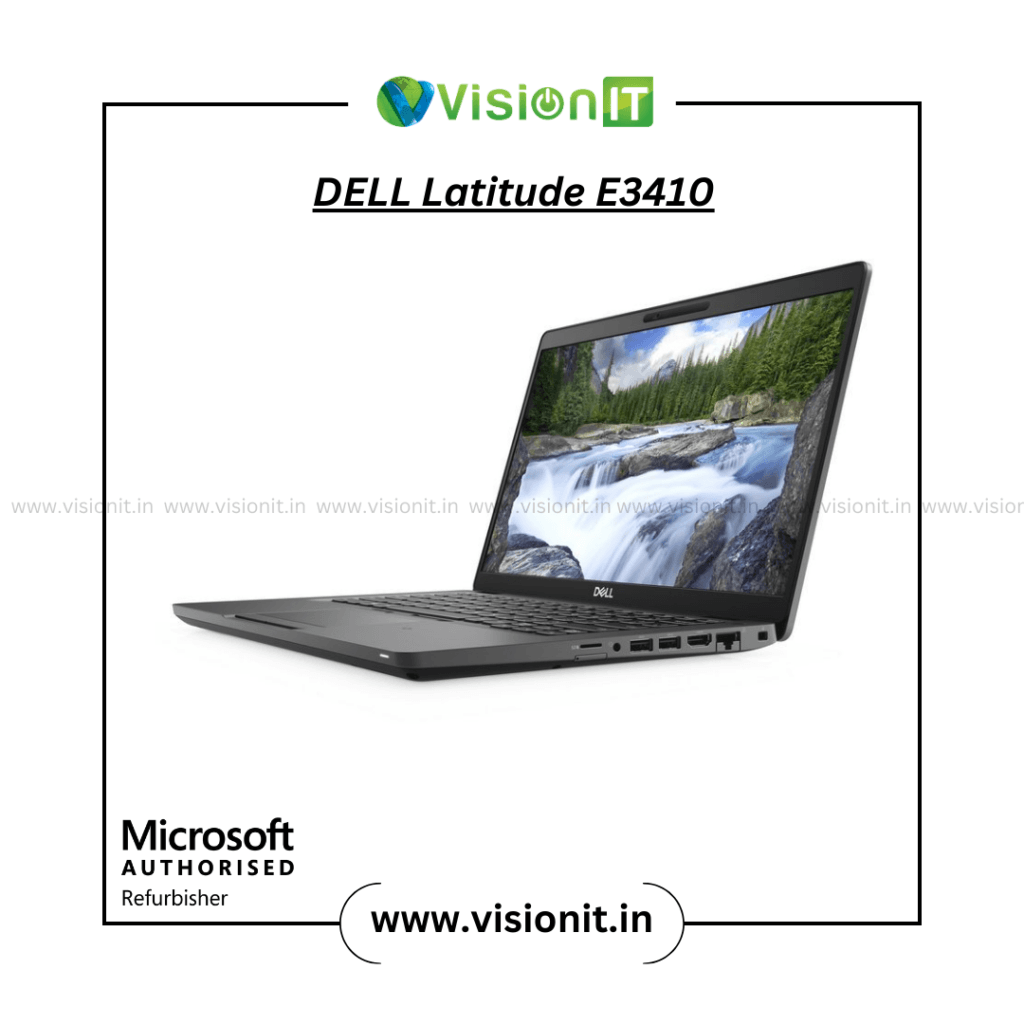
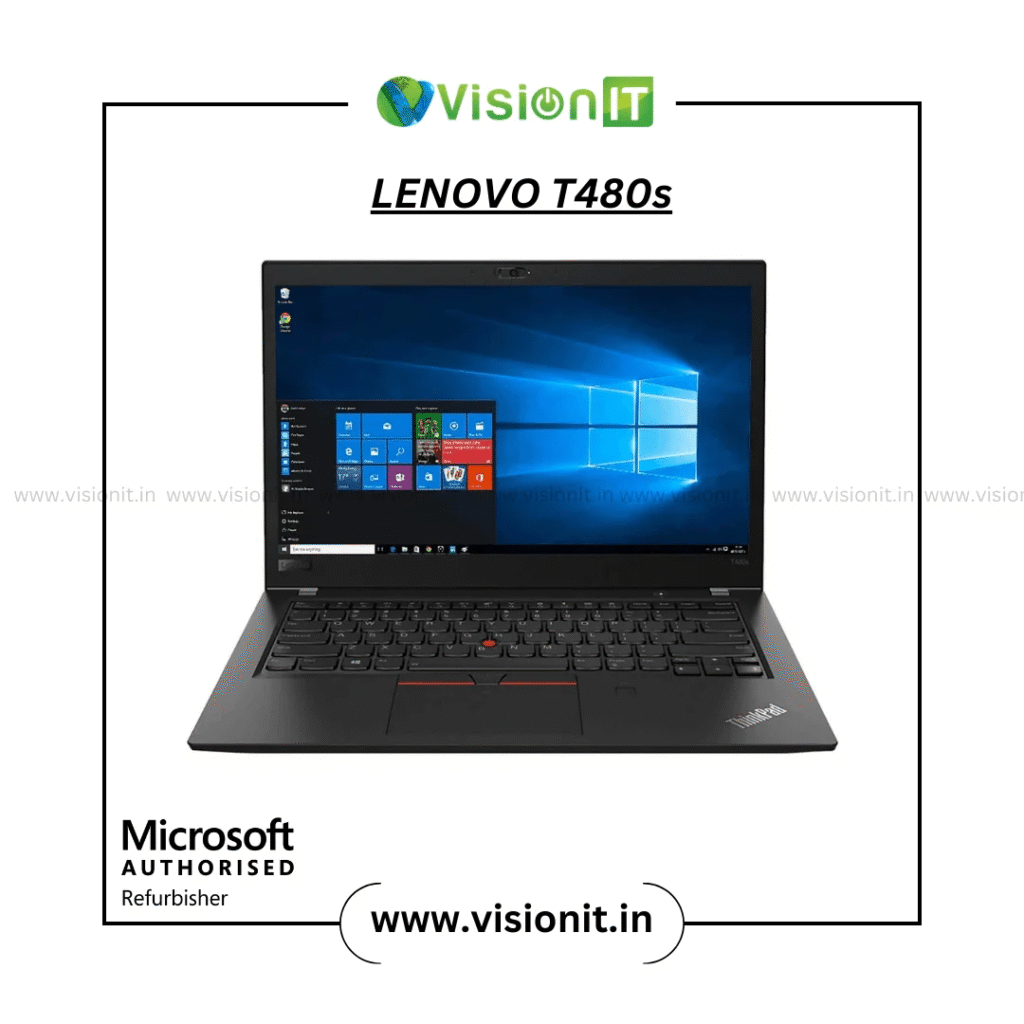
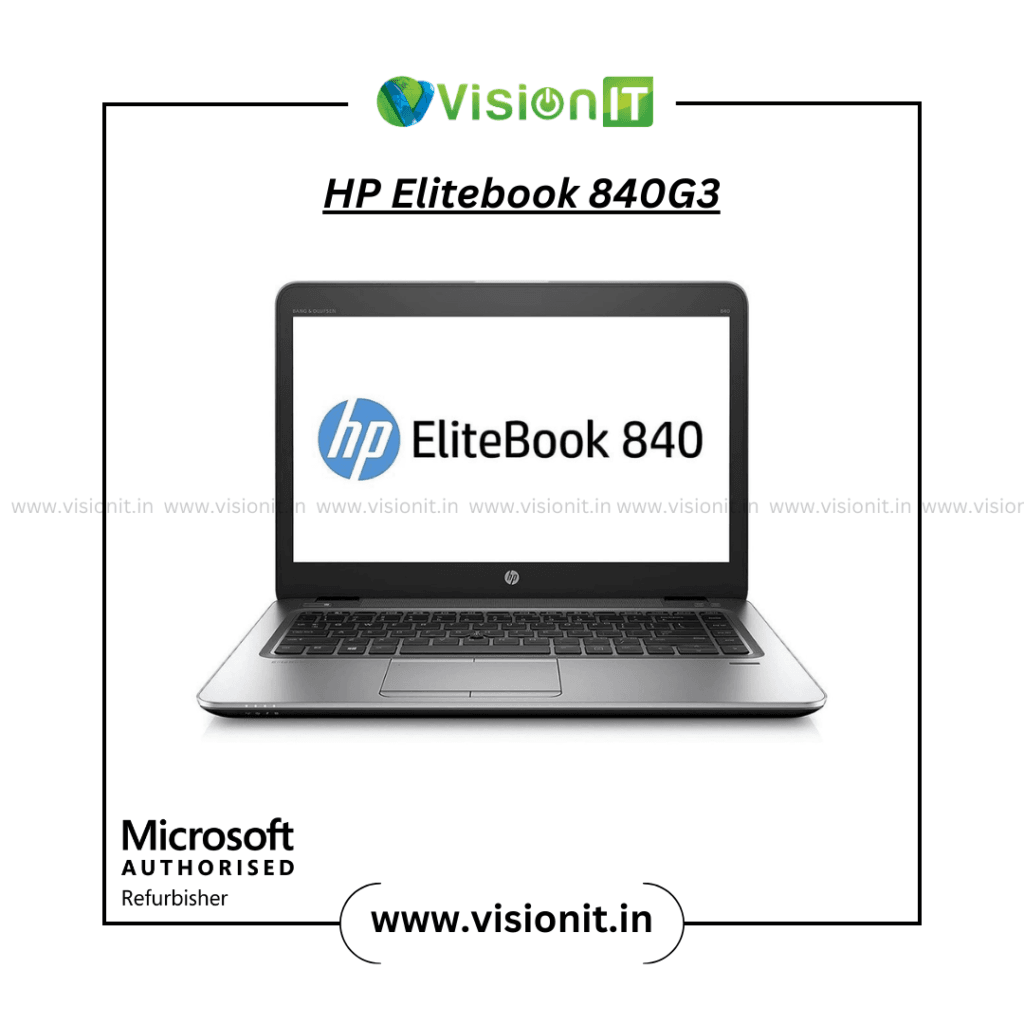
Apart from the Dell E5410, explore our top-selling refurbished laptops:
Check the full collection here:
Need an Upgrade? We’ve Got You Covered!
If your current laptop or desktop feels slow, consider upgrading:
These upgrades can boost performance significantly, especially on systems like the Dell E5410.
Who Should Buy the Dell Latitude E5410?
The E5410 is best suited for:
- Students – perfect for online classes, browsing, MS Office
- Freelancers – great for writing, designing, managing files
- Home Users – watch videos, pay bills, email, surf safely
- Startups – low-cost yet dependable machines for daily tasks
- Travel Users – rugged build and good Network access on the go
Maintenance Tips for Refurbished Laptops
Refurbished laptops can last long with the right care:
- Keep the laptop clean – Use microfiber cloth for screen and keyboard.
- Avoid overheating – Use a cooling pad to ensure airflow.
- Update software regularly – Install OS updates and security patches.
- Use a genuine charger – Avoid using cheap, non-compatible adapters.
- Backup data – Keep important files on cloud or external storage.

How to Check If a Refurbished Laptop Is Good Quality?
Here are ways to know you’re buying a reliable refurbished device:
- Buy from certified sellers like Vision IT Peripherals
- Check return policy and warranty
- Inspect the body and screen condition
- Ensure battery health is decent
- Ask about upgrades and repair history
- Confirm genuine Windows or Linux OS installation
Compatible Accessories You May Need
Some accessories enhance productivity and convenience with Dell E5410:
- Original Dell Adapter or Charger
- Wired/Wireless Mouse
- Laptop Backpack
- Cooling Pad
- External Hard Drive or SSD
- USB Keyboard for extended typing
- Docking Station (optional)
We offer compatible accessories on request when you place your order.

Dell Latitude E5410 BIOS Update Guide
Updating BIOS can fix minor issues and improve stability. Follow these steps:
- Check the current BIOS version (via system info or startup screen).
- Visit Dell’s official website and go to Drivers & Downloads.
- Search for Latitude E5410 and download the latest BIOS version.
- Charge the battery fully and keep the charger connected.
- Run the BIOS file and follow on-screen instructions.
- Do not interrupt the update process.
Note: If you’re unsure, our team can assist with this as a service add-on.
Popular Operating Systems You Can Run!
The Dell E5410 supports several operating systems:
- Windows 10 or Windows 11 (if upgraded)
- Linux Ubuntu / Mint / Fedora – Lightweight and stable
- Chrome OS Flex – Good for web-based users
- Windows 7/8 – Not recommended because of security risks but still works with some software.
We pre-install a trial OS for testing, and you can choose a full genuine Windows license at a discounted rate:
Why Choose Vision IT Peripherals?
- Microsoft Authorized Refurbisher
- Trusted provider of refurbished laptops and desktops
- Affordable pricing with performance guarantee
- Huge inventory of top IT brands – Dell, HP, Lenovo
- Free consultation for upgrade needs
- Quick dispatch and support across India
- Secure packaging and timely delivery
Frequently Asked Questions (FAQs)
Q1: Is the Dell Latitude 5410 a good laptop?
Yes, the Dell Latitude 5410 is suitable for office work, browsing, online classes, and multitasking. Check its configuration, battery health, and warranty before buying refurbished.
Q2: Which Dell laptop should you buy in 2026?
Choose a Dell Latitude or Dell Pro model based on your budget and workload. Compare processor generation, RAM, SSD storage, and software support.
Q3: Will I get a Windows license with the laptop?
The Dell Latitude 5410 launched in 2020, making it approximately six years old in 2026.
Q4: How old is the Dell Latitude 5410?
Dell offers newer models across its Dell, Dell Pro, and XPS ranges. The newest model depends on the product category and regional availability.
Q5: What warranty do you provide?
We give a warranty on hardware and can add more if you need it.
Order Now – Limited Stock Available!
The Dell Latitude E5410 is a smart investment for those who want durability, Upgrade options, and budget-friendly pricing.
Stock is limited, and prices may change depending on availability.
Place your order now via:
Vision IT Refurbished Laptop Store
For custom upgrades, bulk purchases, or B2B inquiries, contact our support team.
