

Choosing the best desktop for office use helps businesses save time, improve productivity, and manage daily work efficiently. Whether you run a small business, corporate office, school, or BPO, the right computer makes everyday tasks easier. However, choosing between a new desktop, refurbished PC, or rental computer can be confusing. Therefore, this guide explains which desktop is best for business, which specifications to consider, and how refurbished computers can help you save money.
Desktop for Office Use
Desktop computers are useful for offices that need reliable performance every day. They can handle tasks such as emails, accounting, data entry, presentations, video meetings, and business software.
Additionally, desktops offer larger screens, comfortable keyboards, and useful upgrade options. Employees can work more comfortably, especially when their jobs require long hours at a computer.
Before buying a desktop, consider your daily workload, available budget, and future needs. This will help you choose a computer that offers good performance without unnecessary expenses.
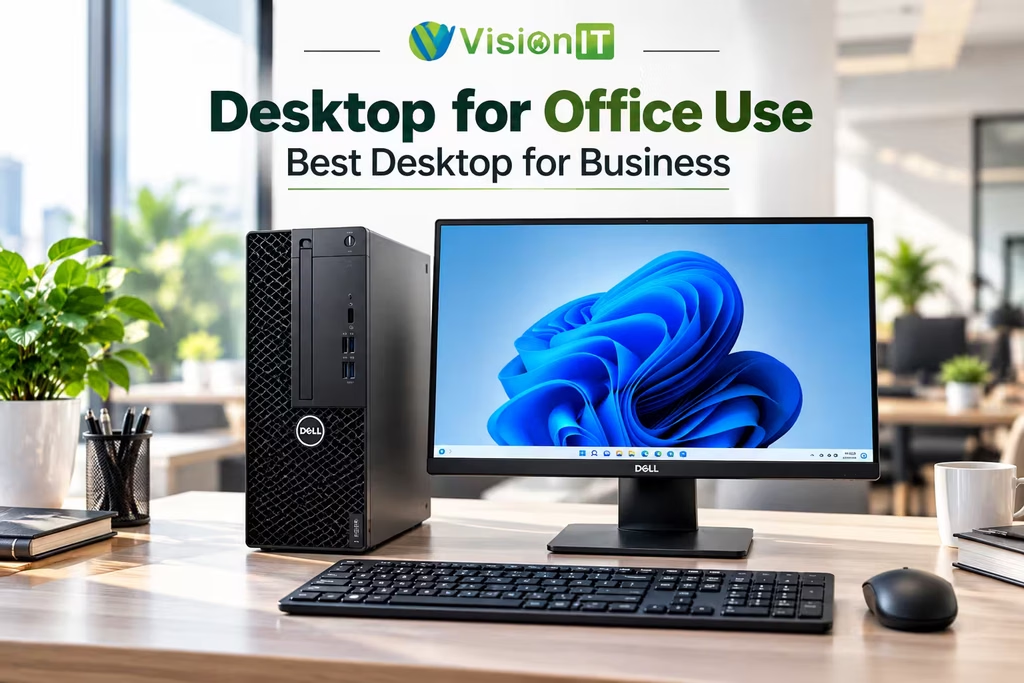
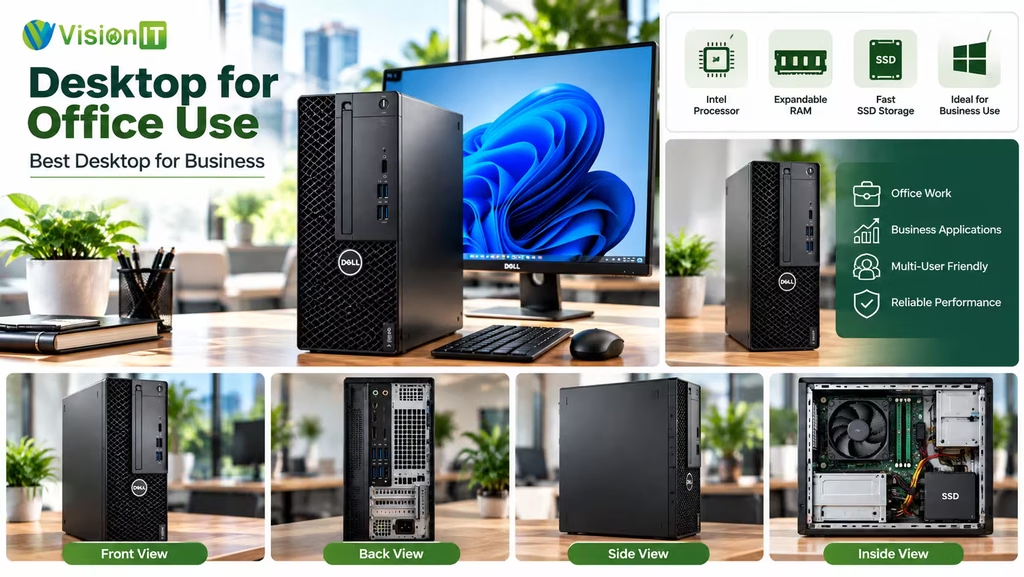
How to Choose the Best Desktop for Business
The best desktop for business depends on the type of work your employees perform. For basic tasks, an entry-level processor may be enough. However, multitasking and demanding software may require better specifications.
Consider these important features before purchasing a desktop:
- Processor: Choose an Intel Core or AMD Ryzen processor that suits your workload.
- RAM: 8GB RAM is suitable for basic office work, while 16GB helps with heavier multitasking.
- Storage: An SSD helps the computer start faster and open applications quickly.
- Size: Small Form Factor (SFF) and Tiny PCs save space on office desks.
- Connectivity: Check USB ports, display connections, Ethernet, and Wi-Fi.
- Warranty: Choose a seller that provides clear warranty terms and after-sales support.
Therefore, compare the price, performance, and expected lifespan before making your final decision.
Why Choose Computers from a Microsoft Authorized Refurbisher?
Buying from a Microsoft Authorized Refurbisher (MAR) can help businesses access eligible refurbished computers with genuine Microsoft Windows licensing. This option can reduce hardware costs while meeting everyday office requirements.
However, the MAR programme relates to authorised refurbishment and Windows licensing. It does not mean Microsoft personally tests every computer.
Vision IT Peripherals Pvt. Ltd. supplies refurbished desktops, laptops, and other IT products. Before purchasing, check the computer’s condition, Windows licence, specifications, and warranty coverage.
Benefits of Choosing Refurbished Desktops
Buying new computers for an entire office can require a large budget. Therefore, refurbished desktops are worth considering for businesses that want to control IT expenses.
A refurbished desktop is a previously used computer that has been checked and prepared for resale. Its actual condition depends on the refurbishment process and the individual device.
Here are some important benefits:
- Lower cost: Refurbished desktops usually cost less than comparable new computers.
- Business-grade hardware: Many models come from professional desktop ranges designed for office environments.
- Bulk purchasing: Businesses can explore affordable options for multiple employees.
- Less electronic waste: Reusing computers can help reduce unnecessary hardware disposal.
- Warranty options: Some sellers provide warranty coverage and after-sales support.
However, always check the processor, RAM, SSD health, physical condition, and included Windows licence. A suitable refurbished desktop can provide good value for everyday office work.
Which Desktop Brands Are Best for Office Use?
HP, Dell, and Lenovo are popular brands for business desktop computers. Each offers different models for small offices, large companies, and professional users.
HP desktops provide options for general office tasks. Dell OptiPlex computers are common in business environments, while Lenovo ThinkCentre desktops offer compact and traditional designs.
However, the brand alone does not determine performance. Compare the processor, memory, storage, upgrade options, warranty, and local service availability before choosing a model.
MacBook vs Windows Desktop for Business
MacBooks and Windows desktops suit different business needs. MacBooks are useful for people who need portability, creative software, or Apple’s ecosystem.
On the other hand, Windows desktops offer many hardware choices and price ranges. They can handle accounting, administration, presentations, data entry, and many business applications.
For employees who work at fixed desks, a Windows desktop may offer better value. However, creative professionals may prefer Apple computers for specific applications. Choose the system that matches your team’s software and working style.
When Should Businesses Consider Desktop Rental Services?
Desktop rental services are useful when a business needs computers for a limited period. For example, companies may need temporary systems for projects, training sessions, examinations, events, or office expansion.
Renting can reduce upfront spending because businesses do not need to purchase every computer immediately. Additionally, some rental providers offer delivery, maintenance, and replacement support.
However, rental costs can become expensive over longer periods. Compare the total rental charges with the purchase price before deciding. For permanent office use, buying a new or refurbished desktop may provide better long-term value.
We Also Sell
Vision IT Peripherals Pvt. Ltd. supplies refurbished IT hardware for businesses, system integrators, and institutions.
Explore our refurbished laptops for portable computing needs. We also provide information about Genuine Microsoft Windows Licenses for eligible Windows licensing requirements.
Before placing an order, confirm product availability, specifications, warranty coverage, and delivery details.
Conclusion
Choosing the best desktop for office use depends on your workload, budget, and future requirements. HP, Dell, and Lenovo offer business desktops for different types of workplaces.
Meanwhile, refurbished desktops can help businesses reduce hardware expenses while meeting everyday computing needs. Compare the specifications, physical condition, Windows licence, and warranty before purchasing. With the right choice, your business can build a productive and cost-effective office setup.
Frequently Asked Questions
1. Which desktop computer is best for business?
HP, Dell, and Lenovo desktops are popular business choices. Select one based on your workload, budget, and warranty.
2. Which PC is good for office use?
A PC with an Intel Core i5, 8GB RAM, and SSD storage suits most everyday office tasks.
3. Which brand is best for a desktop PC?
HP, Dell, and Lenovo offer business desktops. Compare specifications, upgrade options, warranty, and service support.
4. What computer is best for office work?
A desktop with an SSD, 8GB–16GB RAM, and a suitable processor handles most office tasks efficiently.
