

A graphics card helps a computer show better pictures, videos, and games. It makes the desktop work faster and smoother. Many people use a GPU for gaming, video editing, office work, and design work. Therefore, many users now search for trusted graphics card solutions in India for better computer performance.
What Is a Graphics Card?
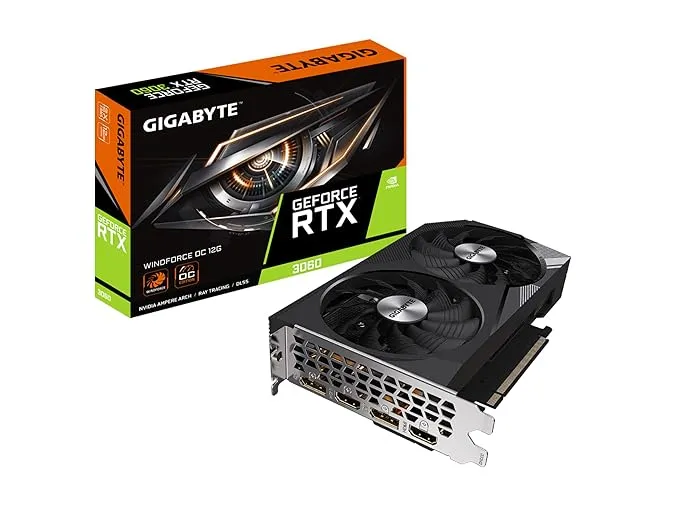
A graphics card is a hardware part inside a desktop computer. It helps the computer show images, videos, games, and animations on the screen. While the processor handles normal computer work, the GPU handles graphics work.
As a result, the desktop becomes faster and smoother.
Today, many modern apps and games need strong graphics performance. Therefore, dedicated graphics solutions are important for gaming, editing, and office work.
Why Is a Graphics Card Important?
Without a good GPU, a desktop may become slow during heavy work. For example, games may lag, videos may load slowly, and editing may take more time. However, a new graphics card can improve computer speed and visual quality.
Better Gaming Performance
Modern games need strong graphics support. Therefore, a good gaming graphics card helps games run smoothly.
Benefits include:
- Smooth gameplay
- Better graphics
- Less lag
- Faster performance
- Better gaming experience
Moreover, modern GPUs support high-quality visuals and realistic effects.
Faster Video Editing
Video editing software works better with GPU support. Because of this, videos render faster and editing becomes smoother.
Additionally, dedicated GPU technology improves editing speed and workflow.
Better Design and Rendering
People using CAD software and 3D design tools need strong graphics performance. Therefore, a reliable workstation GPU solution helps improve rendering and design work.
Furthermore, users can complete projects faster.
Better Multi-Monitor Support
Many offices use two or more monitors. Therefore, a desktop graphics upgrade helps the desktop manage multiple screens smoothly.
As a result, office work becomes easier and faster.
Types of Graphics Cards
Different users need different graphics solutions depending on their work.
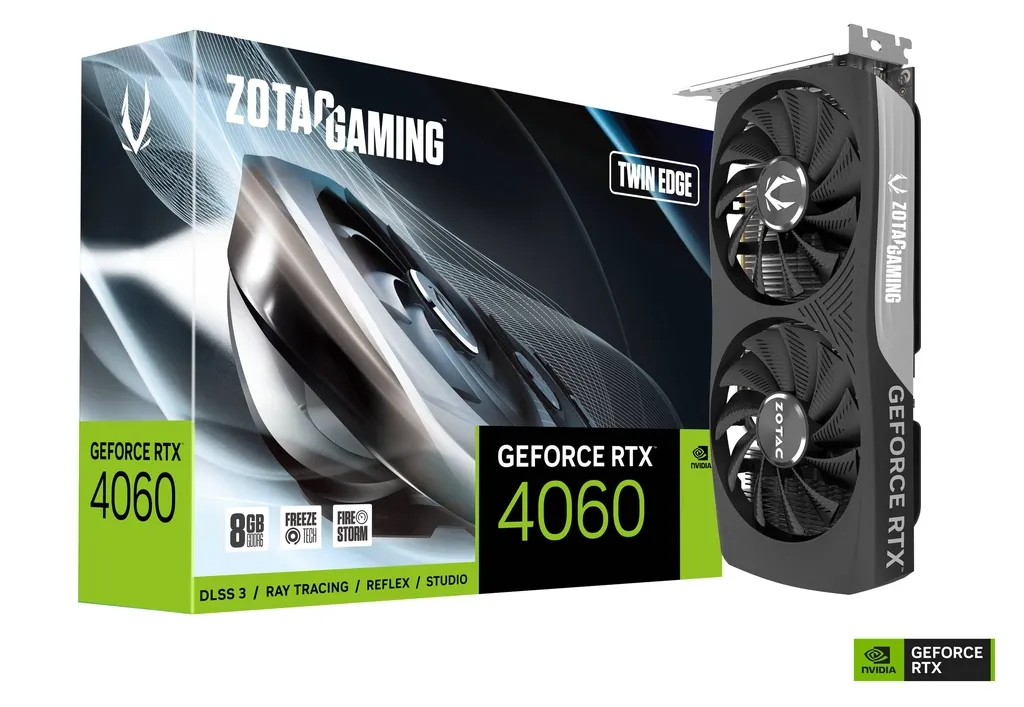
Gaming Graphics Cards
Gaming GPUs are made for smooth gaming and better visuals. In addition, they support modern gaming features and high-resolution displays.
Gaming graphics cards are good for:
- Gaming
- Streaming
- Virtual reality
- Fast gameplay
- High-quality visuals
Moreover, gaming GPUs improve game speed and picture quality.
Workstation Graphics Cards
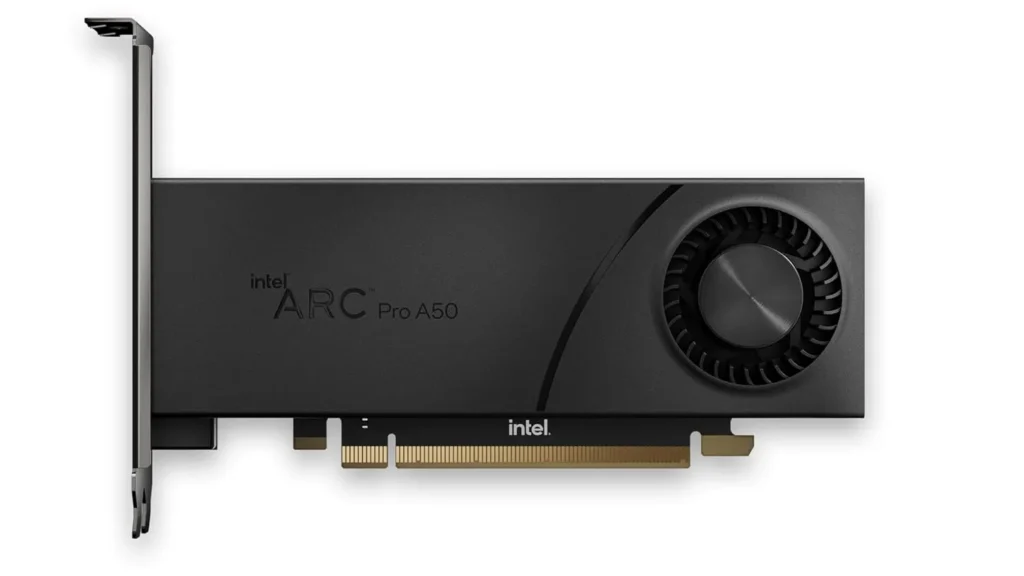
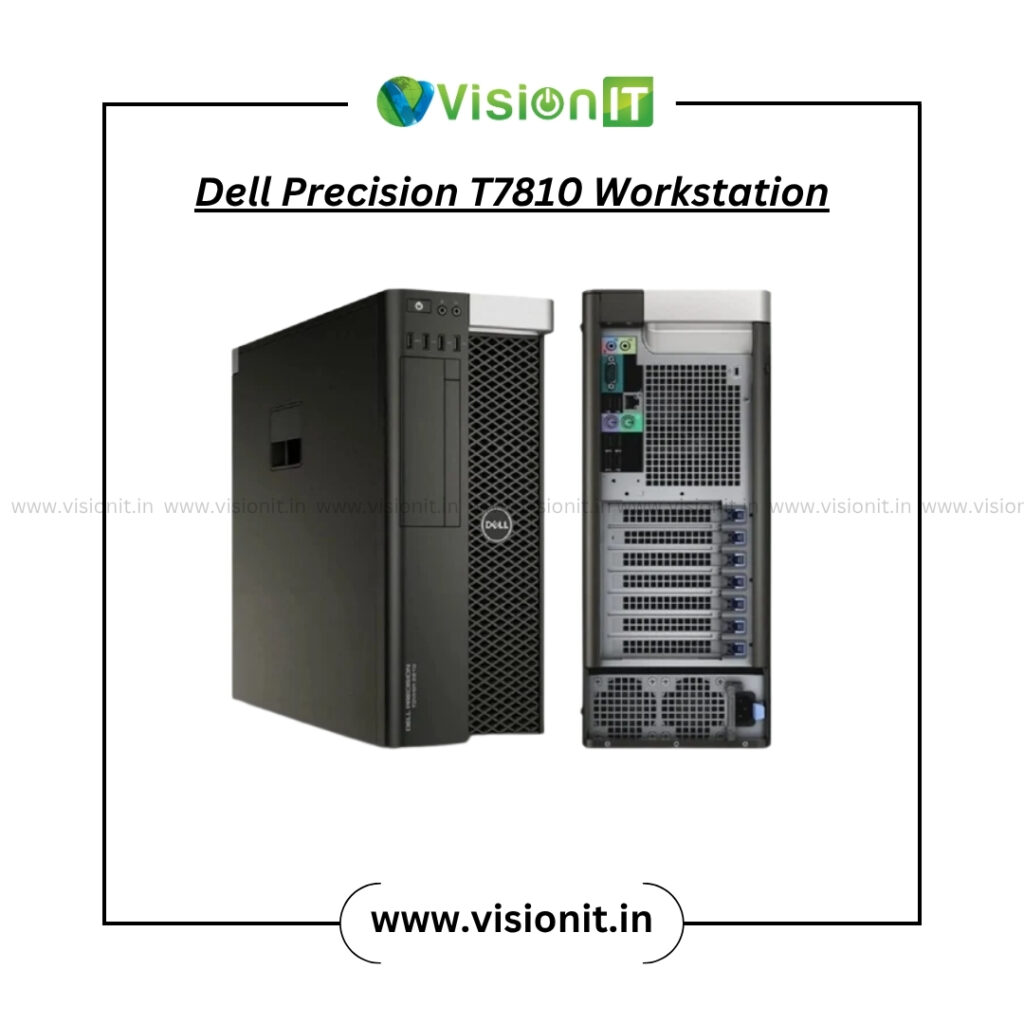
Workstation GPUs are made for professional work instead of gaming. Therefore, they are used in design, animation, architecture, and engineering work.
These graphics solutions support:
- CAD designing
- 3D modeling
- Animation
- Video editing
- Rendering work
Additionally, workstation GPUs provide stable performance for professional software.
Office Graphics Solutions
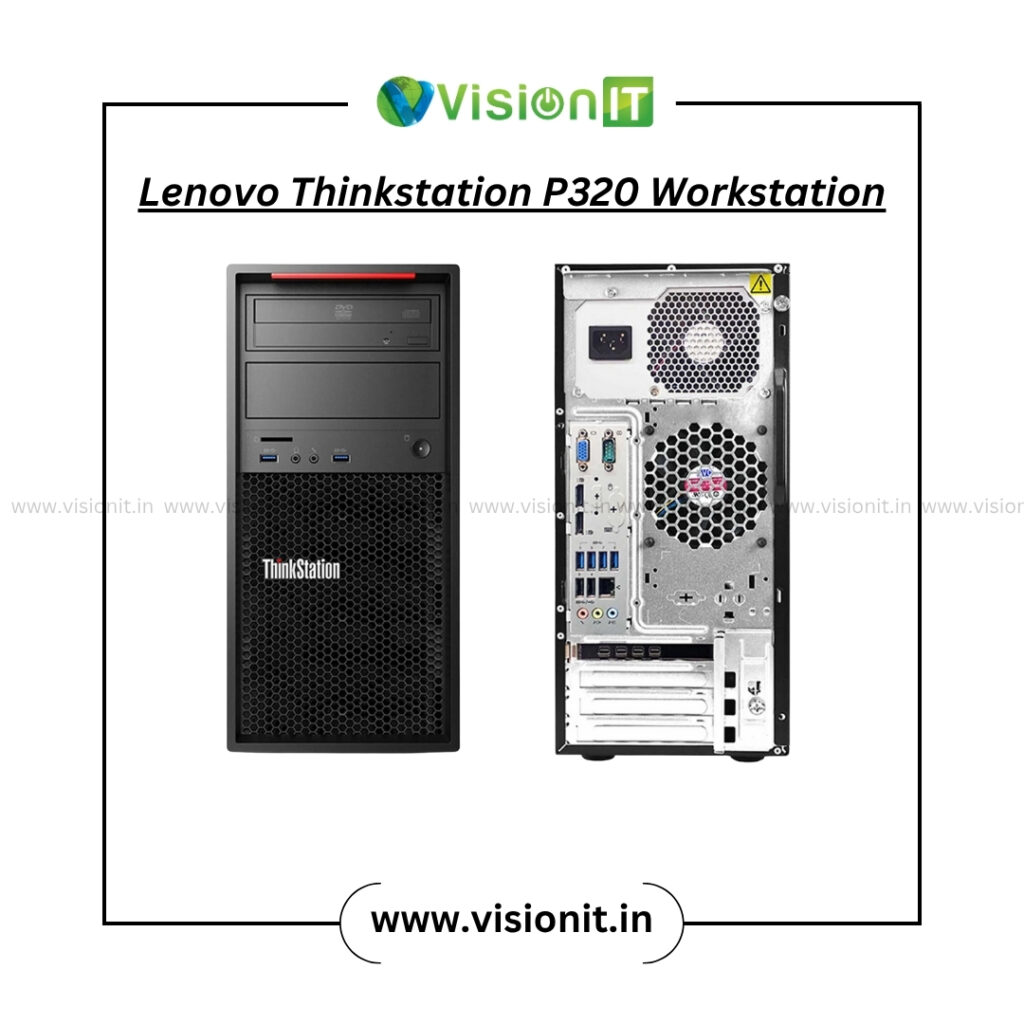
Office users may not need high-end gaming GPUs. However, offices still need good graphics support for daily work.
These graphics solutions help improve:
- Office work
- Video meetings
- Multi-monitor setups
- Presentations
- Workflow management
Consequently, office productivity becomes smoother.
Dedicated GPU vs Integrated Graphics
Many users ask if integrated graphics are enough. However, the answer depends on the work users do.
Integrated Graphics
Integrated graphics are built into the processor. Therefore, they are good for:
- Basic office work
- Internet browsing
- Watching videos
- Online classes
Although integrated graphics work for simple tasks, they may become slow during gaming or editing.
Dedicated Graphics Solutions
Dedicated GPUs have separate memory and power. As a result, they work much better during heavy tasks.
These graphics solutions are best for:
- Gaming
- Editing
- Rendering
- Animation
- Professional software
Furthermore, dedicated GPUs improve multitasking and computer speed.
Important Things Before Buying a Graphics Card
Users should check some important things before buying a GPU.
VRAM Capacity
VRAM stores graphics data. Therefore, more VRAM improves gaming and rendering performance.
Motherboard Compatibility
Users should check if the motherboard supports the graphics card before upgrading.
Power Supply
Some GPUs need more power. Therefore, users should check PSU support before installation.
Cooling System
Graphics cards become hot during use. As a result, proper cooling helps keep performance stable.
Display Support
Modern graphics solutions support HDMI and DisplayPort connections. Therefore, users can connect multiple monitors easily.
How Graphics Cards Improve Productivity
Modern GPU technology improves gaming and office work.
Faster Software Performance
Programs open and work faster with GPU support. Therefore, users save time during work.
Better Multitasking
Users can use multiple apps and monitors more smoothly.
Better Visual Quality
Dedicated graphics solutions provide better picture quality and smoother visuals.
Reduced Processor Load
Because the GPU handles graphics work, the processor can focus on other tasks.
Industries That Use GPU Technology
Many industries use graphics solutions for daily work.
Gaming Industry
Gaming systems need strong GPU performance for smooth gameplay and visuals.
Media and Entertainment
Video editors and creators use graphics solutions for editing and rendering.
Architecture and Engineering
CAD and design software need stable GPU support for rendering and project work.
Corporate Offices
Businesses use GPU-supported desktops for office work, analytics, and presentations.
Signs You Need a Graphics Upgrade
Old graphics hardware may become slow over time. However, users can identify common signs of poor GPU performance.
Common Signs Include:
- Slow rendering
- Gaming lag
- Editing delays
- Poor display quality
- Screen freezing
- Slow desktop performance
Therefore, a modern desktop graphics upgrade helps improve speed and productivity.
Graphics Solutions from Vision IT Peripherals
Vision IT Peripherals provides reliable IT hardware solutions across India. Along with refurbished desktop PCs and refurbished laptops, we also offer brand-new hardware components for desktop upgrades.
Our hardware solutions include:
- graphics cards
- processors
- motherboards
- SSD upgrades
- RAM solutions
- Business IT hardware
Additionally, we provide dependable solutions for gaming, office work, and workstation performance.
Conclusion
A reliable graphics card improves gaming, editing, rendering, and overall desktop performance. Whether users need better gaming speed, smoother visuals, or faster office work, the right graphics solution helps improve computer performance.
Vision IT Peripherals provides dependable IT solutions including refurbished desktop PCs, refurbished laptops, and brand-new hardware components for desktop upgrades across India. Therefore, users looking for smoother performance and better productivity can benefit from modern GPU technology.
