


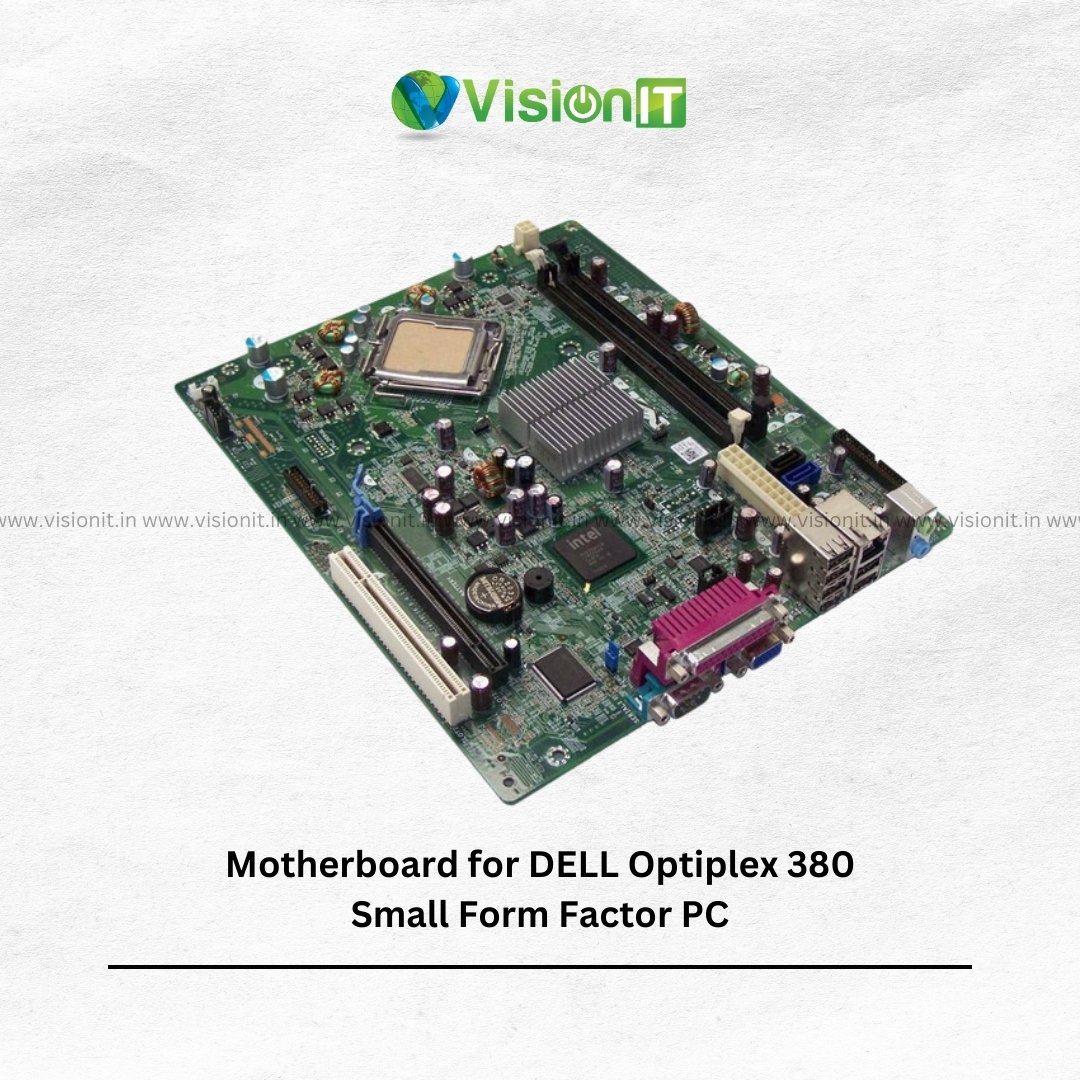
Dell OptiPlex 380 SFF Motherboard
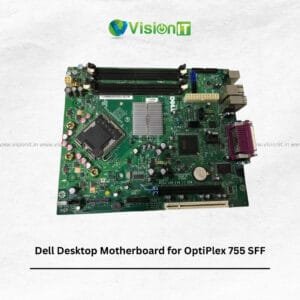
The Dell OptiPlex 380 SFF Motherboard is a replacement motherboard for customers who need to repair or maintain a compatible Dell OptiPlex 380 Small Form Factor desktop. It is suitable for businesses, IT technicians, service centres, and individuals who want to extend the useful life of an existing computer. A compatible motherboard connects essential components, including the processor, memory, storage drives, and supported expansion devices.
Therefore, choosing the correct replacement is important for a successful repair. Before ordering, check the original motherboard part number, processor socket, memory type, connectors, and chassis dimensions. These checks help prevent compatibility problems during installation. VisionIT Peripherals supplies computer hardware and replacement components for desktop maintenance, repair, and business IT requirements.
Dell OptiPlex 380 SFF Motherboard Specifications
| Specification | Details |
|---|---|
| Product Name | Dell OptiPlex 380 SFF Motherboard |
| Brand | Dell |
| Product Type | Desktop motherboard |
| Compatible System | Dell OptiPlex 380 SFF, subject to part-number verification |
| Form Factor | Small Form Factor compatible |
| Processor Support | Verify against the original motherboard |
| Memory Type | Confirm the supported RAM specification |
| Graphics | Verify onboard graphics and available display outputs |
| Expansion Slots | Confirm against the specific board |
| Storage Interfaces | Verify supported SATA connections |
| Condition | Confirm with the seller |
Benefits of a Dell OptiPlex 380 SFF Replacement Motherboard
A compatible Dell OptiPlex 380 SFF replacement motherboard can help restore a desktop affected by a motherboard-related fault. It provides the connections required for essential computing components and supported peripherals.
Moreover, replacing a faulty motherboard may allow you to retain other working hardware. This can be a practical option for maintaining older office computers. However, first confirm that the processor, memory, power connections, and chassis match the replacement board.
Processor and Memory Compatibility
Processor and memory compatibility are important when selecting a replacement motherboard. The supported processor family depends on the board’s socket, chipset, and firmware. Similarly, the memory type and maximum capacity depend on the motherboard’s design.
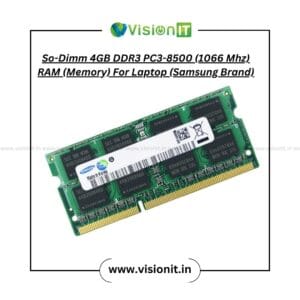
Therefore, check the original motherboard’s specifications before purchasing a processor or RAM upgrade. Do not assume that DDR2 and DDR3 memory are interchangeable. Additionally, verify the number of memory slots and the supported capacity to avoid ordering incompatible components.
Integrated Graphics and Audio Support
Integrated graphics and audio can help reduce the need for separate expansion cards when the motherboard supports these functions. Consequently, they can be useful for standard office computing, document editing, and everyday desktop tasks.
However, display outputs and audio connections vary by board configuration. Check the exact motherboard model and available ports before connecting a monitor or other peripherals.
Expansion Slots and Connectivity
Expansion slots and onboard connectors determine which additional components a desktop can support. Depending on the specific motherboard, these may include PCIe slots, conventional PCI slots, USB ports, and SATA storage connections.
For example, a compatible network adapter can add connectivity options when the existing configuration requires them. Nevertheless, expansion options depend on the actual board layout and available space inside the SFF chassis. Therefore, compare the replacement motherboard with the original before installation.
Dell OptiPlex 380 SFF Motherboard Replacement Tips
Before replacing the motherboard, back up important files if the computer still operates. Next, disconnect the desktop from mains power and follow suitable electrostatic discharge precautions.
Document the cable connections before removing the original board. Then, verify the mounting points, processor compatibility, memory type, and power connectors before installing the replacement.
If the computer fails to start after installation, check that all components and cables are seated correctly. However, consult a qualified technician if you are unfamiliar with desktop hardware repairs.
Improve Storage Performance with an SSD
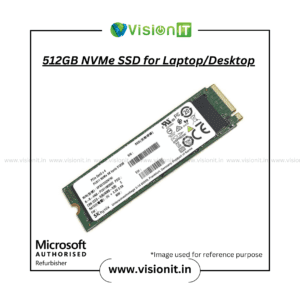
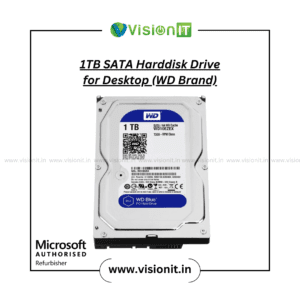
An SSD can improve boot times and application loading when a compatible desktop uses a traditional hard drive. In addition, it can make everyday tasks feel more responsive.
Before purchasing an SSD, confirm the motherboard’s supported storage interfaces and available connections. Remember that an SSD upgrade cannot repair a faulty motherboard, so diagnose hardware issues separately.
Explore the VisionIT SSD and HDD Storage category for available storage options.
Why Choose VisionIT Peripherals?
VisionIT Peripherals supplies computer hardware, replacement components, and IT equipment for businesses, technicians, and individual customers. Customers can explore products for desktop repairs, upgrades, and ongoing maintenance requirements.
Additionally, VisionIT offers genuine Microsoft Windows licences through its dedicated licensing platform. Before ordering a replacement motherboard, share the original part number and desktop details to help confirm compatibility.
We Also Sell
- Branded Motherboards
- RAM and Memory
- Processors: Intel and AMD
- SSD and HDD Storage
- Pre-Owned Desktops
- Genuine Microsoft Windows Licences
Frequently Asked Questions About Dell OptiPlex 380 SFF Motherboard
1. What is the Dell OptiPlex 380 SFF Motherboard used for?
It connects the processor, memory, storage, and other supported components. A compatible replacement can help restore a desktop when its original motherboard fails.
2. How do I check Dell OptiPlex 380 SFF motherboard compatibility?
Compare the original board’s part number, processor socket, memory type, power connectors, and physical layout. Contact the seller if you need help identifying the correct replacement.
3. Which RAM type does this motherboard support?
Check the exact motherboard specifications before purchasing RAM. Memory generations such as DDR2 and DDR3 use different configurations and are not interchangeable.
4. Can I upgrade the processor on the Dell OptiPlex 380 SFF?
Processor upgrades depend on the motherboard’s socket, chipset, firmware, and supported CPU list. Verify these details before choosing another processor.
5. Can I install an SSD in this desktop?
An SSD may be suitable if the system supports the drive’s interface and connection requirements. Check the motherboard’s storage connectors and the available installation space first.
Order Now
Looking for a Dell OptiPlex 380 SFF Motherboard? Contact VisionIT Peripherals with your original motherboard part number and desktop details. Confirm the specifications, condition, and availability before ordering to help ensure the replacement matches your system.


Reviews
There are no reviews yet.