

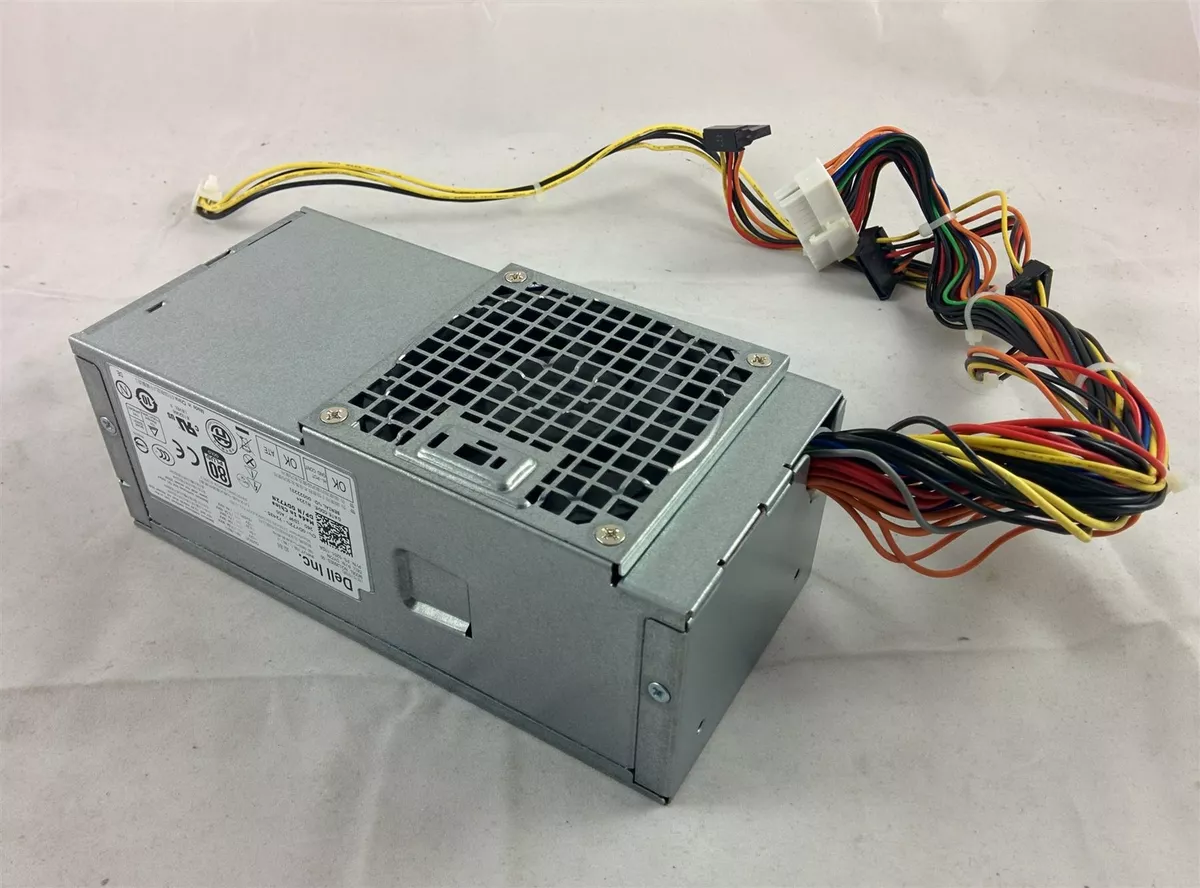
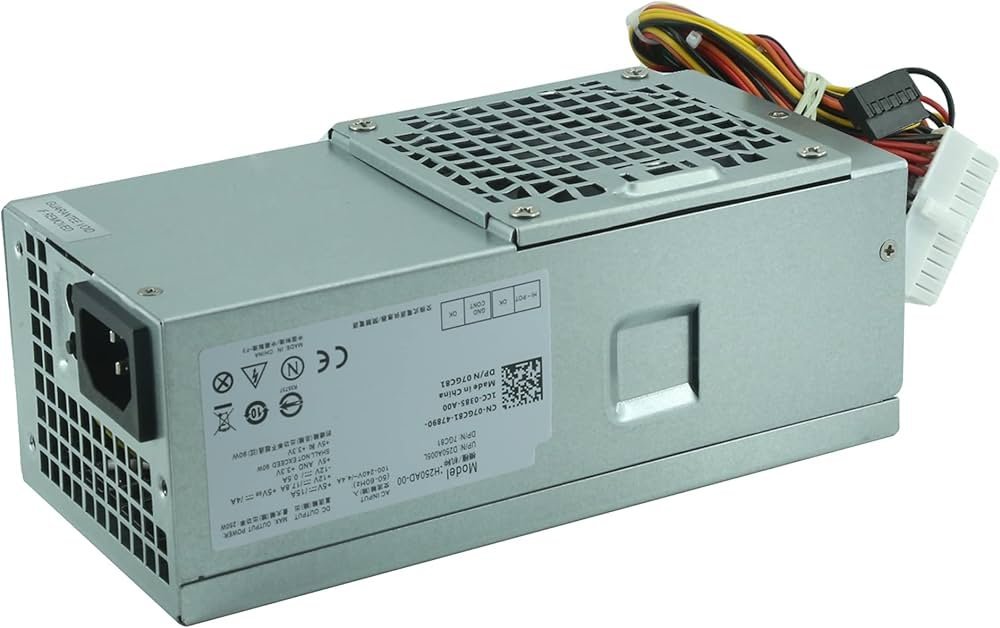
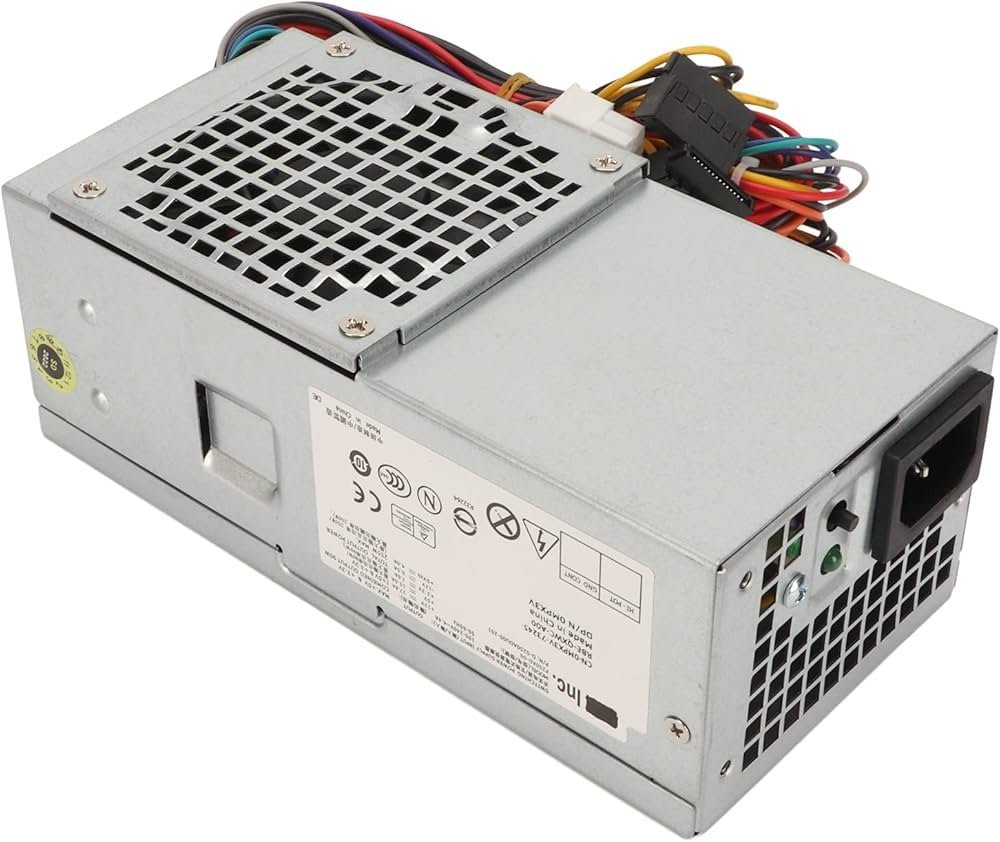
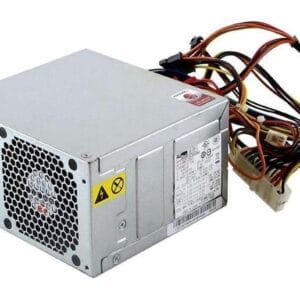
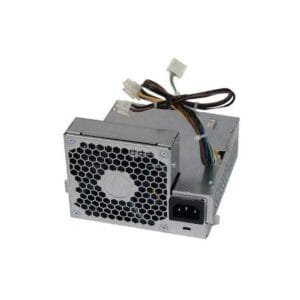
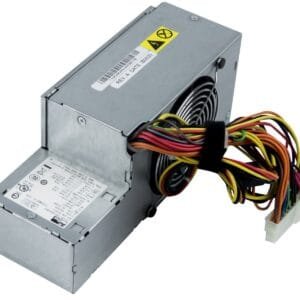
Dell Optiplex Power Supply DY72N / L250ED-00
The Dell Optiplex Power Supply DY72N is a replacement SMPS for compatible Dell OptiPlex desktop systems that require a matching power supply unit. It can help users and technicians replace a faulty or damaged power supply while keeping other suitable computer components in service. Moreover, the DY72N / L250ED-00 identification makes it easier to compare the replacement with the original unit before purchase. This product can suit office computers, business workstations, repair requirements, and home systems using compatible Dell hardware. Therefore, buyers should check the original part number, desktop model, connector arrangement, physical dimensions, and power specifications before ordering.
Product Specifications
| Specification | Details |
|---|---|
| Product | Dell Optiplex Power Supply |
| Model / Part Number | DY72N / L250ED-00 |
| Brand | Dell |
| Product Type | Desktop Power Supply / SMPS |
| Compatibility | Compatible Dell OptiPlex Systems |
| Application | Desktop PC Replacement |
| Installation | Replacement Unit |
| Condition | New |
Dell OptiPlex Power Supply DY72N for Compatible Systems
The Dell Optiplex Power Supply DY72N provides a replacement option for compatible Dell OptiPlex desktops. Therefore, users can consider this unit when an existing power supply develops a fault or requires replacement during system maintenance.
Furthermore, matching the original part number helps reduce the risk of ordering an unsuitable replacement. For this reason, compare the label on the existing SMPS with the DY72N / L250ED-00 identification before placing an order.
Replacement SMPS for Dell Desktop Computers
A desktop depends on its power supply to provide electrical power to its internal components. Consequently, a faulty unit can prevent a computer from starting or create other power-related problems.
Replacing the affected SMPS can help restore a compatible system when the processor, motherboard, memory, storage, and other components remain suitable. Moreover, this approach can help technicians maintain an existing desktop instead of replacing the complete computer.
Compatible Dell OptiPlex Power Supply for Maintenance
Dell OptiPlex systems include different models and hardware configurations. Therefore, users should not assume that one power supply fits every OptiPlex desktop.
Instead, check the exact desktop model, part number, connector type, mounting points, physical dimensions, and power requirements. In addition, compare the original unit with the replacement before installation.
Suitable for Office and Business Systems
A compatible replacement power supply can help offices, businesses, schools, repair centers, and IT maintenance teams keep suitable desktop computers operational. For example, organizations may need replacement components when a workstation develops a power-related fault while its other hardware still meets daily requirements.
Furthermore, retaining usable components can make a repair more practical and reduce unnecessary hardware replacement.
Installation and Compatibility Checks
Before installing the Dell Optiplex Power Supply DY72N, disconnect the computer from its power source and compare the replacement with the original unit. Check the model number, connectors, dimensions, mounting points, and cable arrangement.
Moreover, confirm that the replacement matches the target OptiPlex system. If the connector layout or specifications differ, do not assume compatibility simply because both units carry the Dell name.
Pair a Power Supply Upgrade With SSD Storage
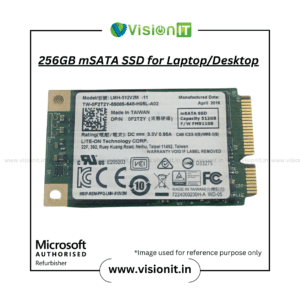
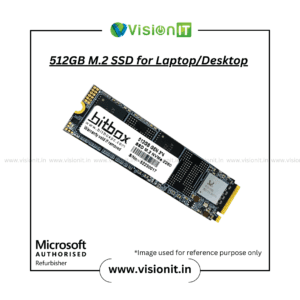
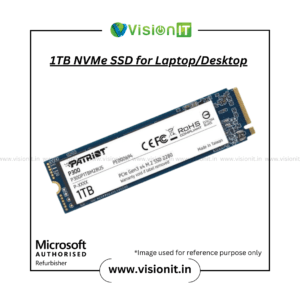
A replacement SMPS can address a power-related maintenance requirement, while an SSD can improve storage responsiveness on a compatible computer. Therefore, users planning a broader desktop upgrade can explore our SSD & HDD Storage range.
However, actual SSD performance depends on the computer hardware, storage interface, operating system, and configuration.
Check Compatibility Before Ordering
Before purchasing, verify the DY72N / L250ED-00 part number and compare it with the original power supply. Also, check the exact Dell OptiPlex model and specifications printed on the existing unit.
If you are unsure about compatibility, provide the desktop model number and a clear photograph of the original power supply label. This information can help identify the correct replacement more accurately.
Why Buy From VisionIT Peripherals?
VisionIT Peripherals supplies power supplies, motherboards, processors, RAM, SSDs, HDDs, desktops, laptops, workstations, and other IT hardware. Moreover, customers can check availability, pricing, warranty information, compatibility, and bulk-order requirements before purchasing.
We Also Sell
- SMPS for HP, Dell & Lenovo
- SSD & HDD Storage
- Branded Motherboards
- Processors of Intel and AMD
- RAM & Memory
- Pre-Owned Desktops
- Genuine Microsoft Windows Licenses
Frequently Asked Questions
FAQ 1: What is the Dell Optiplex Power Supply DY72N used for?
The Dell Optiplex Power Supply DY72N serves as a replacement SMPS for compatible Dell OptiPlex desktop systems. Always verify the exact model and part number before installation.
FAQ 2: What is the part number of this power supply?
The supplied product details identify the unit as DY72N / L250ED-00.
FAQ 3: Does this power supply fit every Dell OptiPlex desktop?
No. Compatibility depends on the exact OptiPlex model, connector arrangement, physical dimensions, and power requirements. Therefore, compare the original unit before purchasing.
FAQ 4: What should I check before ordering?
Check the Dell OptiPlex model, original power supply part number, connectors, dimensions, mounting points, and specifications printed on the existing unit.
FAQ 5: Can this SMPS replace a faulty Dell unit?
It can replace a faulty unit when the target system matches the replacement specifications and physical configuration. Confirm compatibility before installation.
Order Now
Choose the Dell Optiplex Power Supply DY72N when a compatible Dell OptiPlex desktop requires a replacement SMPS. Moreover, checking the original part number before purchase can help ensure the correct match. Contact VisionIT Peripherals for current availability, pricing, warranty information, and compatibility assistance.


Reviews
There are no reviews yet.