


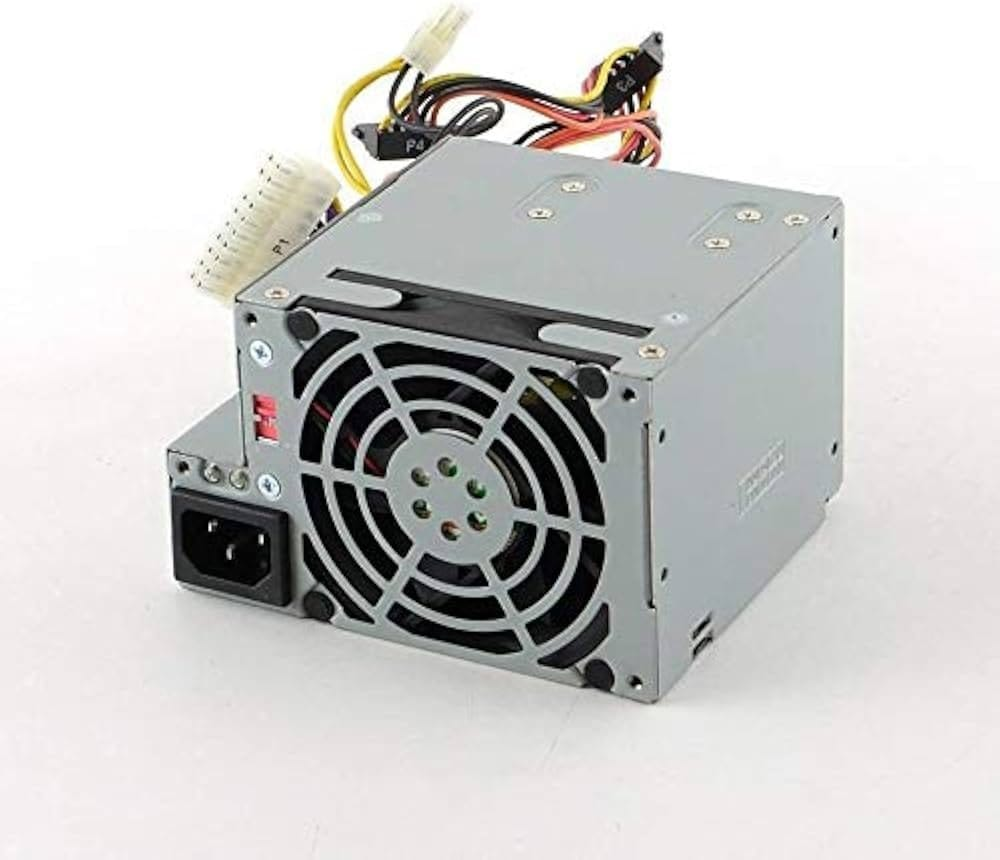
Lenovo ThinkCentre 24R2583 Power Supply – 280W Desktop PSU
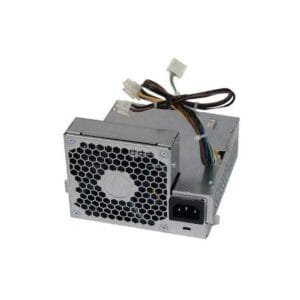
The 24R2583 Power Supply is a replacement power unit designed for compatible Lenovo ThinkCentre desktop systems that require dependable power delivery for everyday business and computing workloads. With a stated 280W output, it can supply power to compatible components such as the motherboard, processor, memory, storage drives, cooling system, and other installed hardware according to the desktop configuration.
It can suit offices, businesses, educational environments, IT technicians, and home users who need to replace a faulty or aging PSU while keeping an existing Lenovo desktop operational. Moreover, its compact design and standard power connections can simplify replacement in compatible systems. Before ordering, however, compare the original part number, connectors, physical dimensions, mounting arrangement, cable configuration, and desktop model. In addition, verify the system’s power requirements and installed components to confirm that the replacement matches the intended Lenovo ThinkCentre configuration.
Lenovo ThinkCentre 24R2583 Power Supply Specifications
| Specification | Details |
|---|---|
| Product | Lenovo ThinkCentre 24R2583 Power Supply |
| Part Number | 24R2583 |
| Rated Output | 280W |
| Product Type | Internal Power Supply / PSU |
| Application | Compatible Lenovo ThinkCentre Desktop Systems |
| Connectors | 24-Pin Motherboard and 4-Pin CPU, configuration dependent |
| Cooling | Internal Cooling Fan |
| Primary Purpose | Power Delivery to Compatible Components |
| Installation | Configuration Dependent |
24R2583 Power Supply for Lenovo ThinkCentre Systems
The 24R2583 Power Supply provides electrical power to compatible Lenovo ThinkCentre desktop components. Therefore, it can serve as a practical replacement when an original power supply stops working correctly or becomes unreliable.
For example, businesses can replace the PSU while continuing to use the existing motherboard, processor, RAM, storage, and chassis when those components remain suitable. Moreover, component-level replacement can be more practical when the complete desktop still meets the user’s requirements.
280W Power Supply for Everyday Desktop Workloads
The stated 280W output provides a reference for compatible Lenovo desktop configurations. As a result, the PSU can support systems designed around an appropriate power requirement.
However, users should not select a replacement based only on wattage. The original part number, connectors, dimensions, mounting arrangement, and complete hardware configuration also matter. Therefore, compare the original PSU before ordering.
24-Pin and 4-Pin Power Connections
The supplied product information identifies standard 24-pin motherboard and 4-pin CPU power connections. Consequently, compatible Lenovo ThinkCentre systems can connect the PSU to the mainboard and processor power inputs without requiring custom wiring.
Nevertheless, connector compatibility should always be verified against the original unit. Different desktop configurations can use different internal layouts, so users should compare the connector shape, cable length, and placement before installation.
Cooling and Efficient Operation
The internal cooling fan helps manage heat generated during PSU operation. Therefore, maintaining adequate airflow around the desktop remains important for normal thermal conditions.
In addition, an efficient power supply can help reduce unnecessary energy use when operating within its intended configuration. Actual efficiency, noise, and thermal performance depend on the PSU design, system workload, ambient temperature, and desktop configuration.
Protection for Compatible Hardware
Power supplies can include protective mechanisms designed to respond to electrical conditions such as over-voltage, short circuits, and other abnormal events. As a result, suitable protection can help reduce electrical risks to compatible components.
However, protection features do not replace correct PSU selection. Therefore, users should verify the original specifications and system requirements before purchasing or installing the replacement.
Maintain Your Existing Lenovo ThinkCentre
Replacing a failed power supply can help extend the practical use of an existing Lenovo ThinkCentre desktop. Therefore, businesses, schools, offices, IT departments, and home users can evaluate the system before replacing the complete computer.
Moreover, maintaining a working desktop through component replacement can help users continue using compatible processors, RAM, storage, and other hardware.
Check Compatibility Before Ordering
Before purchasing, compare the original PSU with the replacement and verify the 24R2583 part number. Also check the connector layout, cable configuration, dimensions, mounting points, and desktop model.
If compatibility remains uncertain, share the original PSU label and clear photographs of the connectors. Consequently, the replacement can be evaluated more accurately before purchase.
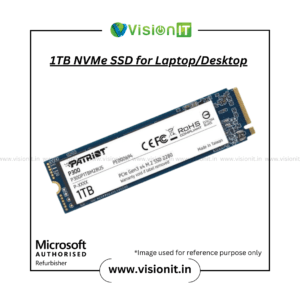
Upgrade Your Lenovo Desktop with SSD Storage
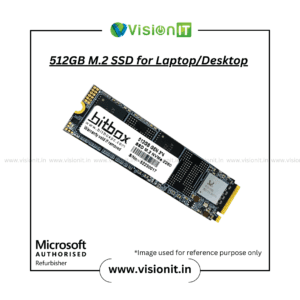
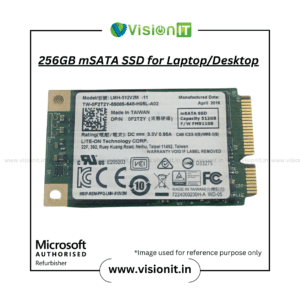
A power-supply replacement addresses system power requirements, while an SSD can improve storage responsiveness. For example, a compatible SSD can reduce storage-related delays during startup, application loading, and file access.
Therefore, users maintaining an older ThinkCentre can consider an SSD upgrade alongside PSU replacement. However, always confirm the available storage interface and system compatibility before purchasing an SSD.
Why Choose VisionIT Peripherals?
VisionIT Peripherals supplies power supplies, desktops, laptops, workstations, RAM, SSDs, HDDs, motherboards, monitors, and other IT components. Moreover, customers can discuss compatibility, availability, pricing, warranty, and bulk requirements before ordering.
As a Microsoft Authorized Refurbisher, VisionIT Peripherals also supports organizations with genuine Microsoft software licensing requirements.
We Also Sell
- SMPS for HP, Dell & Lenovo
- SSD & HDD Storage
- RAM & Memory
- Branded Motherboards
- Pre-Owned Desktops
- Workstations & Servers
- Genuine Microsoft Windows Licenses
Frequently Asked Questions About 24R2583 Power Supply
What is the 24R2583 Power Supply used for?
It is a replacement power supply for compatible Lenovo ThinkCentre desktop configurations using the 24R2583 part number.
What is the rated power output?
The supplied product information identifies the power supply as a 280W unit. Verify the original PSU rating before ordering.
Does it use 24-pin and 4-pin connectors?
The supplied specifications identify 24-pin motherboard and 4-pin CPU power connections. However, always compare the original PSU before installation.
Can a faulty PSU cause shutdowns?
A failing power supply can contribute to unexpected shutdowns, startup problems, or unstable operation. Nevertheless, other hardware issues can create similar symptoms.
How can I check compatibility?
Compare the original part number, connectors, dimensions, mounting arrangement, cable layout, and complete ThinkCentre configuration before purchasing.
Can an SSD improve the desktop’s responsiveness?
Yes. A compatible SSD can improve startup times, application loading, and file access compared with slower storage technologies.
Order Lenovo ThinkCentre 24R2583 Power Supply
Choose the 24R2583 Power Supply when a compatible Lenovo ThinkCentre desktop requires a replacement PSU. First, verify the original part number and complete system configuration. Then, contact VisionIT Peripherals for current availability, pricing, compatibility assistance, warranty information, and bulk-order support.




Reviews
There are no reviews yet.