

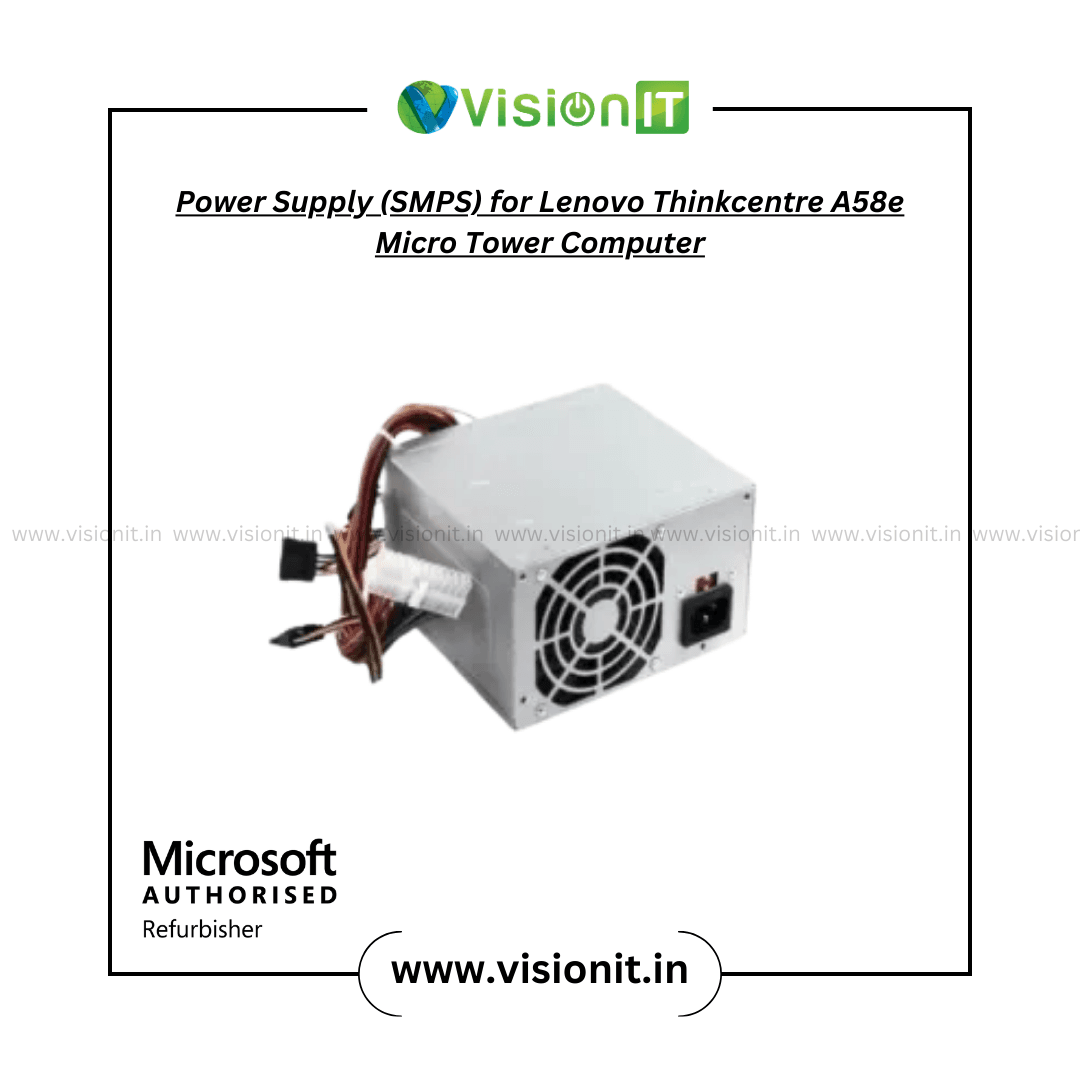
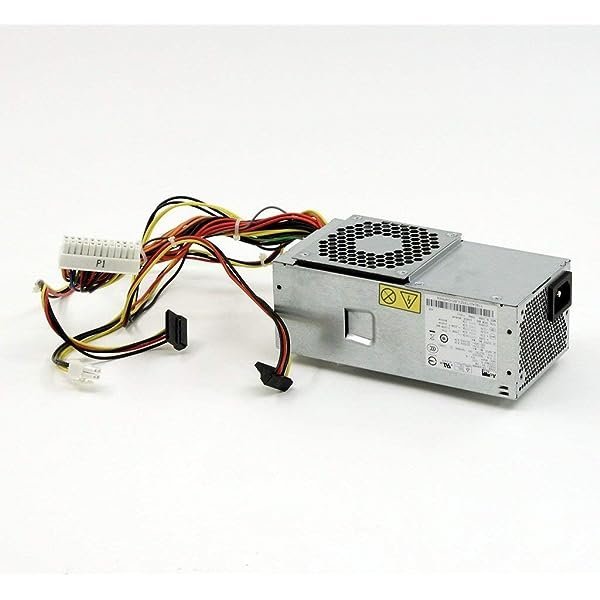
Lenovo ThinkCentre A58e Power Supply – Replacement SMPS for Micro Tower
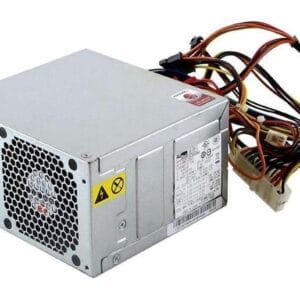
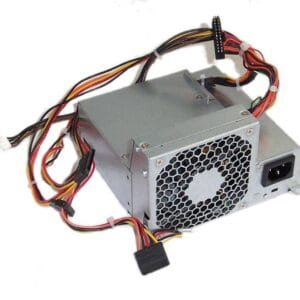
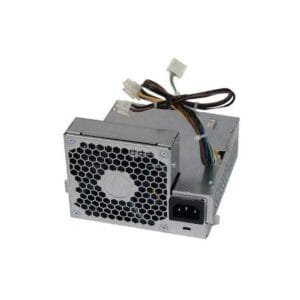
The Lenovo ThinkCentre A58e Power Supply is a replacement SMPS for compatible Lenovo ThinkCentre A58e Micro Tower desktop systems. A suitable power supply provides the electrical power required by the motherboard, processor, memory, storage, and other installed components. Moreover, replacing a faulty unit can help restore a desktop when the remaining hardware still meets the user’s requirements.
This replacement can suit offices, businesses, educational institutions, service centers, and home users maintaining compatible Lenovo systems. Therefore, compare the original PSU label, part number, connectors, physical dimensions, desktop model, and power requirements before ordering.
Product Specifications
| Specification | Details |
|---|---|
| Product | Lenovo ThinkCentre A58e Power Supply |
| Product Type | Internal SMPS / PSU |
| Compatible System | Lenovo ThinkCentre A58e Micro Tower |
| Power Delivery | Stable Power Output |
| Voltage Regulation | Consistent Power Distribution |
| Cooling | Integrated Cooling Fan |
| Protection | Overvoltage, Overcurrent and Short Circuit |
| Installation | Replacement Unit |
| Application | Desktop and Office Computers |
| Condition | New |
| Warranty | As Applicable |
Lenovo ThinkCentre A58e Power Supply for Compatible Systems
The Lenovo ThinkCentre A58e Power Supply provides a replacement option for compatible A58e Micro Tower desktops. Therefore, users can consider this unit when the existing PSU develops a fault or requires replacement during system maintenance.
Furthermore, matching the replacement with the original unit can simplify installation. For this reason, check the existing PSU label, connector arrangement, physical dimensions, and system model before placing an order.
Lenovo Power Supply for Office and Business Use
ThinkCentre desktops often support documents, accounting applications, web browsing, administration, and other everyday business tasks. Consequently, a suitable replacement PSU can help maintain a stable hardware platform for these workloads.
Moreover, businesses and service centers can use compatible replacement units when maintaining multiple desktop systems. As a result, technicians can replace the affected power component while retaining other usable hardware.
Cooling and Protection Features
The supplied specifications include an integrated cooling fan along with overvoltage, overcurrent, and short-circuit protection. Therefore, the unit includes features intended to support safe operation under compatible conditions.
In addition, adequate ventilation around the PSU can help manage operating heat. Actual temperature and fan behavior can vary according to system load, ambient temperature, dust, and internal airflow.
Lenovo ThinkCentre A58e PSU for Compact Desktop Systems
The Lenovo ThinkCentre A58e PSU is intended for a compact desktop configuration, so physical compatibility matters during replacement. Therefore, compare the PSU dimensions, mounting points, cable layout, and connectors with the original unit.
Furthermore, compact desktop cabinets provide less internal space than larger tower systems. As a result, users should confirm that the replacement matches the original design before installation.
Signs You May Need a Replacement SMPS
A failing power supply can cause several system issues. For example, users may notice unexpected shutdowns, startup problems, random restarts, unusual fan behavior, or general power instability.
Therefore, checking the power supply can form an important part of desktop troubleshooting. However, these symptoms can have other causes as well, so users should diagnose the system before replacing a component.
Upgrade the A58e With SSD Storage
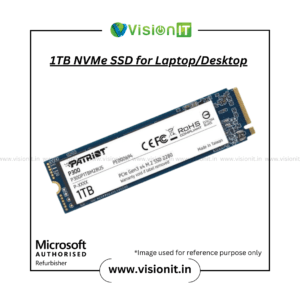
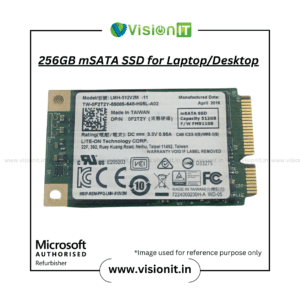
A replacement PSU addresses the desktop’s electrical requirements, while an SSD upgrade can improve storage responsiveness on compatible systems. Therefore, users planning a broader upgrade can explore our SSD & HDD Storage collection.
For example, an SSD can improve operating-system and application loading compared with an older hard-drive configuration. However, actual performance depends on the computer hardware, storage interface, operating system, and software configuration.
Check Lenovo A58e Power Supply Compatibility
Before purchasing the Lenovo ThinkCentre A58e Power Supply, verify the exact A58e model and compare the original unit with the replacement. Also check the part number, connectors, dimensions, mounting arrangement, cable configuration, and power requirements.
If you cannot confirm compatibility, provide the desktop model number and a clear photograph of the existing PSU label. This information can help identify the appropriate replacement more accurately.
Why Buy From VisionIT Peripherals?
VisionIT Peripherals supplies power supplies, motherboards, processors, RAM, SSDs, HDDs, desktops, laptops, workstations, and other IT hardware. Moreover, customers can check product availability, pricing, warranty information, compatibility, and bulk-order requirements before purchasing.
We Also Sell
- Processors of Intel and AMD
- Branded Motherboards
- SMPS for HP, Dell & Lenovo
- RAM & Memory
- SSD & HDD Storage
- Pre-Owned Desktops
- Genuine Microsoft Windows Licenses
Frequently Asked Questions About Lenovo ThinkCentre A58e Power Supply
FAQ 1: What is the Lenovo ThinkCentre A58e Power Supply used for?
The Lenovo ThinkCentre A58e Power Supply serves as a replacement PSU for compatible Lenovo ThinkCentre A58e Micro Tower desktops. Always verify the exact system configuration before installation.
FAQ 2: Is this power supply compatible with every ThinkCentre A58e?
No. Compatibility depends on the exact system model, connectors, dimensions, and power requirements. Therefore, compare the original unit before purchasing.
FAQ 3: Does the power supply include protection features?
Yes. The supplied specifications list overvoltage, overcurrent, and short-circuit protection.
FAQ 4: Does it include a cooling fan?
Yes. The supplied product information lists an integrated cooling fan.
FAQ 5: Can I upgrade the A58e with an SSD?
Yes. You can consider compatible SSD storage separately to improve storage responsiveness. However, check the system’s supported storage interface before upgrading.
Order Lenovo ThinkCentre A58e Power Supply
Choose the Lenovo ThinkCentre A58e Power Supply when a compatible Lenovo ThinkCentre A58e Micro Tower requires a replacement SMPS. Moreover, checking the original PSU label, connectors, dimensions, and system model before purchase can help ensure the correct match. Contact VisionIT Peripherals for current availability, pricing, warranty information, compatibility assistance, and bulk-order requirements.


Reviews
There are no reviews yet.