

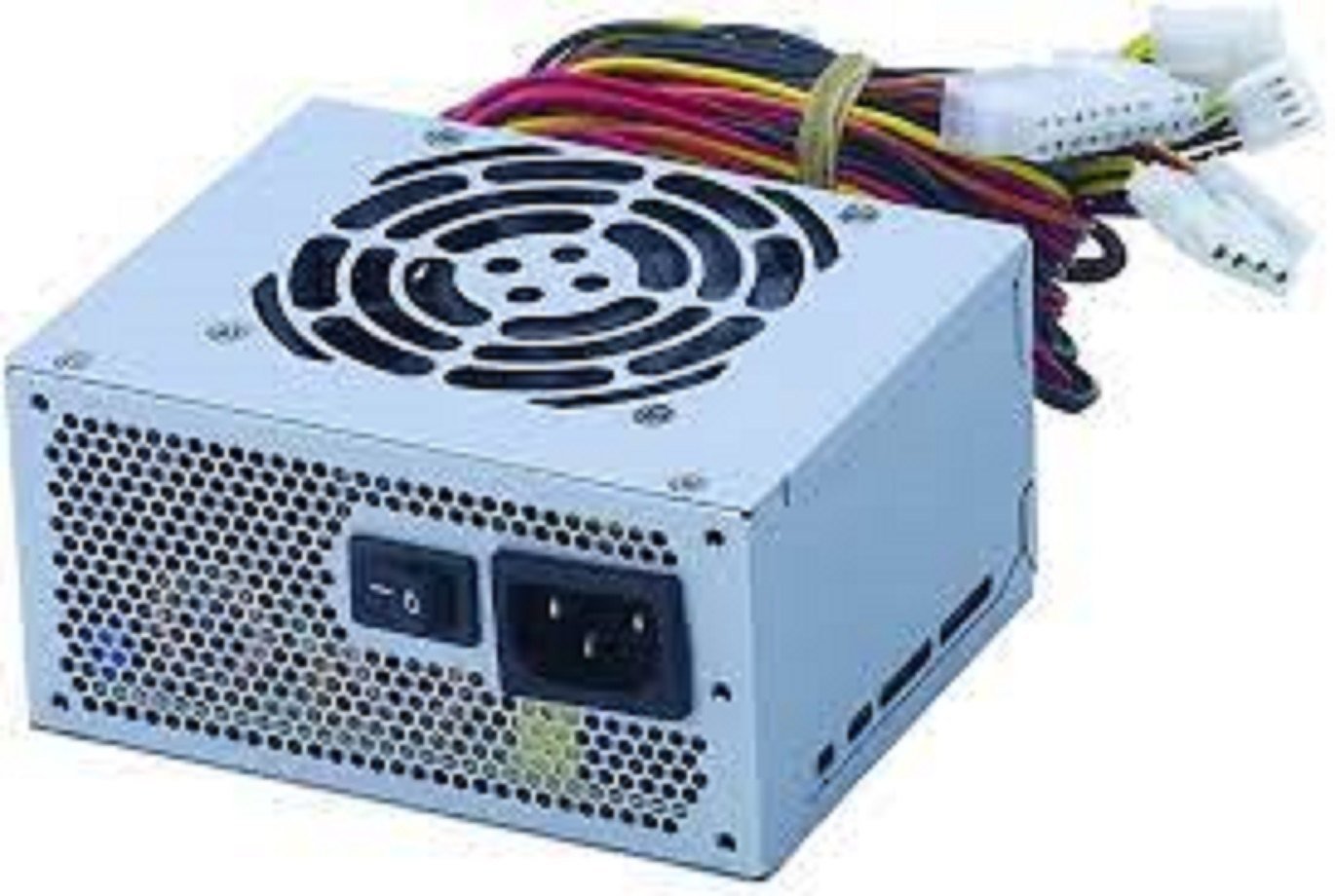
Lenovo P910 Power Supply – Replacement SMPS for ThinkStation P910
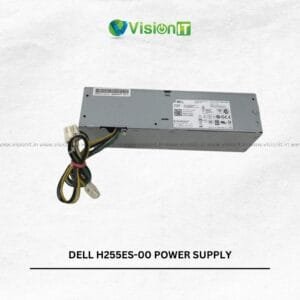
The Lenovo P910 Power Supply is a replacement SMPS for compatible Lenovo ThinkStation P910 workstations. These systems can support demanding professional workloads, so the correct power unit plays an important role in maintaining the complete hardware configuration. Moreover, this replacement can suit users working with 3D applications, rendering, engineering software, simulations, content creation, and other resource-intensive tasks when the PSU matches the original system requirements.
It provides a practical option for workstation maintenance and component replacement. Before ordering, compare the original power supply part number, connectors, physical dimensions, cabling, and ThinkStation P910 configuration to confirm compatibility.
Product Specifications
| Specification | Details |
|---|---|
| Product | Lenovo P910 Power Supply |
| Compatible System | Lenovo ThinkStation P910 Series |
| Product Type | Workstation Power Supply / SMPS |
| Application | Replacement Power Supply |
| Installation | Compatible Workstation Replacement |
| Usage | Professional Workstations and High-Performance Systems |
| Cabling | System-Dependent |
| Condition | New |
Lenovo P910 Power Supply for Compatible Workstations
The Lenovo P910 Power Supply provides a replacement option for compatible ThinkStation P910 workstations. Therefore, users can consider this unit when the original PSU develops a fault or requires replacement during workstation maintenance.
Furthermore, matching the replacement with the existing workstation can simplify installation and reduce compatibility concerns. For this reason, check the original label and system configuration before purchasing.
Lenovo P910 Power Supply for Professional Workloads
ThinkStation workstations can handle demanding applications depending on their processors, graphics cards, memory, and storage devices. Consequently, the power supply must match the requirements of the complete configuration.
For example, users working with 3D rendering, CAD, simulations, content creation, or other professional applications should confirm the required power specifications before replacing the PSU. As a result, the workstation can continue operating with an appropriate power solution.
Lenovo P910 Power Supply Compatibility and Installation
The P910 platform can use specialized internal components, so users should verify compatibility carefully. Moreover, the connector arrangement, physical dimensions, mounting method, and cable configuration should match the existing power supply.
Therefore, compare the original PSU with the replacement before installation. If the part number or connector layout differs, confirm compatibility before placing the order.
Cooling and Thermal Management
A workstation power supply generates heat during operation, particularly under sustained workloads. Therefore, appropriate airflow around the PSU helps maintain suitable operating conditions.
In addition, the cooling fan helps move heat away from the power-supply assembly. However, actual fan behavior, temperature, and noise levels can vary according to workload, ambient conditions, airflow, and the complete workstation configuration.
Cabling and Installation
Proper cable routing can help maintain an organized workstation interior. Therefore, users should follow the original cable arrangement when installing a replacement power supply.
Furthermore, keeping cables clear of fans and other moving components can support better internal airflow and easier maintenance. Always disconnect the workstation from its electrical supply before beginning hardware replacement and follow appropriate service procedures.
Suitable for Professional Workstation Maintenance
A compatible replacement PSU can prove useful for businesses, design studios, engineering teams, service centers, and IT departments that maintain ThinkStation P910 systems. For example, technicians can replace a faulty power unit while retaining suitable processors, graphics cards, memory, storage, and other components.
Moreover, maintaining the existing workstation can be practical when its hardware still meets the organization’s requirements. However, the complete system configuration should determine the replacement choice.
Check P910 Power Supply Compatibility Before Ordering
Before purchasing, verify the ThinkStation P910 model and compare the original power supply with the replacement. Check the part number, connector arrangement, dimensions, mounting points, cable layout, and power specifications.
If you cannot confirm compatibility, provide the workstation model and a clear photograph of the original PSU label. This information can help identify a suitable replacement more accurately.
Pair Your Workstation With SSD Storage
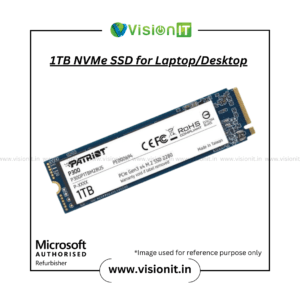
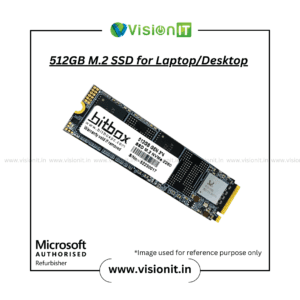
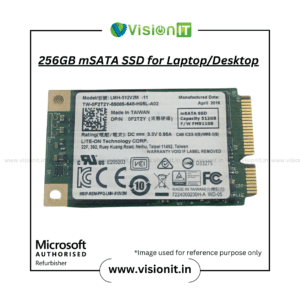
A power-supply replacement addresses the workstation’s power requirements, while an SSD upgrade can improve storage responsiveness on compatible systems. Therefore, users planning a broader workstation upgrade can explore our SSD & HDD Storage collection.
For example, an SSD can improve operating-system and application loading compared with an older hard-drive configuration. However, actual performance depends on the workstation hardware, storage interface, operating system, and software configuration.
Why Buy From VisionIT Peripherals?
VisionIT Peripherals supplies power supplies, motherboards, processors, RAM, SSDs, HDDs, workstations, desktops, laptops, and other IT hardware. Moreover, customers can check availability, pricing, warranty information, compatibility, and bulk-order requirements before purchasing.
We Also Sell
- SMPS for HP, Dell & Lenovo
- Workstations & Servers
- SSD & HDD Storage
- Processors of Intel and AMD
- RAM & Memory
- Branded Motherboards
- Genuine Microsoft Windows Licenses
Frequently Asked Questions
FAQ 1: What is the Lenovo P910 Power Supply used for?
The Lenovo P910 Power Supply serves as a replacement PSU for compatible Lenovo ThinkStation P910 workstations. Always verify the exact system configuration before installation.
FAQ 2: Is this power supply compatible with every ThinkStation P910?
Compatibility depends on the workstation configuration, power requirements, connectors, physical dimensions, and original PSU specifications. Therefore, compare the existing unit before purchasing.
FAQ 3: What should I check before ordering?
Check the original part number, connector arrangement, cable layout, physical dimensions, mounting points, workstation model, and power requirements.
FAQ 4: Can I keep my existing workstation components?
Yes. Compatible processors, graphics cards, RAM, storage, and other hardware can remain in the workstation when they match the replacement PSU and complete system configuration.
FAQ 5: Can I upgrade the workstation with an SSD?
Yes. You can consider compatible SSD storage to improve storage responsiveness. However, verify the supported storage interface before upgrading.
Order Now
Choose the Lenovo P910 Power Supply when a compatible Lenovo ThinkStation P910 requires a replacement SMPS. Moreover, verify the original unit’s part number, connectors, dimensions, and power requirements before purchase. Contact VisionIT Peripherals for current availability, pricing, warranty information, compatibility assistance, and bulk-order requirements.


Reviews
There are no reviews yet.