

Want a powerful Apple laptop at an affordable price? A refurbished MacBook is a practical choice for students, professionals, freelancers, and content creators. It offers Apple hardware at a lower cost than buying new. However, the value depends on the model, battery health, hardware condition, and warranty.
In India, refurbished MacBooks provide budget-friendly options for everyday productivity and professional work. A MacBook Air suits browsing, studies, and office tasks, while a MacBook Pro may better support demanding creative applications. This guide explores their benefits, drawbacks, key differences, and essential buying tips to help you choose the right refurbished MacBook.
Why Choose a Refurbished MacBook?
Refurbished MacBooks can offer good value when you select a properly tested device. However, not every refurbished laptop has the same condition or service history.
1. Affordable Pricing
A refurbished MacBook generally costs less than a comparable new model. This makes Apple laptops more accessible to students, professionals, and small businesses.
You may find older MacBook Air and MacBook Pro models at different price points. However, prices depend on the processor, memory, storage, condition, and warranty. Compare specifications before deciding which model offers the best value.
2. Performance for Everyday Work
A suitable refurbished MacBook can handle everyday tasks such as browsing, document editing, email, presentations, and online meetings.
MacBook Pro models with stronger hardware can also suit certain creative workloads. Nevertheless, performance depends on the processor generation, RAM, storage, and application requirements. Older models may struggle with demanding modern software.
3. Premium Build Quality
MacBooks feature aluminium designs and trackpads designed for everyday productivity. Their portable construction makes many models convenient for students and professionals who travel frequently.
However, a refurbished laptop may show cosmetic wear. Inspect the screen, body, hinges, keyboard, and trackpad before purchasing.
4. A More Sustainable Choice
Buying a refurbished laptop can extend the useful life of existing electronics. This may help reduce electronic waste and demand for new hardware.
However, the environmental benefit depends on factors such as the device’s remaining lifespan, repair requirements, and how long you continue using it.
Should You Buy a Refurbished MacBook? Pros and Cons
Advantages of Buying a Refurbished MacBook
- Lower purchase cost: Spend less than you might on a comparable new device.
- Suitable for productivity: Choose a configuration that supports your everyday applications.
- Portable design: Many MacBook models are convenient for work and travel.
- Multiple model options: Compare older Air and Pro models based on your needs.
- Reduced electronic waste: Reusing a laptop can extend its working life.
Disadvantages of Buying a Refurbished MacBook
- Battery degradation: Older batteries may deliver shorter runtimes.
- Cosmetic wear: The device may have scratches or other signs of previous use.
- Limited stock: Specific configurations may not always be available.
- Older hardware: Some models may not meet demanding software requirements.
- Software support limitations: Older MacBooks may not support the latest macOS versions.
- Warranty differences: Coverage varies by seller and purchase terms.
Therefore, compare the total value rather than choosing the cheapest available MacBook.
Is a Refurbished MacBook Pro Worth Buying?
A refurbished MacBook Pro may suit users who need more computing power for professional tasks. However, the right model depends on the software and workload.
Benefits for Creative Professionals
Photographers, designers, developers, and video editors may benefit from a MacBook Pro with suitable processing power, memory, and storage.
Depending on the generation, a MacBook Pro can support image editing, software development, video editing, and other demanding applications. However, not every older Pro model offers the same performance or software compatibility.
Before purchasing, check the minimum hardware requirements of your essential applications. Also, consider whether the available RAM and storage will meet your needs over the next few years.
Who Should Choose a MacBook Pro?
Consider a refurbished MacBook Pro if you:
- Edit photos or videos regularly.
- Develop software or manage demanding projects.
- Need additional processing power for compatible applications.
- Require a display suitable for your professional workflow.
For demanding workloads, compare processor generation, memory, graphics capabilities, and cooling performance before buying.
Should You Buy a Refurbished MacBook Air?
A refurbished MacBook Air may be a better fit for buyers who prioritise portability and everyday productivity.
Benefits of a MacBook Air
The MacBook Air is designed for users who need a portable laptop. Depending on the model, it can handle browsing, office applications, online learning, writing, and light creative work.
Its lightweight construction makes it convenient for commuting between college, home, and the office. Battery life varies by generation and condition, so check the battery before purchasing a refurbished unit.
Who Should Choose a MacBook Air?
Consider a refurbished MacBook Air if you:
- Need a laptop for college or online classes.
- Work with documents, emails, and presentations.
- Travel frequently and prefer a lightweight device.
- Want a MacBook for everyday tasks within a limited budget.
If you regularly run demanding editing, rendering, or development workloads, compare suitable MacBook Pro configurations as well.
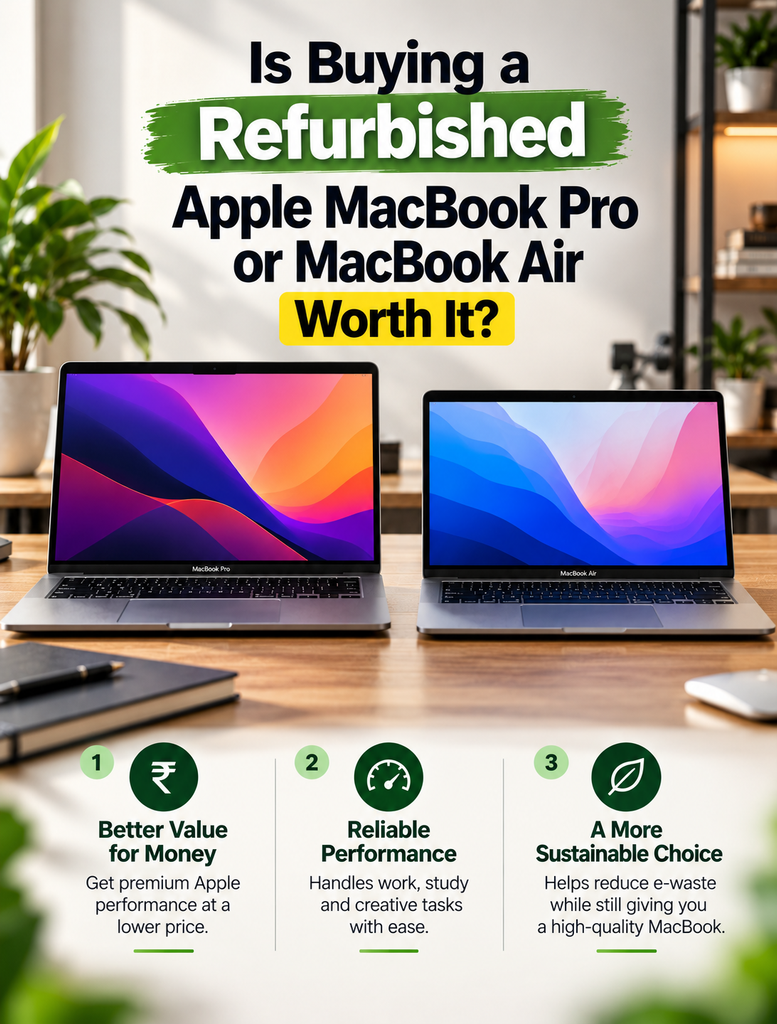
Refurbished MacBook Air vs MacBook Pro
| Feature | MacBook Air | MacBook Pro |
|---|---|---|
| Main purpose | Everyday productivity and portability | Professional and demanding workloads, depending on model |
| Portability | Often lighter and thinner | Varies by size and generation |
| Performance | Suitable for everyday and some creative tasks | Some configurations offer greater processing power |
| Display | Varies by generation | Varies by generation; some models offer advanced displays |
| Battery life | Depends on model and battery condition | Depends on model and battery condition |
| Best for | Students, freelancers, and everyday users | Creative professionals and demanding users |
| Buying priority | Battery, portability, and compatibility | Processor, memory, storage, and workload requirements |
Which should you choose? Select a MacBook Air for portability and routine tasks. Consider a MacBook Pro when your applications need more processing power. Always compare individual models rather than relying on the product name alone.
What to Check Before Buying a Refurbished MacBook
Before purchasing, use this checklist to reduce the risk of buying a device that does not meet your requirements.
1. Check Battery Health
Ask the seller to check battery condition and cycle count. Test charging and observe whether the battery drains unusually quickly.
A battery replacement may add to the overall cost. Therefore, include battery condition when comparing prices.
2. Confirm Processor, RAM, and Storage
Check the exact MacBook model and its specifications. Ensure the processor, memory, and SSD capacity can support your applications.
Remember that many MacBooks have memory that cannot be upgraded after purchase. Choose sufficient RAM and storage from the beginning.
3. Inspect the Hardware
Test the display, keyboard, trackpad, speakers, webcam, ports, and Wi-Fi connection. Check the chassis for damage and examine the screen for unusual marks.
Also, verify that the charger works correctly and that the laptop charges reliably.
4. Verify macOS Compatibility
Older MacBooks may not support the latest macOS release. Some applications also require newer operating-system versions or specific hardware.
Confirm that your essential applications will run on the model you intend to purchase. This is particularly important for professional software.
5. Check Warranty and Return Terms
Ask for written details about warranty duration, covered components, exclusions, and the return policy.
Do not assume every refurbished MacBook includes a one-year warranty or a particular return period. Confirm the exact terms with the seller before payment.
6. Check Activation and Ownership
Make sure the MacBook can be activated and set up correctly. Ask the seller to confirm that Activation Lock has been removed and that the device is not restricted by an organisation’s device-management system.
This helps prevent problems when configuring the laptop for personal or business use.
Where Can You Buy a Refurbished MacBook in India?
Vision IT offers refurbished computing products for buyers seeking alternatives to new hardware.
Explore refurbished Apple MacBooks at Vision IT to compare available models. Review the specifications, listed condition, warranty, and price before selecting a device.
When comparing sellers, prioritise clear product information, hardware testing, warranty terms, and after-sales support. These factors help you make a more informed purchase.
Why Consider Vision IT for Refurbished MacBooks?
When evaluating a refurbished MacBook supplier, look for transparent information and clear purchasing terms.
Consider these points when reviewing Vision IT’s available products:
- Product selection: Compare available MacBook Air and MacBook Pro configurations.
- Hardware checks: Confirm which tests the specific device has passed.
- Warranty details: Review the coverage offered with the selected product.
- Pricing: Compare the price against the model, condition, and specifications.
- Customer support: Confirm how to contact the seller for technical or warranty questions.
Always verify the terms listed for the particular product before ordering.
We Also Sell
Explore more products from Vision IT:
- Refurbished Apple MacBooks for portable macOS computing.
- Refurbished Laptops for work, study, and everyday productivity.
- Genuine Microsoft Windows Licenses for eligible Windows systems.
Frequently Asked Questions
Is buying a refurbished MacBook worth it?
Yes, if the model meets your needs and has been properly tested. Check its battery, hardware, software compatibility, and warranty before purchasing.
Is it safe to buy a refurbished MacBook?
It can be safe when you buy from a reputable seller. Verify the device’s condition, Activation Lock status, warranty, and return terms.
Should I buy a refurbished MacBook Pro or MacBook Air?
Choose a MacBook Air for portability and everyday tasks. Consider a MacBook Pro for demanding workloads, depending on its specifications.
How long does a refurbished MacBook last?
Its remaining lifespan depends on age, battery condition, hardware health, maintenance, and software support. Inspect the device before buying.
Do refurbished MacBooks have good battery life?
They can, but battery performance varies with age and usage. Check battery health and cycle count before purchasing.
Can a refurbished MacBook run professional software?
Yes, if its hardware and macOS version meet the software requirements. Verify compatibility before buying an older model.
Do refurbished MacBooks come with a warranty?
Warranty coverage depends on the seller and product. Confirm the duration, exclusions, and claim process before ordering.
Where can I buy refurbished MacBooks in India?
You can compare available models at Vision IT. Check specifications, condition, pricing, and warranty before purchasing.
Final Thoughts
Buying a refurbished MacBook can be worthwhile when you choose a suitable model at the right price. A MacBook Air may meet everyday productivity needs, while a MacBook Pro may suit more demanding workloads. However, the device’s age, battery health, hardware configuration, and software compatibility matter considerably.
Before purchasing, compare available models and confirm the warranty and return terms. Explore refurbished MacBooks at Vision IT to find an option that fits your budget and computing requirements.
