

Why pay more when you can save money on a premium Apple laptop? Buying a new MacBook can be expensive, especially for students, professionals, freelancers, and content creators in India. However, a refurbished MacBook can offer a more affordable way to access Apple’s hardware and macOS experience.
Before deciding, you should compare the price, performance, battery health, physical condition, warranty, and software support. Although a new MacBook offers an unused device, a refurbished model may provide better value for your budget. In this guide, we compare refurbished MacBooks with new models to help you make an informed purchasing decision.
Refurbished MacBook vs New MacBook: Which Should You Choose?
Choosing between a refurbished MacBook and a new MacBook depends on your requirements and budget. Both options can provide a good computing experience, but they differ in condition, price, warranty, and available configurations.
A new MacBook offers an unused device and access to current models. Meanwhile, a refurbished MacBook can help you save money while accessing Apple hardware.
However, the cheapest option is not always the best choice. You should consider the device’s age, battery condition, processor, storage, and remaining software support.
Let’s compare both options across the factors that matter most:
- Performance: Depends on the exact model and configuration.
- Reliability: Depends on device condition, testing, and maintenance.
- Warranty: Varies according to the seller and purchase terms.
- Price: Refurbished models generally cost less than comparable new models.
- Long-term value: Depends on the purchase price, expected usage, and future support.
Therefore, understanding these differences can help you choose a MacBook that suits your work and budget.
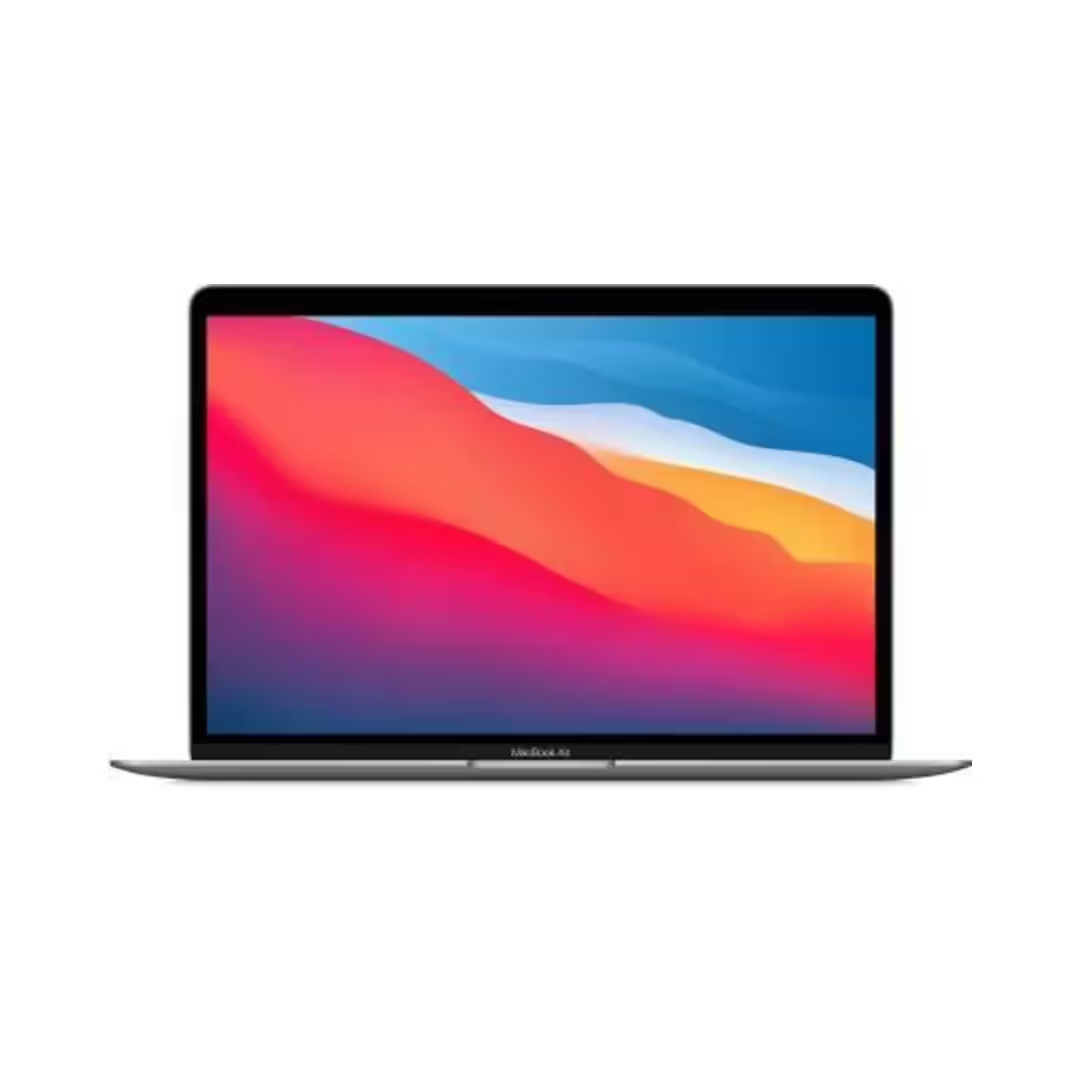
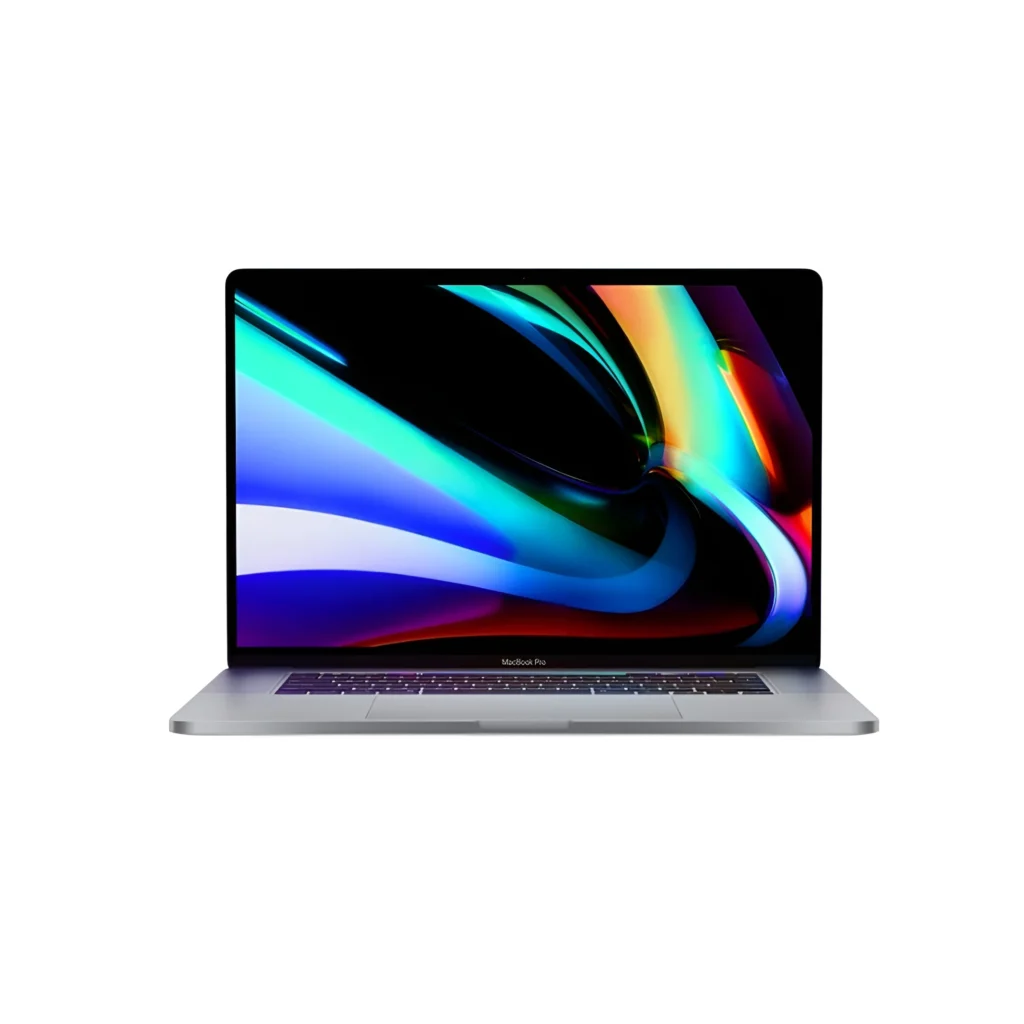
What Is a Refurbished MacBook?
A refurbished MacBook is a previously owned device that undergoes inspection, testing, and, when necessary, repairs before resale. The exact refurbishment process depends on the seller.
During inspection, technicians may check the processor, battery, keyboard, display, ports, storage, and other components. If problems arise, the seller should explain what repairs or replacements were completed.
Additionally, the device should be properly reset and ready for the new owner’s setup. Buyers should verify macOS compatibility, activation status, and any included accessories before purchasing.
However, refurbished does not automatically mean factory-new condition. Some devices may have cosmetic marks, battery wear, or replaced components. Therefore, always ask about the refurbishment process, component authenticity, and device grading.
For buyers who want Apple hardware at a lower price, a properly tested refurbished MacBook can be worth considering.
Key Differences Between Refurbished and New MacBooks
| Feature | Refurbished MacBook | New MacBook |
|---|---|---|
| Price | Generally more affordable | Generally more expensive |
| Physical condition | Depends on grading and previous use | Unused device |
| Battery | Health depends on age and usage | New battery |
| Warranty | Depends on seller and terms | Manufacturer warranty, subject to terms |
| Configuration | Depends on available stock | Current models and available configurations |
| Packaging | May use generic packaging | Usually supplied in retail packaging |
| Software support | Depends on the model | Depends on the model and Apple’s support policies |
As the comparison shows, a refurbished MacBook may offer better upfront value. Nevertheless, a new MacBook may be preferable if you want the latest hardware and an unused battery.
Benefits of Buying a Refurbished MacBook in India
Many buyers hesitate to purchase refurbished electronics because they worry about performance and reliability. However, checking the device carefully and choosing a seller with transparent terms can reduce uncertainty.
1. Save Money on Apple Hardware
One of the biggest advantages is the lower purchase price. Refurbished MacBooks generally cost less than comparable new models, although actual savings vary by model, configuration, condition, and seller.
Consequently, students and professionals may be able to access Apple hardware while staying within a limited budget. Compare the final prices of similar configurations before deciding.
2. Access Useful Performance Features
A refurbished MacBook can handle many everyday tasks, including document editing, browsing, online meetings, and programming. More powerful configurations may also support demanding creative applications.
However, performance depends on the processor, memory, storage, and software requirements. Therefore, choose a model based on your workload rather than its appearance or price alone.
3. Check Component Quality
A trustworthy seller should provide clear information about the device’s condition and testing process. Ask whether the battery, display, keyboard, ports, and storage have been inspected.
Also, confirm whether any components have been replaced. Do not assume that every refurbished MacBook contains only genuine Apple replacement parts unless the seller can verify this.
4. Understand Warranty and Support
Warranty coverage can provide additional protection after purchase. However, refurbished MacBook warranties vary between sellers.
Before ordering, confirm the coverage period, eligible faults, exclusions, repair process, and return policy. Written terms are more useful than general promises of support.
5. Make a More Sustainable Choice
Buying a refurbished MacBook can extend the useful life of existing hardware. As a result, it may reduce electronic waste compared with purchasing a new device when a refurbished model meets your requirements.
Therefore, refurbished technology can offer both financial and environmental benefits.
Pros and Cons of a Refurbished MacBook
Before buying, weigh the advantages against the possible limitations.
Advantages
- Lower purchase price: Usually more affordable than a comparable new model.
- Useful everyday performance: Suitable for compatible workloads and applications.
- Premium design: Many MacBook models feature aluminium bodies and quality displays.
- Possible warranty coverage: Some sellers provide protection for a specified period.
- Extended device life: Refurbishment can keep existing hardware in use for longer.
Disadvantages
- Cosmetic wear: The device may have scratches, marks, or other signs of previous use.
- Battery degradation: Battery capacity may be lower than that of a new MacBook.
- Limited stock: Older models and specific configurations may not always be available.
- Software limitations: Some older models may not support the latest macOS versions.
- Variable refurbishment quality: Inspection standards and replacement parts differ between sellers.
Overall, a refurbished MacBook can offer good value when its condition, specifications, and warranty meet your expectations.
What to Check Before Buying a Refurbished MacBook
To make a confident purchase, review these important factors before placing an order.
1. Processor and Model
First, identify the exact MacBook model and processor. Apple silicon models, such as the M1 series, differ from older Intel-based models in performance, power efficiency, and software compatibility.
Next, match the model to your intended use. For example, a student may need a different configuration from a video editor or software developer.
2. Battery Health
Battery condition directly affects portable use. Check the battery health information, cycle count, charging behaviour, and any service warnings.
Although a higher battery-health percentage can be encouraging, actual battery life depends on the model, workload, settings, and battery age.
3. RAM and Storage
Choose enough memory and storage for your applications and files. Also, confirm whether the selected model supports upgrades, because many MacBooks have memory and storage that cannot be upgraded later.
4. Display and Physical Condition
Inspect the screen for dead pixels, flickering, lines, and visible damage. In addition, test the keyboard, trackpad, speakers, webcam, microphone, and charging connection.
If you cannot inspect the laptop in person, request clear photographs or a live demonstration.
5. macOS Compatibility and Activation
Check which macOS versions support the exact model. Older devices may not receive every new feature or support the latest operating system.
Also, ensure that Activation Lock has been removed and the MacBook is ready for setup with your own account.
6. Warranty and Return Policy
Finally, review the seller’s written warranty and return terms. Confirm the coverage period, exclusions, and process for resolving hardware issues.
These checks can help you avoid unexpected costs and choose a device that better suits your needs.
Refurbished MacBook vs New MacBook: Which Is Better for Different Users?
The best choice depends on how you plan to use your laptop.
- Students: A refurbished MacBook may be suitable for assignments, research, online classes, and everyday productivity.
- Working professionals: Compare the device’s performance, software compatibility, battery condition, and warranty.
- Developers: Check compatibility with your programming tools, development environment, and required software.
- Designers and content creators: Compare processing performance, memory, storage, and application requirements carefully.
- Businesses: Refurbished MacBooks may help manage hardware costs when the available configurations meet business requirements.
However, buyers who need the latest hardware, a new battery, or a specific current configuration may prefer a new MacBook.
Why Consider Vision IT for a Refurbished MacBook?
Choosing a seller is an important part of purchasing refurbished electronics. Vision IT offers refurbished IT equipment, including Apple MacBooks, for buyers comparing products within a budget.
Before buying, ask about the exact model, processor, memory, storage, cosmetic condition, battery testing, and included accessories. Also, confirm the warranty, return policy, and final price.
These details help you compare products more accurately and understand what you will receive.
Explore the available options in the Vision IT refurbished MacBook category. You can also browse refurbished MacBook deals in India to compare available offers.
Frequently Asked Questions
Are refurbished MacBooks worth buying?
Yes, a refurbished MacBook can be worth buying if its specifications, battery condition, software support, and warranty meet your needs.
Is a refurbished MacBook better than a new MacBook?
A refurbished MacBook may offer better upfront value, while a new model offers an unused device and access to current configurations. The better choice depends on your budget and requirements.
How much cheaper is a refurbished MacBook than a new one?
The price difference varies by model, configuration, age, condition, and seller. Compare equivalent models to determine the actual savings.
Are refurbished MacBooks reliable?
They can be reliable when properly inspected and maintained. However, refurbishment standards vary, so check the testing process, battery condition, and warranty terms.
How long does a refurbished MacBook last?
Its remaining useful life depends on the model, battery health, hardware condition, usage, and software support. Check these factors before purchasing.
Where can I buy a refurbished MacBook in India?
You can explore refurbished MacBooks through Vision IT. Compare the model, condition, price, and warranty before ordering.
Do refurbished MacBooks come with a warranty?
Some sellers provide warranty coverage, but the duration and exclusions vary. Always confirm the exact terms before purchasing.
Can refurbished MacBooks run the latest macOS?
That depends on the model. Check Apple’s compatibility information for your exact MacBook before buying.
Final Verdict: Is a Refurbished MacBook Worth It?
A refurbished MacBook can be a practical choice if you want Apple hardware at a lower upfront cost. It may suit students, professionals, freelancers, and businesses that need a capable laptop without purchasing a new model.
However, savings alone should not determine your decision. Compare the processor, battery health, storage, physical condition, macOS compatibility, warranty, and final price.
Ultimately, a refurbished MacBook is worth considering when the device meets your requirements and the seller provides clear information about its condition and coverage.
Ready to compare your options? Explore refurbished MacBooks at Vision IT and choose a model that fits your needs and budget.
