

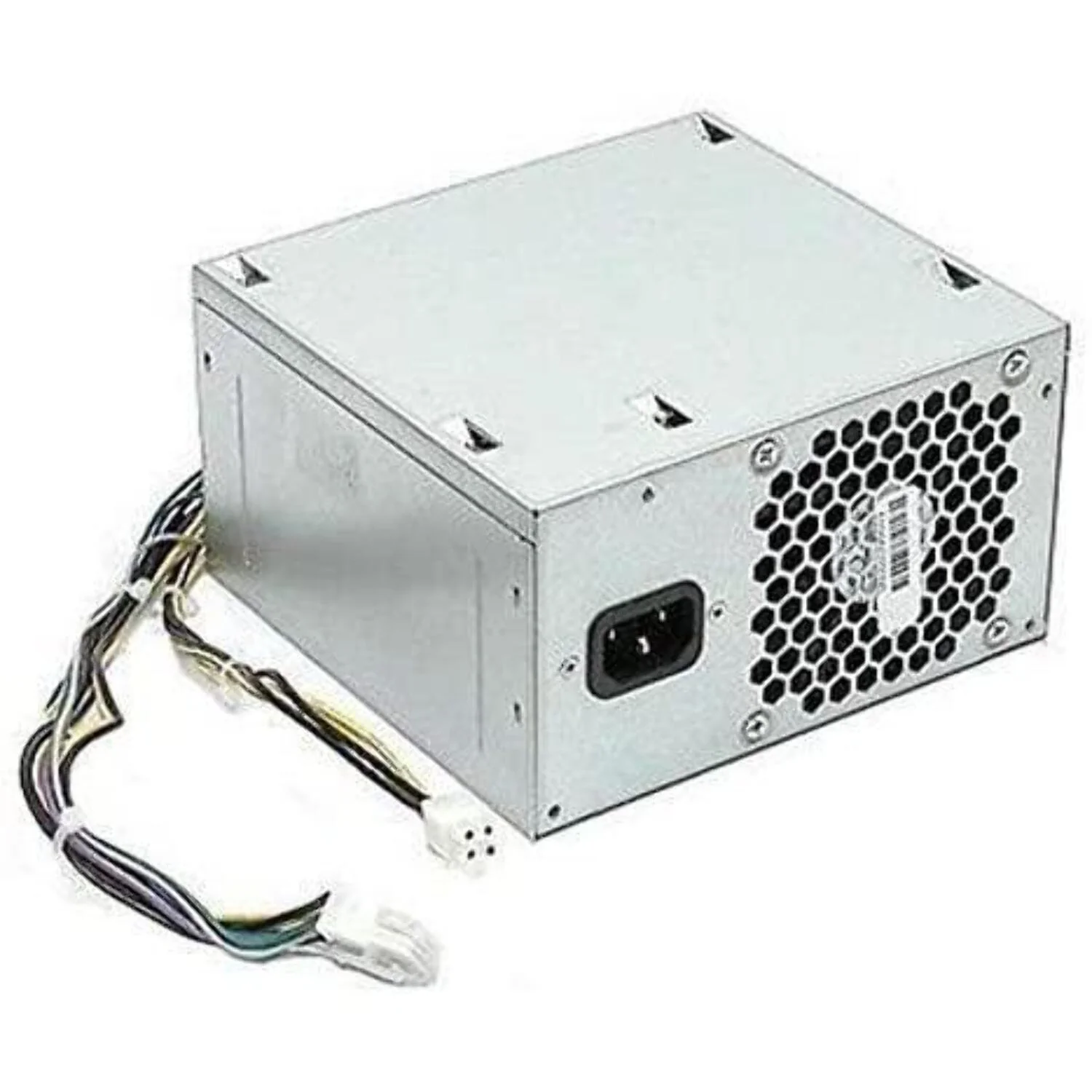
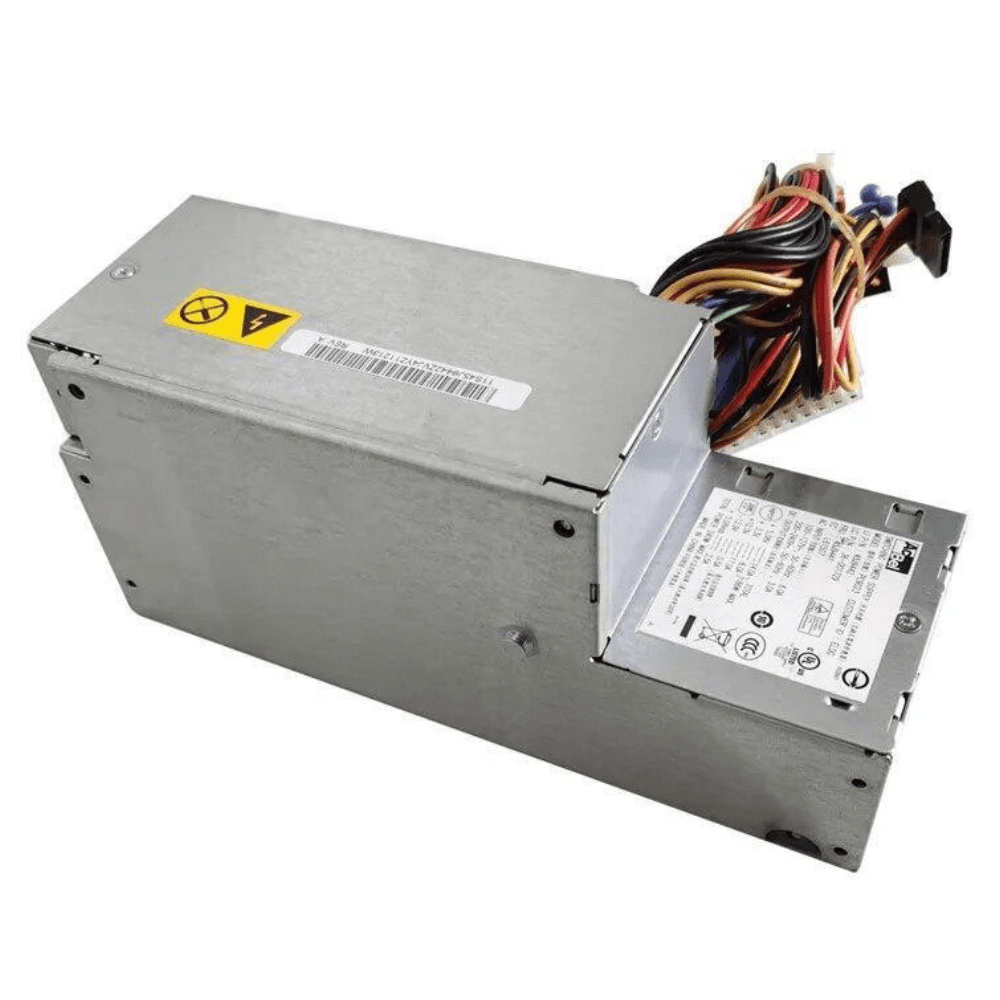
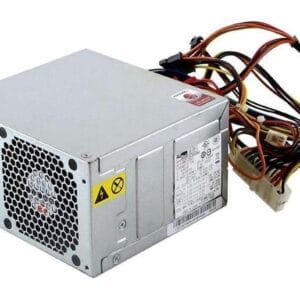
Lenovo 54Y8841 Power Supply
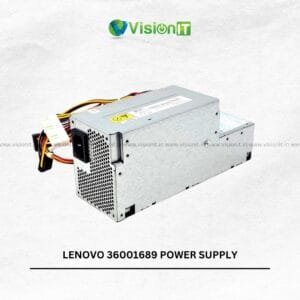
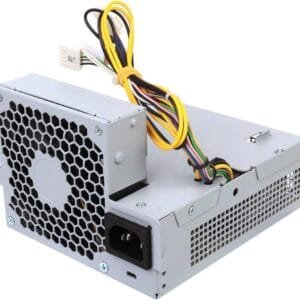
The Lenovo 54Y8841 Power Supply is a replacement SMPS intended for compatible Lenovo ThinkCentre desktop configurations. It suits users who need to replace a faulty power supply, restore an existing computer, or maintain a business desktop without replacing the entire system. A compatible PSU supplies electrical power to the motherboard, storage devices, and other internal components. Therefore, selecting the correct replacement is essential for dependable system operation.
Moreover, this power supply can support desktop repair, maintenance, and refurbishment requirements in offices, educational institutions, and home environments. Before purchasing, verify the original part number, rated wattage, connectors, and chassis design. This helps ensure that the replacement matches your ThinkCentre configuration.
Product Specifications
| Specification | Details |
|---|---|
| Product Type | Desktop Power Supply / SMPS |
| Part Number | Lenovo 54Y8841 |
| Compatible Brand | Lenovo |
| Compatible Series | Select Lenovo ThinkCentre Desktops |
| Application | Power Supply Replacement |
| Usage | Desktop Repair and Maintenance |
| Compatibility | Verify using the original PSU part number |
Lenovo 54Y8841 Power Supply for Desktop Replacement
The Lenovo 54Y8841 Power Supply provides a practical replacement option when the original SMPS develops a fault or stops working. Instead of replacing the complete desktop, users can replace the compatible power unit and retain other working components.
Furthermore, this approach can help businesses, service centres, technicians, and home users maintain existing ThinkCentre computers. As a result, a suitable replacement can extend the useful life of a compatible desktop while reducing unnecessary hardware changes.
Lenovo ThinkCentre Power Supply for Stable Operation
A suitable power supply delivers the electrical power that the motherboard, storage drives, and other internal components require. Consequently, choosing a compatible replacement remains important when restoring a desktop with power-related problems.
Moreover, a correctly matched PSU can help support normal system operation. However, unexpected shutdowns and startup failures can also result from faulty memory, overheating, motherboard problems, or other components. Therefore, diagnose the underlying issue before replacing the power supply.
Lenovo 54Y8841 Power Supply Compatibility
This replacement unit is intended for compatible Lenovo ThinkCentre configurations. However, not every ThinkCentre desktop uses the same PSU design, wattage, or connector arrangement.
For this reason, compare the original part number with 54Y8841 before placing an order. Additionally, check the connector layout, cable configuration, mounting points, physical dimensions, and rated output to confirm compatibility.
Power Supply for Business and Office Desktops
ThinkCentre desktops often support everyday workloads such as office applications, accounting software, document management, web browsing, and communication tools. Therefore, maintaining the correct power supply can help keep compatible systems available for daily work.
In addition, businesses and service providers can use replacement components when repairing older desktops. Consequently, they can continue using existing systems when the remaining hardware still meets their requirements.
Lenovo 54Y8841 Power Supply for Repair and Maintenance
Replacing a faulty SMPS can help restore a compatible desktop when the power supply causes the problem. Moreover, retaining functional components can make repairs more practical than replacing the complete computer.
Before installation, disconnect the computer from its electrical supply and compare the replacement with the original unit. If you are unsure about the connectors or installation process, seek professional assistance. This helps reduce the risk of incompatible connections or installation errors.
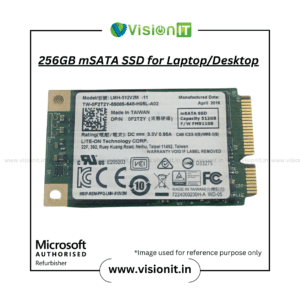
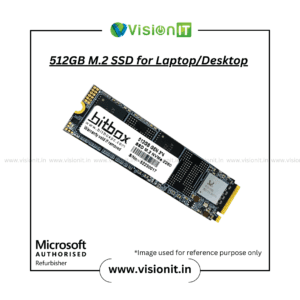
Improve Desktop Responsiveness With an SSD
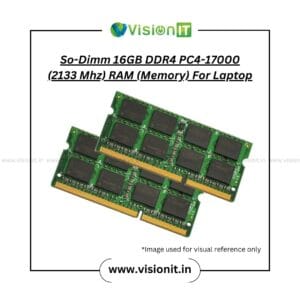
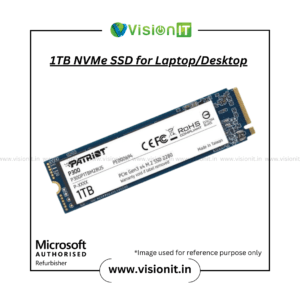
A suitable power supply supports system operation, while an SSD can improve storage responsiveness. For example, upgrading a compatible desktop from a traditional hard drive to an SSD can reduce boot times and accelerate application loading.
Additionally, SSDs contain no moving mechanical parts, which can make them a useful option for many desktop upgrades. However, check the computer’s supported storage interface before purchasing an SSD.
Why Choose VisionIT Peripherals?
VisionIT Peripherals supplies computer hardware and replacement components for Lenovo, Dell, HP, and other major brands. Moreover, our product range includes power supplies, motherboards, RAM, SSDs, HDDs, desktops, workstations, and computer accessories.
For compatibility confirmation, share your ThinkCentre model and original PSU part number with the sales team. This information helps identify a suitable replacement based on the available product details.
We Also Sell
Genuine Microsoft Windows Licenses
Frequently Asked Questions About Lenovo 54Y8841 Power Supply
1. What is the Lenovo 54Y8841 Power Supply used for?
It serves as a replacement power supply for compatible Lenovo ThinkCentre desktop configurations. However, verify the original PSU part number before purchasing.
2. Is this power supply compatible with every ThinkCentre desktop?
No. Compatibility depends on the desktop model, rated output, connectors, and physical design. Therefore, check your system configuration before ordering.
3. Can I replace a faulty Lenovo ThinkCentre power supply with this unit?
Yes, provided the replacement matches your original unit’s specifications. Additionally, check the connectors and mounting arrangement before installation.
4. Can a faulty power supply cause unexpected shutdowns?
Yes. A failing PSU can contribute to shutdowns or startup problems. However, other hardware faults can cause similar symptoms, so proper diagnosis is important.
5. Should I check the original part number before buying?
Yes. Compare the original part number, wattage, connectors, and physical dimensions. As a result, you can reduce the risk of selecting an incompatible replacement.
6. Can I upgrade my desktop with an SSD?
Yes, if your desktop supports the SSD’s storage interface. Moreover, an SSD can improve boot times and application loading compared with a traditional hard drive.
Order Now
Order Now to get the Lenovo 54Y8841 Power Supply for your compatible ThinkCentre desktop replacement, repair, or maintenance requirement. Before placing your order, verify the original part number, rated wattage, connectors, cable arrangement, and chassis configuration to ensure compatibility. Choose the appropriate replacement from VisionIT Peripherals and restore your compatible Lenovo desktop with a practical power supply solution.



Reviews
There are no reviews yet.